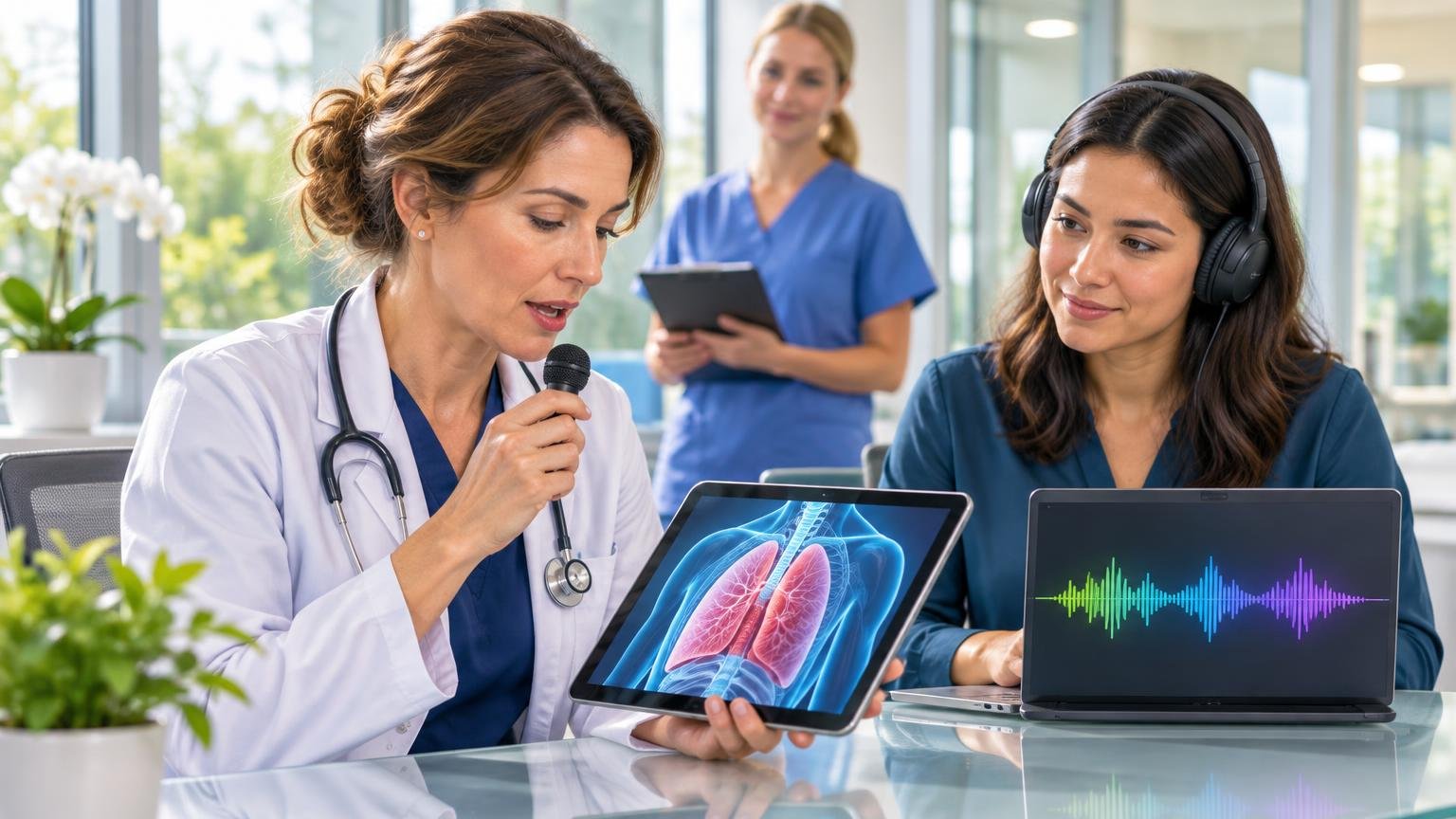
Medical dictation is supposed to save time, not steal your evening. When clinics get packed with coughs, fevers, and wheezing, many clinicians finish a full schedule, then stay late fixing small charting mistakes that slipped in during the rush. A wrong dose here, a missed word there, and suddenly you are stuck cleaning up notes instead of heading home.
We hear the tension every day: if you dictate fast, you worry about errors. If you slow down for perfect accuracy, you fall behind. In this article, we will walk through why that happens, what really causes dictation mistakes, and how modern speech tools and smarter workflows can reduce errors without slowing you down.
Older dictation workflows often force a tradeoff between speed and safety. Many clinicians still deal with:
On a busy clinic day, those small issues become big problems. When a system mishears a medication, flips a laterality, or fills the wrong template, it does not just create a typo. It creates rework, confusion, and risk. You may have to:
There is also heavy workflow friction. You might dictate in one place, edit in another, then copy and paste into the EHR. Each handoff is one more chance to miss an error or drop a detail. As volumes climb before the winter holidays, this often turns into a growing end-of-day backlog and more “pajama time” charting at home.
Most clinicians are not careless. The problem is the load you carry while you document. During peak cold and flu season, your mind is juggling:
This cognitive overload makes any dictation system more vulnerable to mistakes. It is hard to catch a swapped number or wrong medication when you are already thinking about the next patient.
Then there is the environment. Exam rooms and shared workspaces are noisy. Masks and respirators can blur speech. Low-quality microphones pick up chair squeaks, keyboard taps, and hallway chatter, which all make recognition less accurate.
Speech tools also struggle if they do not know your world. Highly specialized terms, less common drugs, local phrases, and abbreviations can confuse generic speech engines. Add in varied habits like:
and you get uneven results. The issue is not just the software; it is how the tool, the person, and the environment all fit together.
The good news is we do not have to choose between fast and accurate. With the right workflow, voice documentation can match how you think while staying tight and safe.
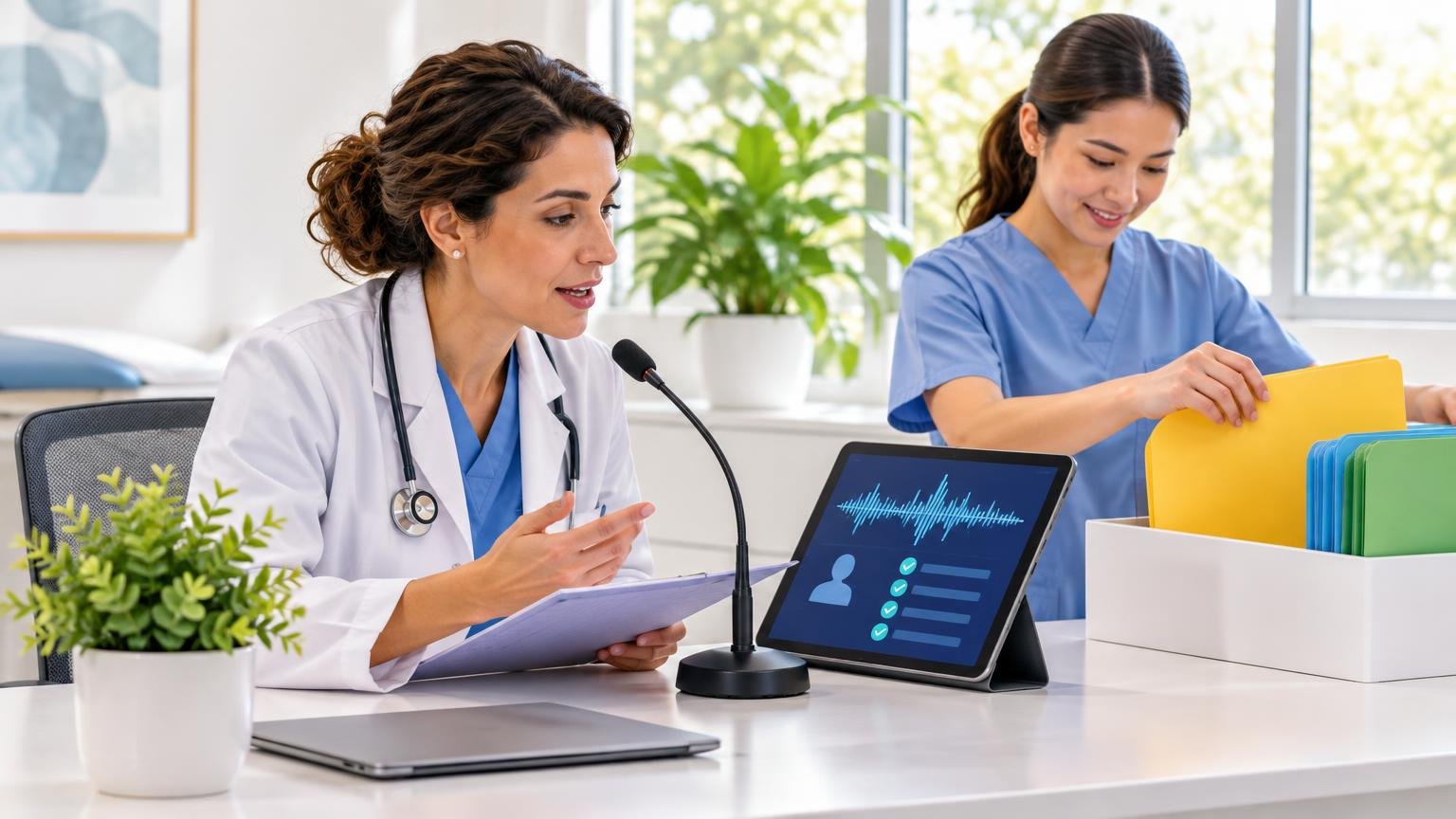
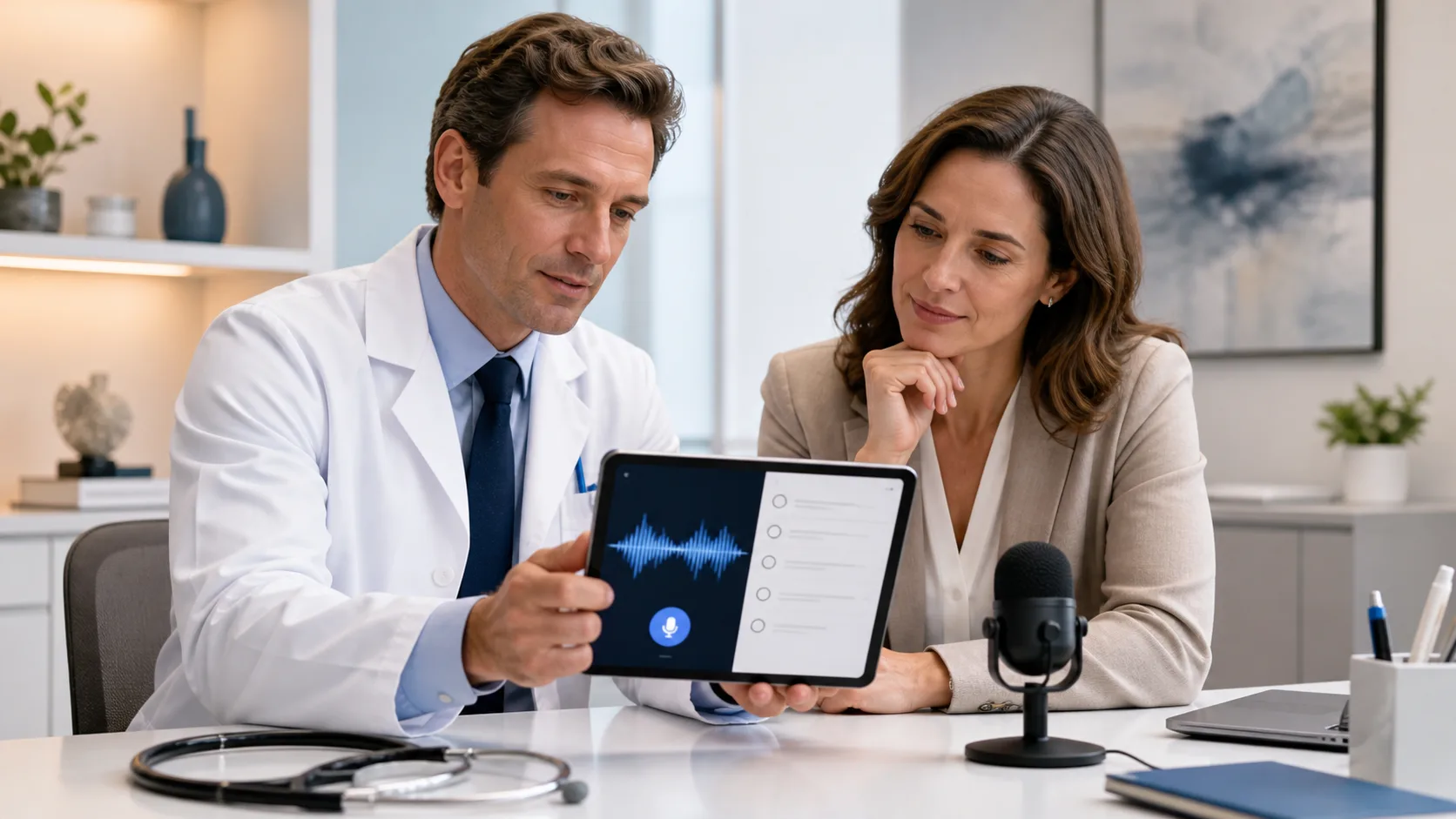
One key shift is speaking naturally while watching real-time text on the screen. When you can see words appear as you talk, you can catch errors right away instead of at 9 p.m. This supports a smoother flow: say what you mean, glance up, fix a word or two, then keep going.
Another time saver is reducing the amount of free-form dictation. Structured tools help a lot, such as:
When most of the note is pre-built, you only dictate what is unique for that patient. That alone can cut many misrecognitions.
Review also matters. Instead of rereading the whole note line by line, many clinicians get better results with short, focused passes, for example:
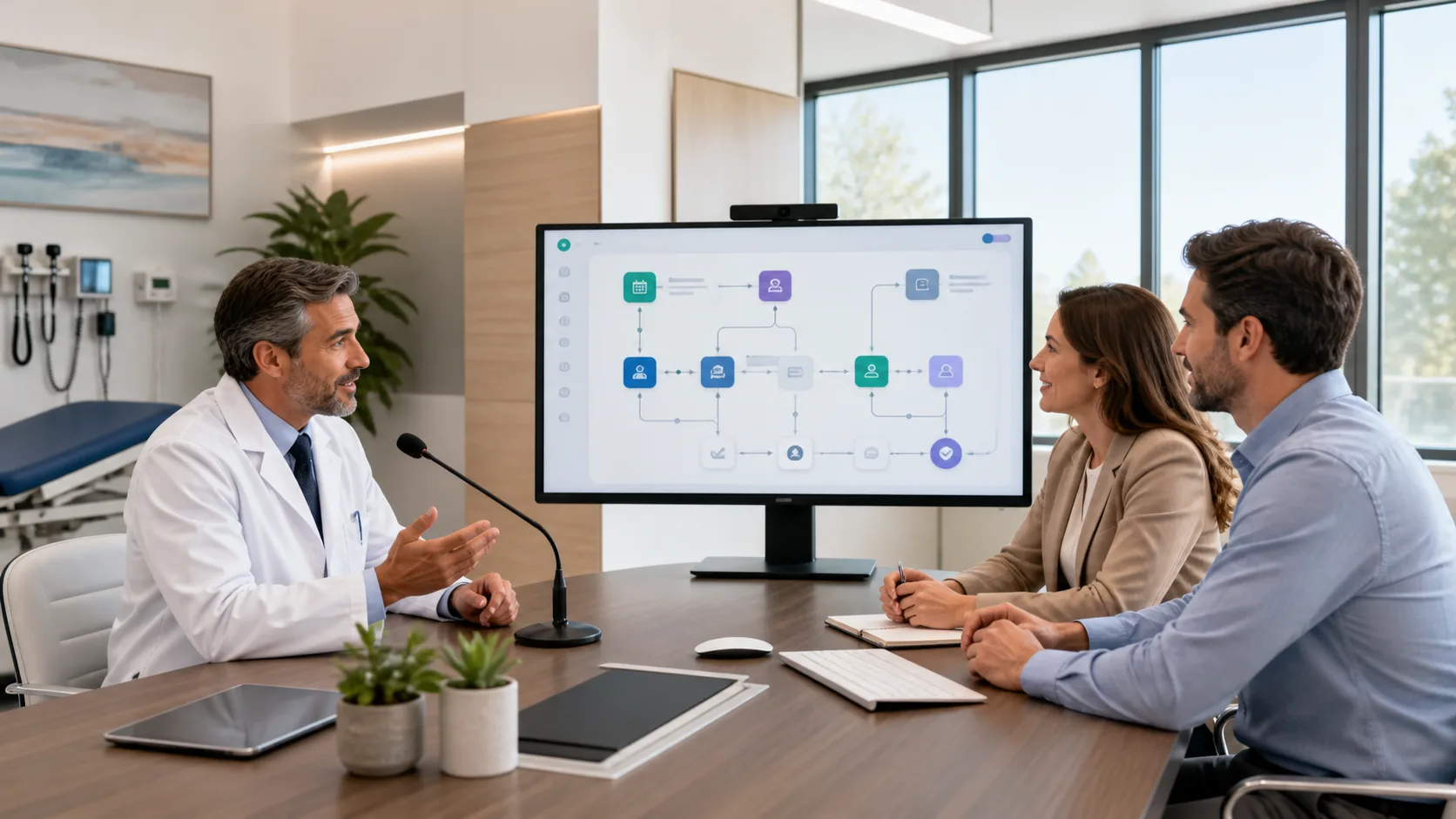
Team-based workflows help as well. Assistive staff can handle pre-charting, rooming notes, and basic updates. Then the clinician uses voice to refine, confirm, and lock in the key details.
Cloud speech recognition changes what is possible with medical dictation. Rather than running on a single PC, the recognition engine lives in a secure cloud environment and is tuned specifically for clinical work.
A platform like Nuance Dragon Medical One is designed for this world. Because it is cloud-based, its medical vocabulary is always current. It keeps up with:
Over time, the system learns each user. It builds a profile around your voice, accent, and typical language. This helps reduce repeated errors without forcing you to slow down or over-enunciate every word.
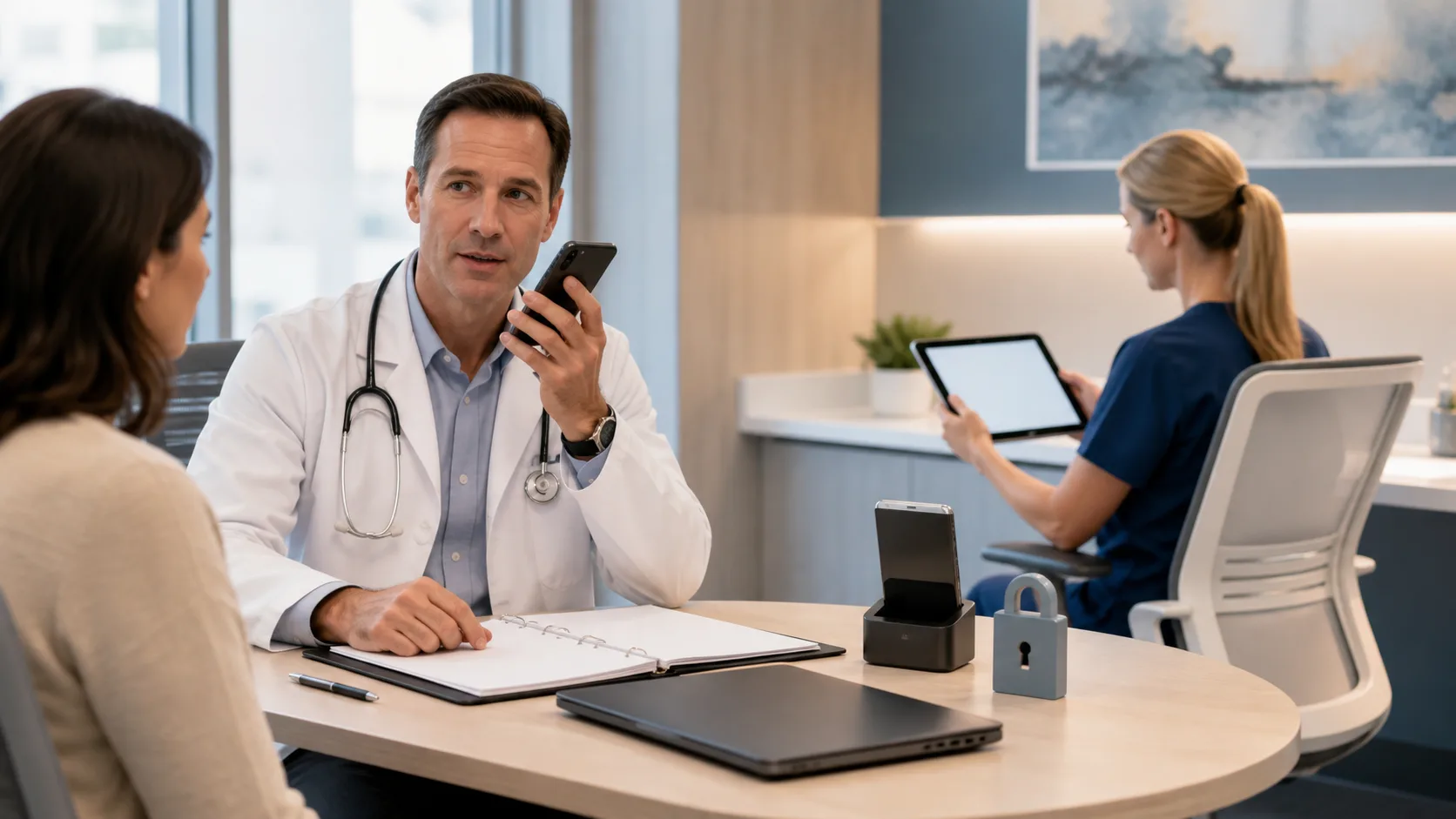
Cloud speech tools also support device and location flexibility. You can dictate on Windows-based devices in the exam room, at a shared workstation, or from a secure home setup. That means you can capture accurate details closer to the point of care, instead of trying to remember them hours later.
Tight integration with major EHRs keeps everything in one place, which reduces copy-paste, re-entry, and context switching. When the speech tool works directly where you document, there are fewer chances for errors to slip in between systems.
While technology is important, small practical steps make a big difference, especially as respiratory season hits and weather turns colder.
First, set up your environment and hardware with intent:
Next, standardize how you speak to the system. A few shared rules across your team can dramatically clean up notes. For example:
Building a quick “safety checklist” helps catch the most dangerous misses. Many teams focus on:
Finally, consider short, focused micro-training sessions with your group. Ten to fifteen minutes is often enough to share best practices, set up department-specific templates, and review common error patterns before patient volume peaks.
At DragonMedical.one, we see every day that when clinicians pair thoughtful workflows with a cloud-based tool like Nuance Dragon Medical One, dictation changes from a burden into real support. Instead of trading speed for accuracy, you gain both, along with fewer late-night edits and more protected personal time during a busy season.
If you are ready to spend less time typing and more time with patients, we can help you transform how you document care using medical dictation. At DragonMedical.One, we focus on making your notes more accurate and your workflow more efficient. contact us so we can discuss your specialty, your current documentation challenges, and the best way to get started.