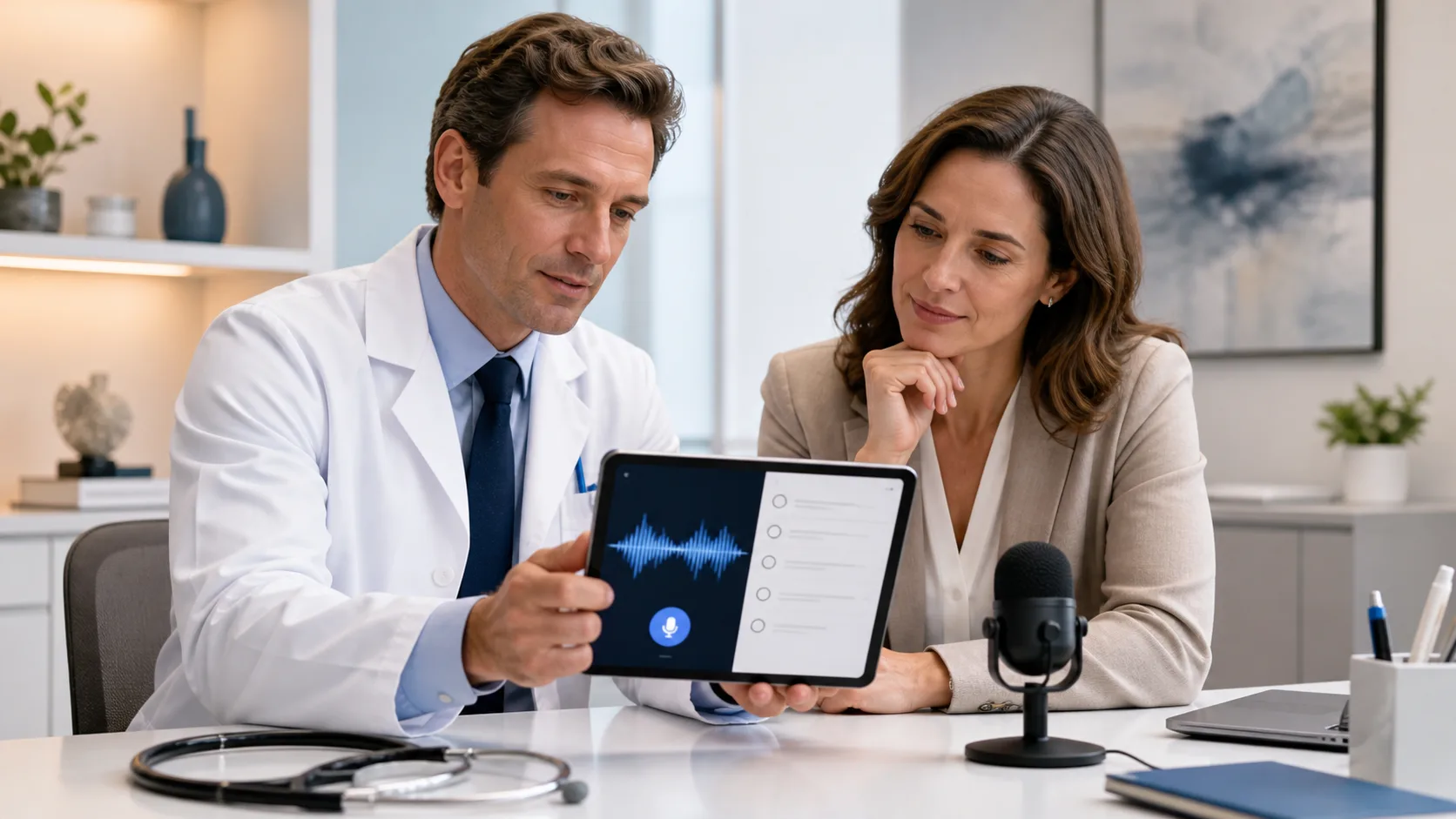
Long clinic days feel even longer when you still have hours of charting waiting after dark. Patients are done, phones quiet down, but the notes are only half finished, and the inbox is still full. That constant weight of “I still have to document all of this” adds stress to every visit.
Question-based dictation offers a different path. Instead of freestyling each note, you build your chart around a set of simple, repeatable questions. While you talk with the patient and dictate, the note almost builds itself in real time. With modern dictation software for medical professionals, this structure can live right inside your templates and voice commands.
At DragonMedical.One, we work with teams that are facing year-end rushes, flu season, and new policy changes all at once. This is exactly when documentation tends to pile up and burnout grows. In this article, we will walk through why question-based workflows work, how to design them for your specialty, how to set them up with speech recognition, and how to roll them out to your whole practice before the next wave of policy updates hits.
Freestyle dictation sounds easy: you just talk and let the software type for you. In real life, it often leads to uneven notes. Important details get skipped, you spend extra time scrolling back to fix gaps, and any speed you gained from speaking instead of typing gets lost in editing.
The problem is not you; it is the mental load. While you listen to the patient, you are also trying to remember quality measures, billing needs, safety checks, and follow-up plans. That is a lot to keep in your head at once.
Question-based workflows lighten that mental load. They match the way clinicians already think in a visit:
When each part of the note is driven by a small set of consistent prompts, several good things happen:
Modern dictation software for medical professionals can pull these questions right into your note as headings or inline prompts. Because your speech follows a more predictable pattern, accuracy often improves, especially with complex medical terms. That means less time correcting and re-dictating.
Some clinicians worry that question-based means “reading a script” or feeling robotic. In practice, it works more like a safety rail. The structure is there to guide you, but you still decide which questions matter for this patient, in this moment. You can skip, add, or change on the fly, while knowing that the core building blocks are always covered.
You do not need to redesign your entire charting style to use this approach. Start small and practical. Pick your most common visit types, such as:
Then, for each visit type, list the questions or pieces of data you must capture every time for safety, billing, and quality programs. Keep the list short and clear.
Here are a few sample sets.
Primary care might include:
Orthopedics might include:
Behavioral health might include:
Once you know what you want, translate it into dictation-ready prompts. Short headings and cue phrases work well, such as “History of Present Illness,” “Red Flag Symptoms,” or “Medication Monitoring.” These can be spoken as you move through the note, and your software drops your words into the right sections.
It often helps to align these prompts with E/M guidelines and common payer expectations. Practice leaders can standardize the core structure, while allowing room for personal style. Attendings may want shorter prompts, while residents or locums might benefit from more detailed cues. To keep the change manageable, try a quick pilot with one provider and one visit type for a week, then adjust before adding more.
Once your questions are clear, you can bring them to life inside your dictation tools. With a cloud-based platform like Nuance Dragon Medical One, which we provide through DragonMedical.One, you can create auto-texts, templates, and voice commands that drop in full note skeletons or smaller question sets.
For example, you might set up a “Diabetes Follow-Up” voice command that inserts:
You speak the answers in real time while facing the patient, and the note fills in as you go. Since the platform is cloud-based, you can start the note in the exam room on a Windows workstation, then add a quick update using mobile dictation between rooms or at another site, all using the same structure.
As templates mature, many providers find they can complete a detailed, bill-ready note during the visit in one pass, instead of adding long late-night edits. Leaders such as CMIOs can keep a shared library of approved templates and update them as payer rules, clinical pathways, or health system policies change, so everyone stays on the same page.
New workflows only stick when people feel supported. A simple change plan might look like this:
Training should be short, focused, and practical. Helpful methods include:
Make sure sessions cover both how to use the dictation software and why each question set exists. When clinicians understand the reasoning, they are more likely to adopt the structure.
Common concerns will come up:
Seasonal pressure is real, especially as year-end visits spike and new plan rules kick in. Adopting question-based dictation before that peak can prevent backlog and late-night charting. It also helps your team stay flexible when the weather or illness shifts schedules and visit types at the last minute.
Turning your usual documentation patterns into question-based workflows inside dictation software for medical professionals can free up hours each week. Notes become more complete and consistent, while after-hours charting shrinks. Instead of carrying visits home in your head, you close the loop while the patient is still in front of you.
A simple 30-day roadmap might look like this: first, identify your top visit types and must-have questions. Next, build and test templates inside Nuance Dragon Medical One. Then train a pilot group, collect feedback, and refine the workflows so they are ready for a wider rollout as new quality programs and policies arrive. DragonMedical.One is here to support teams through that shift, with practical tools and real-world setups that fit busy clinics and health systems.
If you are ready to spend less time charting and more time with patients, our dictation software for medical professionals gives you a faster, more accurate way to capture every detail. At DragonMedical.One, we work with clinicians to streamline documentation so it fits naturally into your daily routine. Reach out to our team through our contact page to discuss your needs and see how we can support your practice.