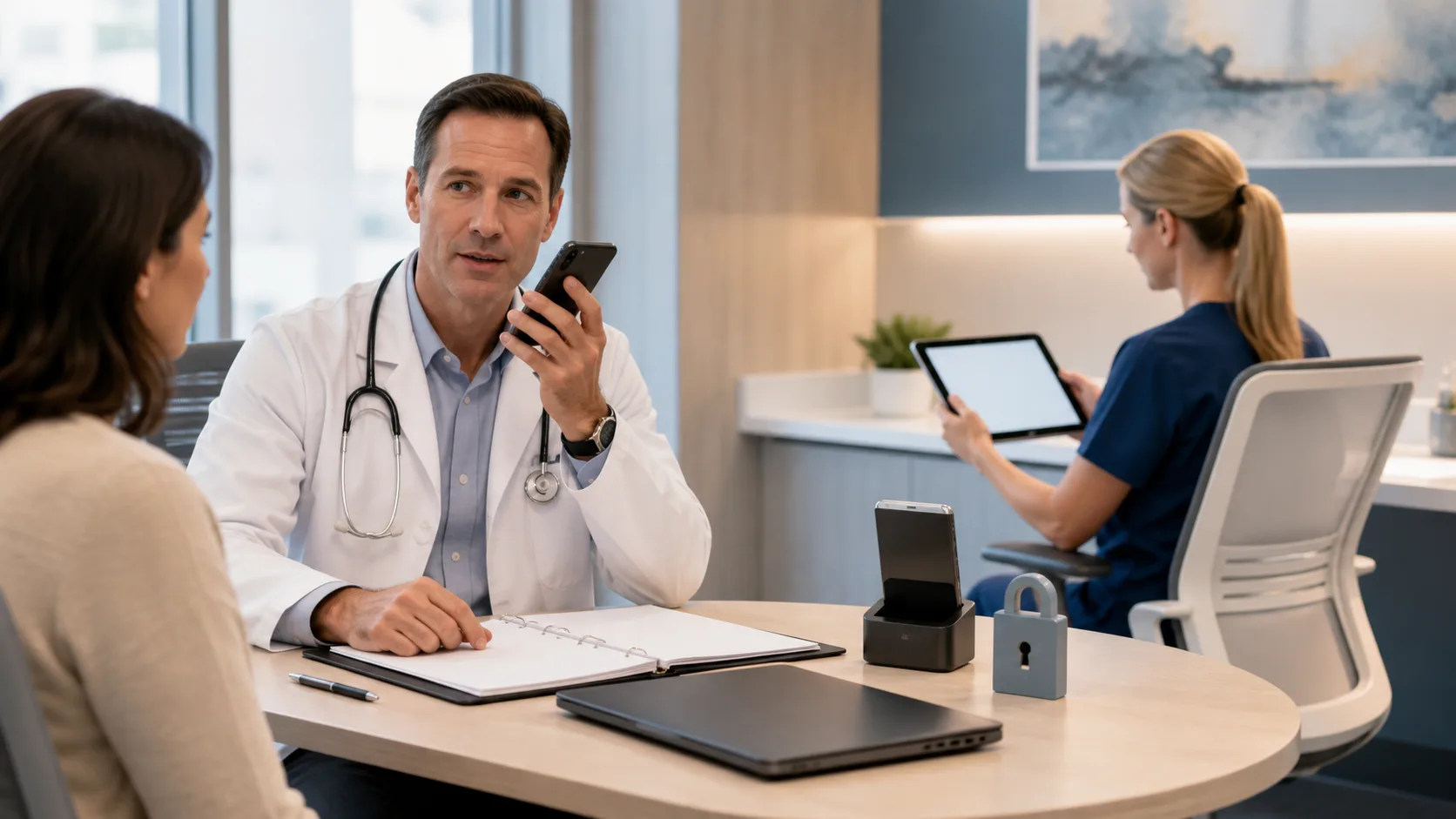
Clinicians do not need extra friction when winter hits, schedules fill up, and everyone is coughing in the waiting room. A smart, multi-device dictation setup helps keep charts moving whether you are in an exam room, rounding, or finishing notes at home. When your tools stay in sync, you can keep your focus on patients instead of wrestling with documentation.
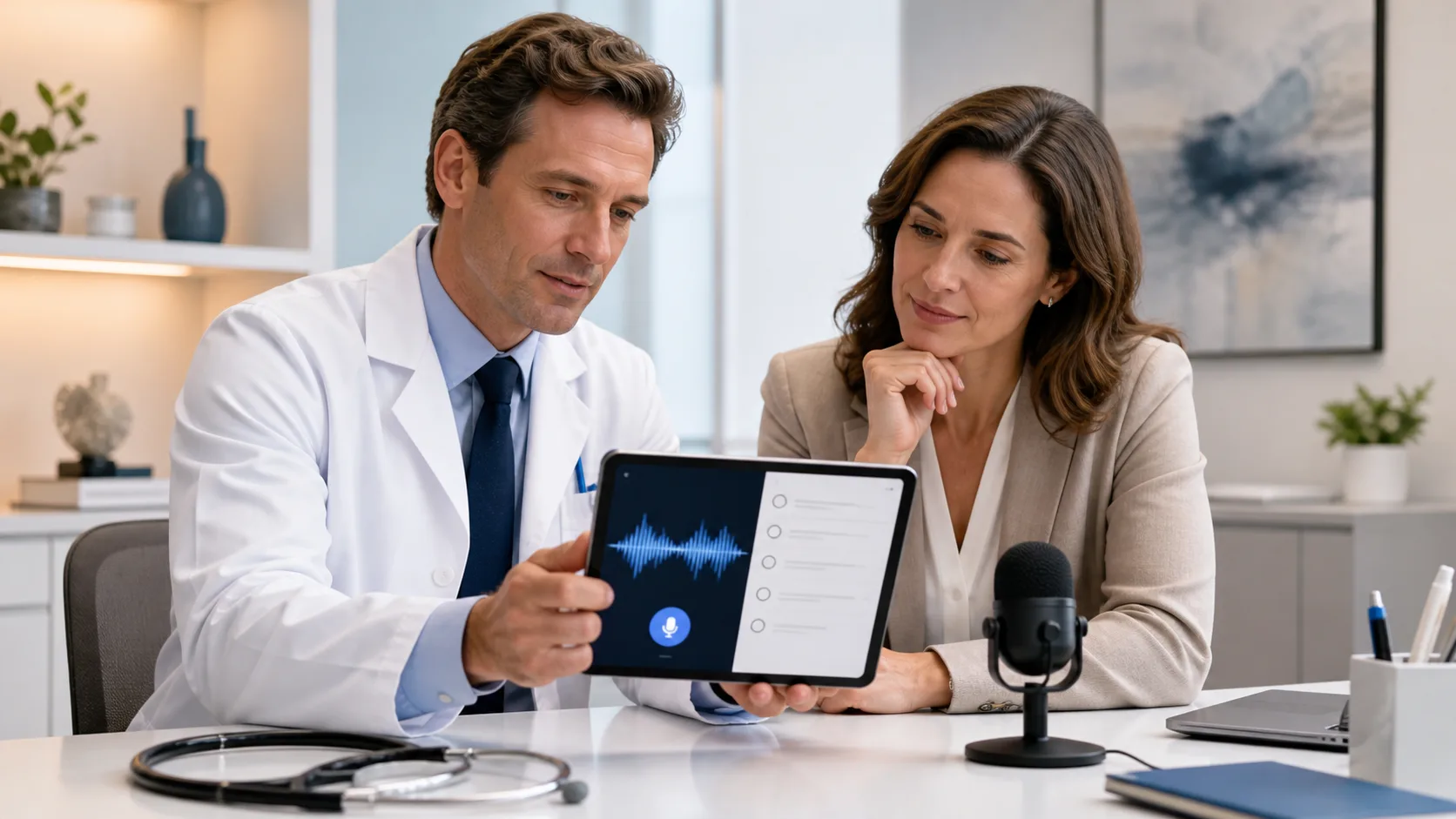
Medical dictation software that works the same on phone, tablet, and desktop cuts down on after-hours typing, lowers error risk, and keeps the story of each visit clear from start to finish. Nuance Dragon Medical One is cloud-based, so your profile, vocabulary, and templates go with you instead of living on a single computer. At DragonMedical One, we focus on helping teams design a simple, steady workflow built around a few key pieces: easy device handoff, smart user profiles, microphone setup, offline backup plans, and tight security across every device you touch.
To build a routine that sticks, start by walking through a normal day and matching each task to its best device. Different moments call for different tools.
Common clinical situations often line up like this:
A simple way to plan:
Cloud-based medical dictation software helps you start a note on a hospital workstation, then finish it on a home desktop without retyping everything. During busy respiratory season, that continuity means you can keep up with higher visit volume while still protecting your home time. The goal is not to use every device for every task, but to give each device a clear job so your brain does not have to think about “how” every time you speak.
A single user profile that lives in the cloud is like a good travel bag: packed once, useful everywhere. With Dragon Medical One, your custom vocabulary, AutoText content, and specialty phrases follow you from desktop to tablet to phone. No separate training sessions, no “forgotten” words on a different PC.
To get the most out of that profile, it helps to build reusable AutoText for:
Set these up once, then call them with short, clear commands. Just as important, try to keep your voice commands the same on every device. If “insert flu plan” works at your office desktop, it should work on your tablet in the hospital and your phone at home. Using one set of phrases lowers mental load and shortens training for new team members, since everyone can share the same command list and structure.
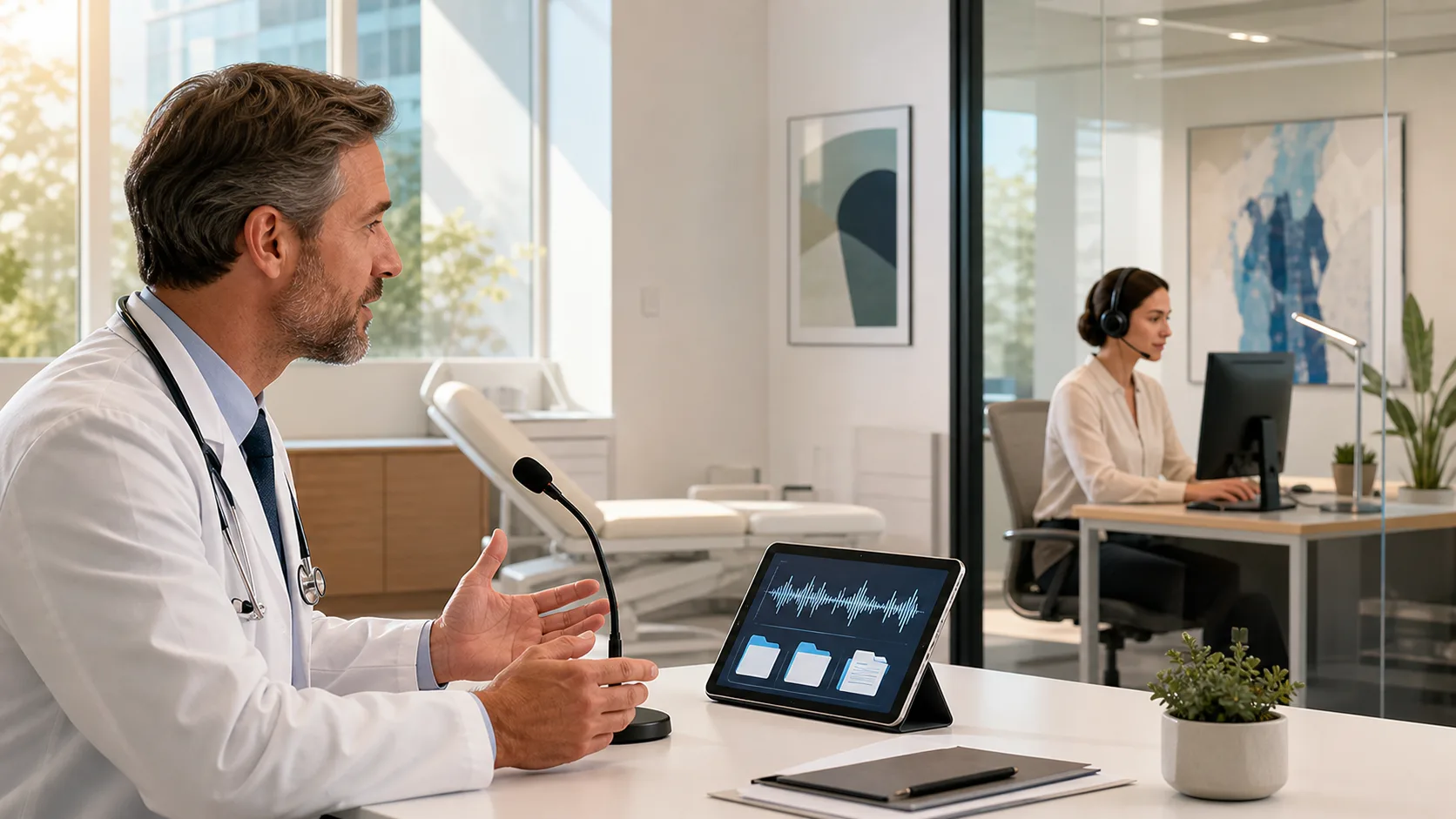
The microphone you use matters almost as much as the software. Busy winter clinics can be loud, and that can affect accuracy if sound is not handled well. Different settings usually benefit from different mic choices.
Here is a simple breakdown:
To keep speech recognition clear in noisy areas:
Infection control also matters, especially when colds and flu spike. Favor devices that are easy to wipe down. Limit shared headsets when you can, or assign each person their own. Quick-access mic buttons or hotkeys let you start and stop dictation without a lot of extra touching, which helps both speed and hygiene.
Even in big cities, connectivity drops happen. Rural outreach clinics, hospital dead zones, elevator rides, and winter storms can all break a cloud connection right when you want to dictate. Instead of getting stuck, it helps to plan layered backup methods ahead of time.
A simple offline plan might look like this:
Good documentation habits keep this clean: label offline notes clearly so you remember to verify them later, then compare what you dictated with what appears in the chart. Try to keep your phrases and terms consistent, even when you use temporary tools, so the final note feels like it was done in one sitting. That way, care plans stay clear for anyone who reads the chart later.
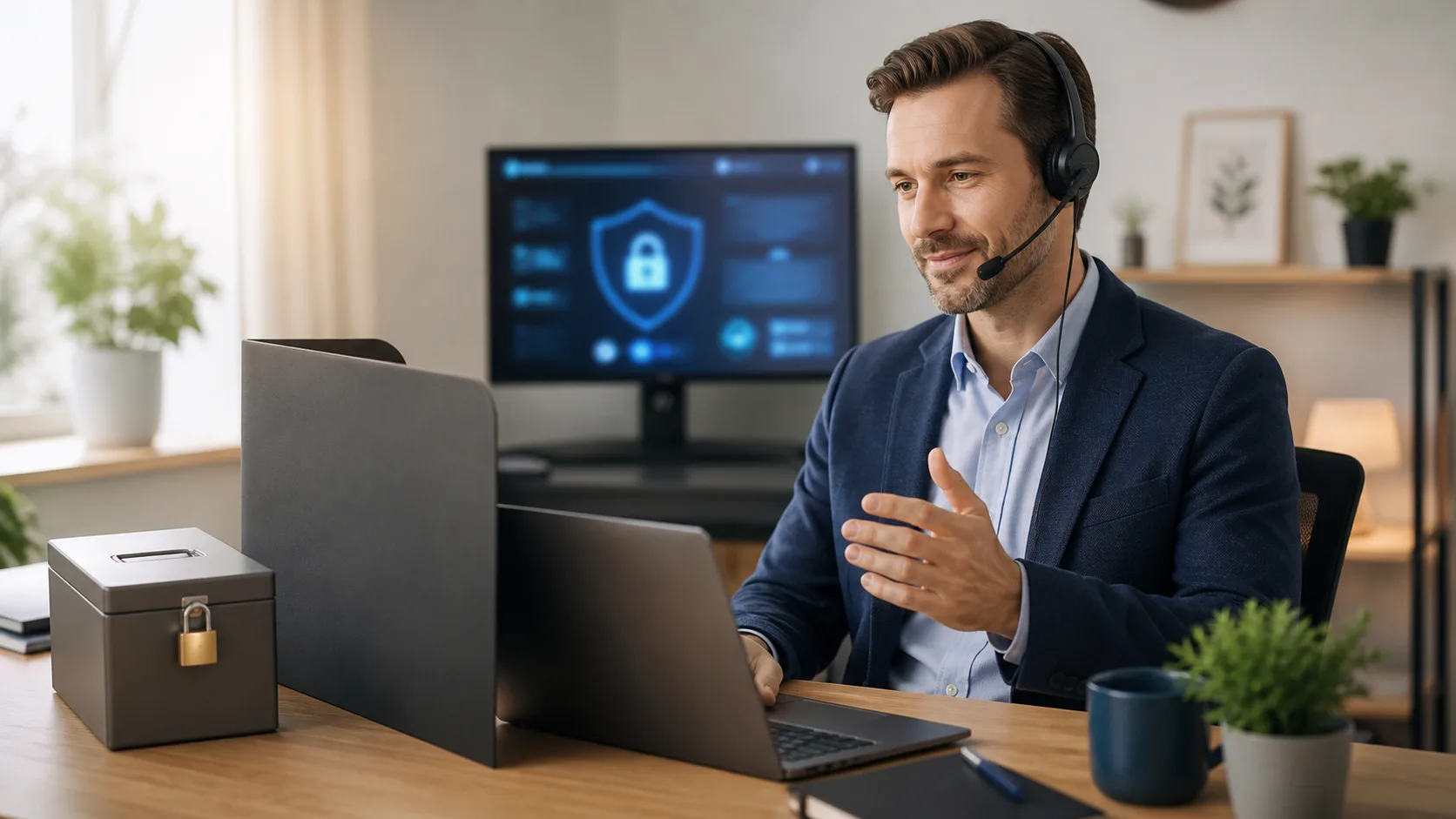
When your workflow stretches across phone, tablet, and desktop, security has to stretch with it. The good news is that most devices already include strong options if they are set up thoughtfully.
Core safety steps include:
Inside your apps and profiles, a few habits reduce risk even more. Avoid dictating in public spaces where people can overhear protected details. Turn off any personal cloud backups on your devices that might copy notes or screenshots to nonclinical storage. Make sure your medical dictation software is configured in line with HIPAA and with your organization’s policies, and check with IT if you are unsure.
As the year winds down, it helps to run a simple checklist: confirm which devices have access, review basic access logs if your organization provides them, refresh old passwords, and talk with IT and compliance about any changes before winter demand peaks. That small bit of prep can prevent much bigger headaches later.
When your tools are set up on purpose, a multi-device dictation workflow feels calm instead of chaotic. Tasks land on the right device, your profile and vocabulary stay with you, microphones fit each space, and you have clear backup plans and security habits. The result is faster documentation, more accurate notes, and a little more breathing room on busy days, especially during winter surges.
A simple rollout path is to start small, then grow. Pilot the setup with one clinician or one team. Standardize a core set of AutoText templates and voice commands. Tune microphone choices in each area. Gather feedback, adjust, then share the playbook across more departments with short, focused training. At DragonMedical One, we help teams center their workflow around Nuance Dragon Medical One, so medical dictation software feels like one steady system across phone, tablet, and desktop, not three separate worlds to manage.
If you are ready to spend less time typing and more time with patients, our medical dictation software can help transform your documentation workflow. At DragonMedical.One, we focus on accuracy, speed, and security so you can trust every note you create. Reach out through our contact page, and we will walk you through the best options for your practice.