Clinical days often feel longest in the middle of summer. Schedules are packed, phones keep ringing, and the waiting room fills with sports injuries, rashes, travel questions, and heat-related complaints. By late afternoon, the sun is still bright outside, but there is a pile of unfinished charts waiting on the screen.
Those backlogs do not just feel frustrating. Late notes creep into evenings, cut into family time, and make it harder to reset before the next clinic day. When volumes climb, typing every detail by hand can turn a normal workday into overtime.
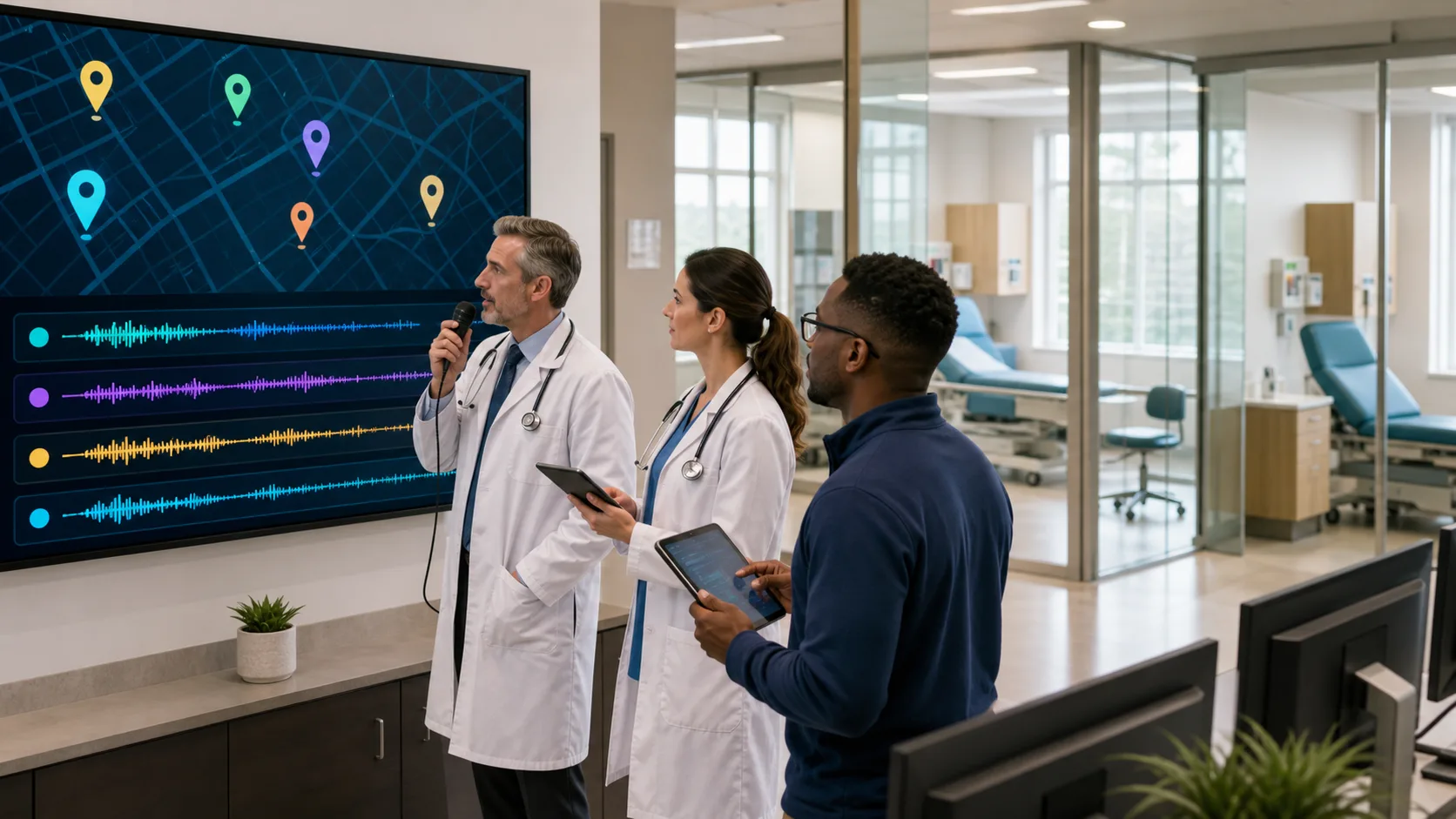
This is where medical dictation software can quietly change the daily routine. Cloud-based medical speech recognition can turn many every day tasks into quick voice actions, so clinicians finish sooner, think more clearly, and stay more present with patients. Dragon Medical One is a secure, cloud-based medical speech recognition platform that turns voice into clinical-grade documentation on any Windows-based workstation, and it is built for the way healthcare teams actually work.
In the sections below, we will walk through common tasks that can be automated with smart dictation and share simple ways to get fast wins as summer volumes climb and long weekends approach.
During busy clinic days, it is easy to end up staring at the screen more than at the person in front of you. When every pause turns into typing time, the visit can start to feel rushed and less personal.
Medical dictation software lets clinicians capture encounter notes in real time, while keeping their focus on the patient. Instead of trying to remember details later, we can speak the story as it unfolds.
Here are some ways that looks in practice:
This matters even more in peak seasons. When every slot on the schedule is full, delayed documentation can snowball by midweek. Real-time dictation helps keep charts current so there is less to finish after the last patient leaves.
We can also move through structured EHR fields with our voice instead of the mouse:
When most of the visit is documented as it happens, there is less leftover work once the exam rooms are empty. Over a full week of summer clinics, that can mean more evenings outside, fewer late-night logins, and less need to catch up over the weekend.
Every clinician has note types that show up again and again. Annual wellness visits, sports physicals, follow-ups for chronic conditions, pre-op checks, and more. The structure is similar every time, yet we still spend minutes rebuilding the same framework.
With medical dictation software, those patterns can become quick voice-driven templates. Instead of recreating a note from scratch, we can trigger it with a short phrase, then fill in the unique details.
For example, we can:
Patient education is another area where standardization saves time. We can dictate or trigger auto-texts for:
Consistent education documentation can support quality efforts and make it easier to show what was discussed when patients review their notes.
It also helps to build a library of common phrases and clinical shortcuts:
These shortcuts cut down on repetitive typing but still leave room to edit and expand for complex or sensitive cases.
Documentation does not end when the progress note is signed. Every day brings new referral letters, portal messages, forms, and orders that also take time.
Medical dictation software makes it much easier to create clear, structured referral and consult notes. With voice, we can quickly build a summary that covers:
When referrals are consistent and easy to read, it supports smoother collaboration and more efficient patient flow, especially when specialist schedules are tight.
The same tools help with patient messages and portal replies. Instead of typing long answers, we can speak in a warm, conversational tone and still respond quickly. Dictation makes it more natural to:
Forms and letters are another daily time sink. With voice-driven workflows, we can:
All of this keeps communication moving while reducing the feeling of “paperwork piles” that never shrink.
Summer often means more movement. Clinicians float between clinics, cover call, round at the hospital, or help at satellite offices. Having to return to one desk to finish notes can slow everything down.
Because Dragon Medical One is cloud-based, clinicians can access their voice profile from any Windows-based workstation. That means the same vocabulary and settings follow them, instead of being tied to a single PC. Hospitalists, ER clinicians, and those covering multiple locations can sit at any station, log in, and start dictating.
Mobile microphone options add even more flexibility. With a mobile mic app, it becomes easier to:
Security always matters in healthcare. Properly designed medical dictation platforms are built with privacy in mind so teams can work flexibly while staying aligned with HIPAA requirements. Cloud-based updates also mean clinicians get new vocabularies and improvements without constant IT projects or manual installs.
To make voice-driven workflows real, it helps to start with a simple plan. The goal is not to change everything at once, but to pick a few high-impact areas and build from there.
Here are practical steps many teams find helpful over the next month or two:
Dragon Medical One is designed to support this kind of step-by-step change, without new hardware or major disruption. As teams get comfortable with real-time dictation, templates, and mobile microphones, the daily friction of documentation can start to ease.
When summer is busy and the days are long, it is a good moment to reset how we work. By shifting more documentation to medical dictation software now, clinicians can move into the fall and winter with smoother workflows, better focus in each visit, and more time after hours for life outside the clinic.
If you are ready to reduce clicks and refocus on patient care, our medical dictation software can help you document faster and more accurately. At Dragon Medical One, we design speech solutions that fit seamlessly into your existing workflows and EHR. Tell us about your organization’s goals and we will recommend the right configuration and rollout plan. To discuss your needs or request a demo, simply contact us.