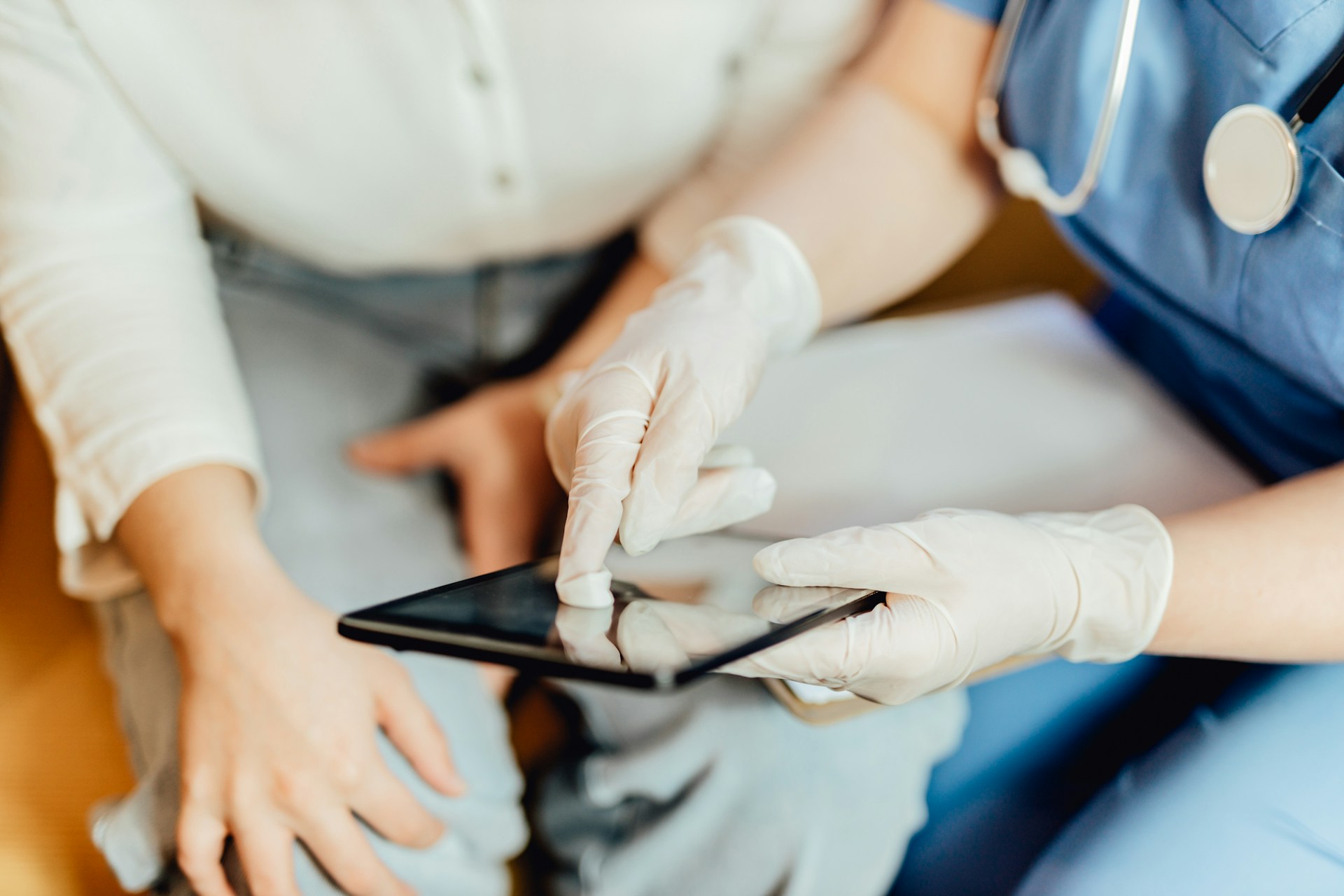
End-of-day charting can turn a normal clinic day into a long, draining slog. When notes pile up, it gets harder to remember what actually happened in each exam room, and small details can slip through. Medical dictation software gives us a way to capture the story of the visit as it happens, in our own words, without adding more clicks or more stress.
We will walk through why after-visit documentation delays cause trouble for care, for clinicians, and for the whole clinic. Then, we will look at how medical dictation software, like Dragon Medical One, fits into each step of the visit so charts are done sooner and with less effort.
August often feels like a traffic jam in the clinic. Families try to squeeze in school physicals before classes start, chronic care patients want to be seen before their own vacations, and staff are taking time off too. By late afternoon, it is common to see clinicians still in the office long after the last patient leaves, trying to finish a stack of open notes.
When documentation trails behind, it touches many parts of care:
Medical dictation software helps shift that work into the visit itself. Instead of saving all the charting for the end of the day, we can speak our findings and plan right away, while the details are fresh. That keeps long summer and early fall schedules from turning into burnout and rolling backlogs.
When notes are done hours or days later, memory has to fill in the gaps. That can affect patient safety. Key details can get fuzzy, like:
Delayed documentation can also cause slow lab follow-ups, incomplete handoffs to other clinicians, and gaps during care transitions. Everyone is trying to do the right thing, but the chart is not fully ready when it needs to be.
There is a personal cost for clinicians too. Late evenings in the office and “pajama time” charting at home eat into rest and family time. Instead of using quieter summer nights to recover before the busy respiratory season, we spend them clicking through old encounters.
The clinic feels it as well. When notes are late or incomplete, coding gets held up, charges are delayed, and denials are more likely. Front-desk staff may have to push out follow-up scheduling because orders are not clear. What looks like “just finishing a few notes” can ripple through the whole operation.
Modern medical dictation software lets us speak our notes into the EHR from any supported Windows workstation. With a cloud-based setup, voice profiles and settings follow us, whether we are in an exam room, at a shared desk, or in a private office. Many clinicians also like using a mobile mic on a phone, so they can step into a quiet corner and dictate without hunting for a physical microphone.
Speaking is simply faster than typing for most people, especially when the visit is complex. Describing a detailed history, multi-system exam, or procedure is easier to say out loud than to peck out through a keyboard and mouse. Healthcare-focused speech recognition is tuned for clinical language, drug names, and specialty terms, which helps keep the note accurate.
Medical dictation works best when it does more than “hear the words.” Built-in voice commands, AutoText templates, and EHR shortcuts let us:
This cuts down on extra clicks and mental overhead, so we can focus on the patient and the clinical thinking, not the software.
Dictation works best when it is part of the whole visit, not an extra step tacked on at the end. A simple flow might look like this:
Voice commands and AutoText can speed up common late-summer and early fall visits, such as:
For example, a clinician might say, “Insert sports physical template,” then fill in the specifics by voice. Or, “New AutoText: well child visit, age twelve,” to build a reusable note pattern that matches local standards.
Change takes some planning. Helpful steps include:
Over time, trust in voice recognition grows, and the team spends less energy worrying about whether the software heard them correctly.
To know if medical dictation software is helping, it is important to measure a few simple things. Teams often track:
Those numbers can guide small adjustments. If certain note types are still slow, AutoText templates can be adjusted or expanded. If some parts of the day feel tight, schedules can be tweaked before respiratory viruses and chronic disease flares fill the calendar.
Faster, clearer documentation also makes life easier down the line. Refills move faster when the plan is written in plain language. Specialist referrals go through more smoothly when histories and exam findings are complete. Patients get fewer follow-up calls just to confirm what was already discussed, because the chart tells the full story.
When picking medical dictation software, it helps to look for a partner that understands clinical work. Helpful features include:
Usability matters just as much as features. Busy clinicians need something that is easy to learn, quick to launch, and flexible enough to use in exam rooms, offices, or home workstations with IT support kept as light as possible.
Dragon Medical One is built specifically around these clinical needs. It brings cloud-based speech recognition, mobile mic options, and AutoText tools together so clinicians can create complete documentation more quickly from almost any Windows workstation. With central management options, it can grow across sites and specialties as organizations prepare for seasonal swings in patient demand.
If you are ready to reduce charting time and focus more on patient care, explore our medical dictation software built specifically for healthcare. At Dragon Medical One, we help clinicians capture detailed, accurate notes directly into the EHR with minimal effort. Our team can walk you through real-world use cases tailored to your specialty and workflow. To discuss your needs or schedule a demo, please contact us.