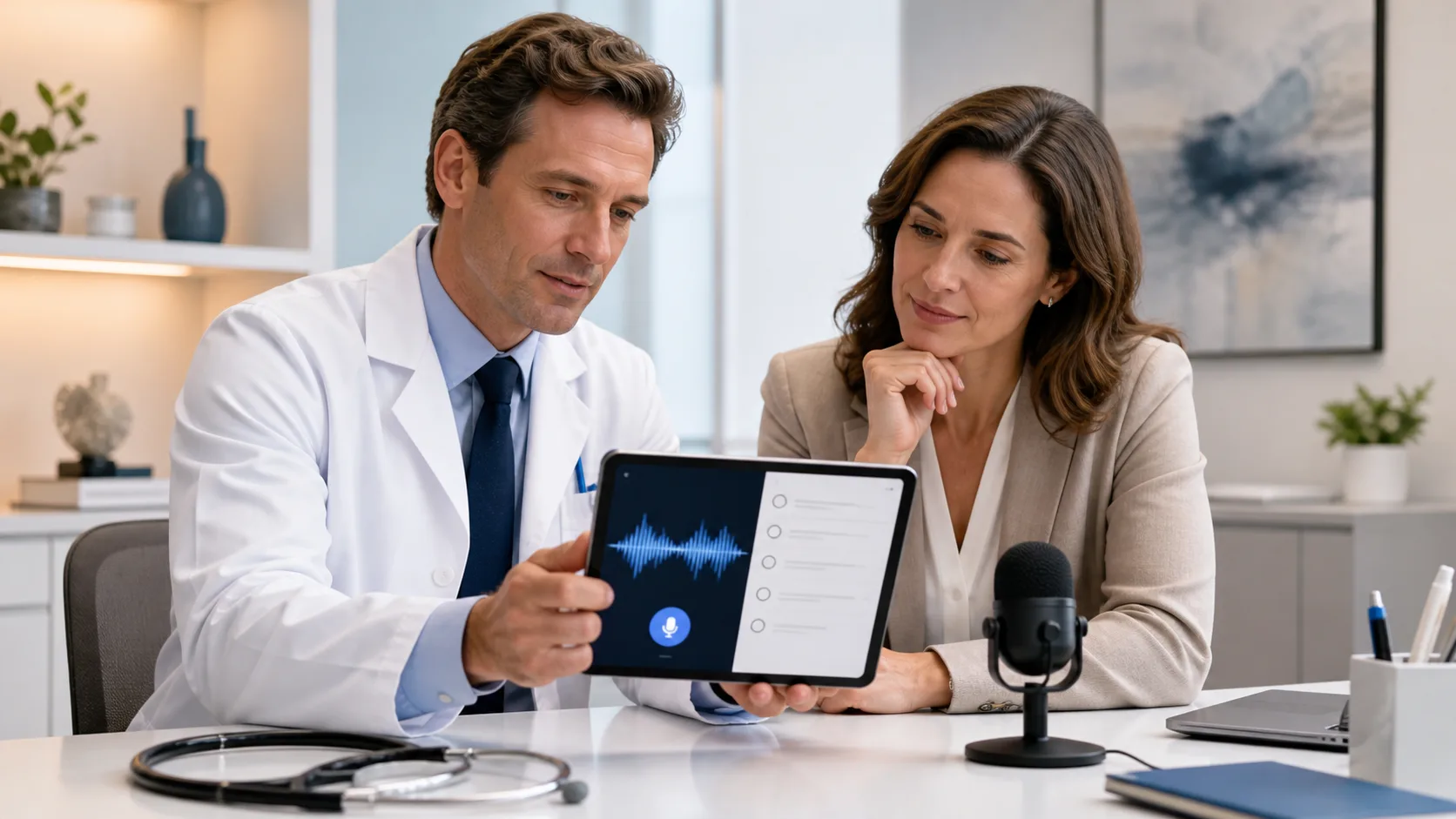
Busy fall clinic days are not a surprise. Respiratory season ramps up, schedules fill, and same-day chart closure becomes harder with every add-on visit and sick call. Many clinicians end up finishing notes at home at night or on weekends, just to keep up.
Speech recognition in healthcare gives teams a practical way to get some of that time back. Modern tools let clinicians speak naturally, see text appear in real time, and stay focused on the patient in front of them. As end-of-year reporting and quality reviews get closer, this can make a real difference in note completeness and provider stress levels.
At DragonMedical.One, we work with healthcare organizations that want to move beyond basic dictation and bring in cloud-based, Windows-ready tools that fit into daily clinical work. Nuance Dragon Medical One is built to help clinicians document faster than typing while still keeping accuracy and security front and center. In this article, we will walk through common questions leaders are asking about speech recognition, where gaps in understanding often appear, and how to decide if this fall is the right time to deploy or upgrade dictation tools.
Documentation has changed a lot. EHRs are more detailed, quality programs expect clearer stories, and payors look closely at problem lists, histories, and follow-up plans. That often means longer notes, more clicks, and more time at the keyboard.
Modern speech recognition in healthcare is not the old model of recording a message and waiting for someone else to type it later. Today, clinicians can:
The real problems these tools help address are simple and very real:
When clinicians can speak the way they think, they can tell a clearer clinical story. That supports better communication across the care team, helps reduce burnout from constant typing, and leaves more room for direct interaction with patients instead of the screen.
Security questions are often the first thing leaders bring up, and that is a good thing. Protected health information has to be handled carefully, and any cloud tool must support that.
With enterprise grade platforms like Nuance Dragon Medical One, the audio stream and text travel through secure, encrypted connections. Access is controlled with logins and authentication that fit into existing Windows environments. Role-based controls help IT teams manage who can use which features and where.
From an IT view, a cloud design can actually reduce risk in several ways:
Instead of every clinic running its own version with different patch levels, the platform can stay aligned with current security standards across sites. That makes it easier to support compliance work and gives leadership more confidence that PHI is protected while clinicians dictate where they need to, on approved Windows devices.
A common concern is simple: will this slow us down or speed us up during already busy fall days? The answer depends on how speech recognition is introduced and how well it fits into real workflows.
Think about a few everyday moments:
When tools are set up to match how teams already work, organizations often see:
Nuance Dragon Medical One can be tuned with custom vocabularies, auto-texts, and templates that match each specialty and EHR build. For example, a cardiology group may set up voice commands for common studies and follow-up plans, while primary care might focus on chronic disease templates and preventive care language. The goal is not to change how clinicians think, but to remove some of the friction between their clinical decisions and the written record.
Before picking any speech recognition tool, leaders should slow down and ask a few key questions. The right questions help avoid surprises during rollout and adoption.
On the technical side, it helps to ask:
Adoption is just as important as features. Useful questions include:
Financial and strategic points matter too, especially as fall budgets tighten. Leaders often look at:
By framing the project around clear questions, CMIOs, CIOs, practice managers, and department heads can guide a smoother path from pilot to wider rollout.
Fall is a smart time to think about speech recognition in healthcare. There is enough of the year left to plan, pilot, and learn before the deepest part of winter illness season hits. Workflows can settle while teams are still adjusting, instead of trying to change tools right in the middle of the heaviest surge.
The larger point is simple: speech recognition is now a mature, cloud-based option that directly tackles everyday problems like documentation backlogs, long typing sessions, and pressure for more complete notes. At DragonMedical.One, we see how Nuance Dragon Medical One supports clinicians who want to stay focused on patients instead of keyboards, and how IT teams appreciate the secure, manageable platform behind it.
As the weather cools and schedules heat up, it may be time to review documentation pain points, listen to clinical champions, and map out where speech recognition could fit into your fall and winter workflows. A thoughtful plan now can set your organization up for steadier days, clearer charts, and less late-night typing as the season unfolds.
Streamline your charting and reduce burnout by putting our speech recognition in healthcare to work in your daily routine. At DragonMedical.One, we help clinicians capture accurate, detailed notes directly in the EHR so they can focus more on patients and less on typing. If you are ready to improve documentation speed and quality across your team, reach out to our specialists through our contact page and explore the best setup for your practice.