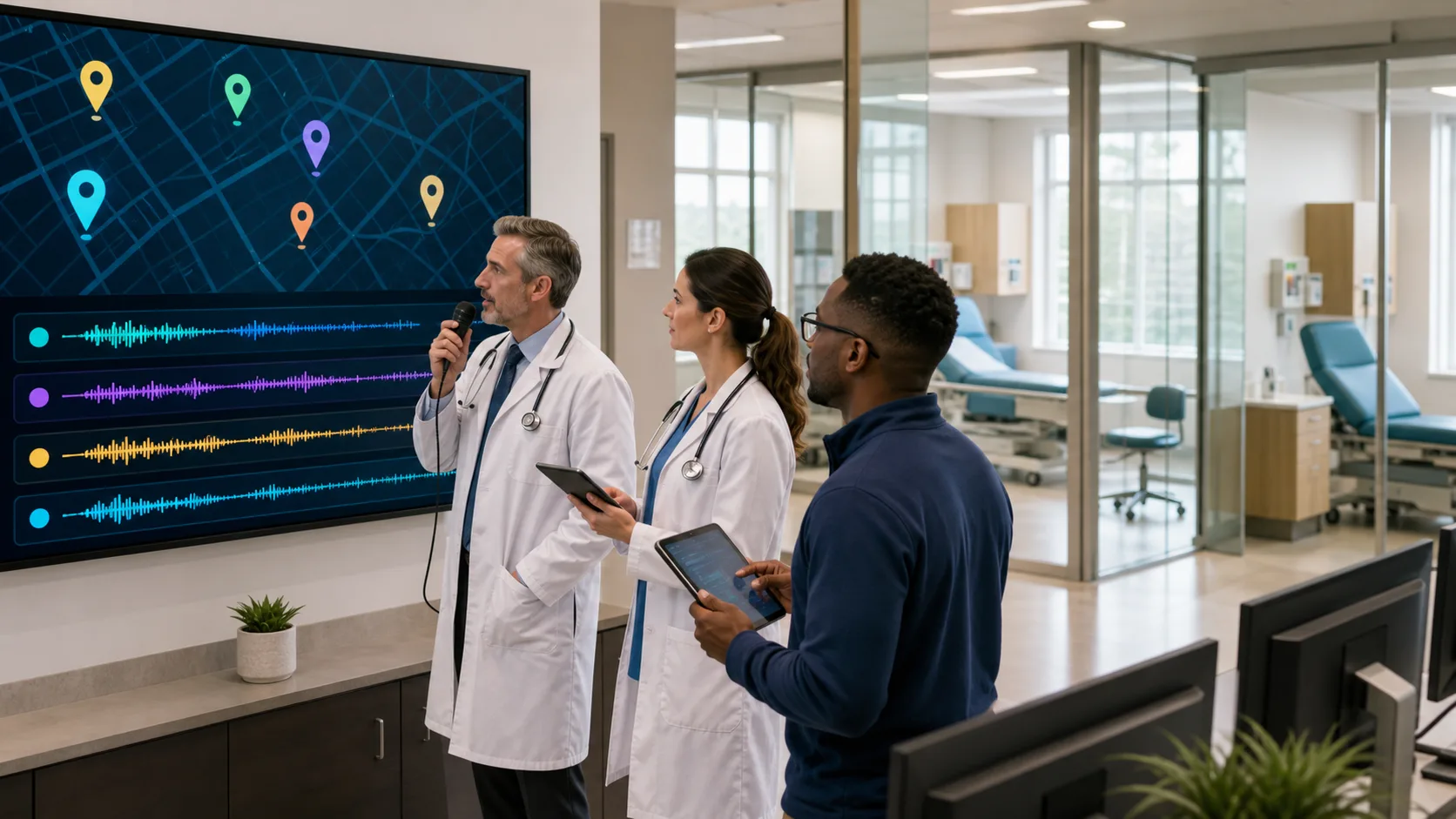
Dictation software for Windows used to feel like a personal shortcut, a way for one clinician at one workstation to get through notes a little faster. Now, visit volumes climb as fall hits, cold and flu cases spike, and the pressure on documentation grows for everyone on the care team. At that point, a solo tool is not enough. The work has to move as a team.
That is where modern, cloud-based medical speech recognition comes in. Dictation is no longer just one person talking to one PC. It is a shared system that follows clinicians across locations, supports many roles, and keeps notes consistent in the EHR. Platforms like Nuance Dragon Medical One are built with that kind of multi-user, multi-location world in mind, especially when everything runs on Windows workstations across the organization.
For a long time, the story looked like this: one clinician, one PC, one local install of dictation software for Windows. The voice profile sat on that machine. Custom words, macros, and templates stayed there too. If the clinician moved to a different room or a different clinic, they had to start over or work without their usual tools.
Now the model is very different. With cloud-hosted voice profiles, a clinician signs in on any authorized Windows-based workstation and gets the same experience. Their vocabulary, specialties, and preferences follow them from exam room to office to shared workstation.
A shared dictation platform opens up new advantages, such as:
This shift matters most when patient volumes surge. During respiratory season or busy winter weeks, health systems need flexible tools that can support extra clinics, float pools, and rotating teams without losing documentation quality or clinician time.
Think about a normal clinic day once this shared model is in place. A physician logs into a Windows workstation in the first exam room, opens the EHR, and starts dictating into the note using their cloud-based voice profile. The next visit happens in a different room, so they log in there and their same profile loads right away. No retraining, no manual setup.
Later, they jump into a quick telehealth block from a Windows laptop in a separate office. It is the same profile, same commands, and the same autotexts. Clinicians do not have to remember different tricks for different devices. The tool feels steady all day.
Across the team, this shared setup supports a smooth rhythm:
Cross-shift handoffs start to feel easier as well. Evening and weekend teams see the same style of notes, the same templates, and the same command sets. That means less guesswork about what the last shift meant and more focus on the current patient.
Training gets easier too. Seasonal staff or new hires are not building their own voice world alone. They join a shared, speech-driven workflow that has already been tested and refined. Once they learn the key commands and templates, they can move between sites with far less friction.
Of course, when dictation software for Windows becomes a shared tool, IT and compliance teams ask important questions. How do we know who is dictating? How do we protect patient data when staff float between clinics or hospitals? How do we manage access on shared workstations?
The answer starts with identity and access controls. With Dragon Medical One, each clinician has their own login. Role-based access can match organizational policies so people only get to the tools and data they should see. Audit trails show who dictated what and where, even if several people use the same PC through the day.
Security and privacy are not optional in clinical spaces. This is why it matters that:
Practical governance also plays a big role. Many organizations create standardized command sets that are reviewed by clinical leadership. Changes to shared templates run through a simple approval process. Clear rules guide when and how to use dictation in hallways, semi-public areas, or shared workrooms so patient privacy stays protected even in busy spaces.
When dictation becomes a shared system rather than a one-off tool, the value spreads across the entire organization. Teams see less time spent on manual typing and fewer late notes piled up at the end of the day. It gets easier to include important clinical details in the first draft of the note, which supports more complete documentation.
The financial and operational impact shows up in areas like:
To get the most from a shared dictation platform, it helps to be intentional about adoption. Many organizations:
Useful metrics can include average documentation time per visit, rate of late notes, after-hours login time, and correction rates in speech-generated text. Watching these numbers before and after rolling out Dragon Medical One across Windows workstations can highlight both wins and areas that need adjustment.
A cloud-based platform also makes it much easier to scale. When leadership decides to open seasonal respiratory clinics or support temporary staff during a surge, IT does not have to manage a tangle of local installs. Instead, the same speech recognition experience can be extended to new Windows-based workstations with a consistent setup.
When we treat dictation software for Windows like a shared clinical tool instead of a personal helper, everything changes. Documentation gets more consistent. New staff come up to speed faster. Teams handle busy fall and winter seasons with less strain, because the speech platform is built to support many users, many locations, and the same workflows everywhere.
At DragonMedicalOne, we focus on helping organizations turn Nuance Dragon Medical One into that kind of shared advantage. The next step is often to review current documentation patterns before visit volumes spike again, look for gaps between locations or roles, and then map out how a cloud-based speech platform can bring those pieces together across your Windows workstations.
If you are ready to reduce charting time and focus more on patient care, explore our dictation software for Windows designed specifically for busy clinicians. At DragonMedical.One, we help you capture detailed medical notes quickly and securely, right inside your existing workflows. Get answers to your specific questions or request a personalized walkthrough when you contact us today.