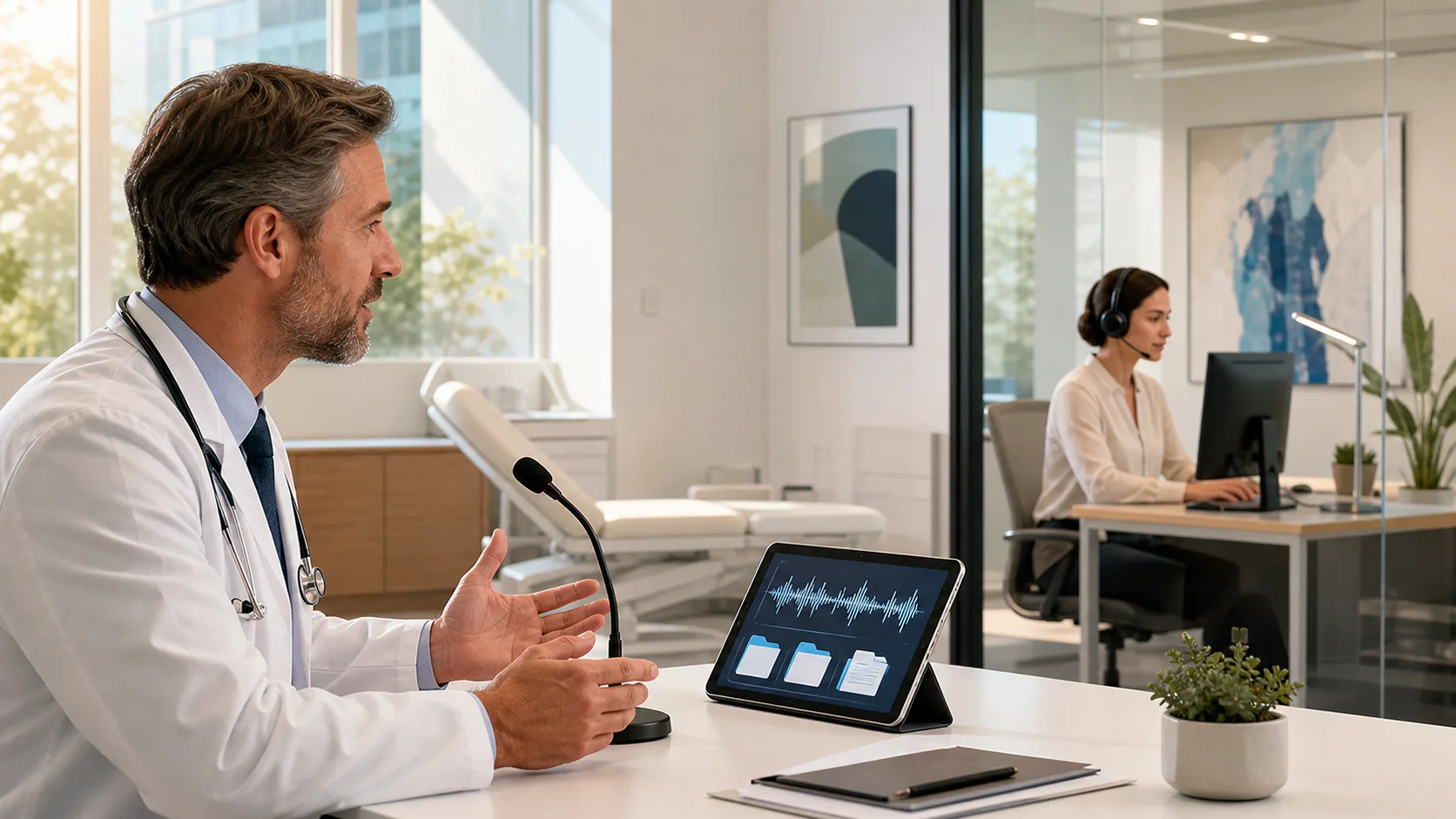
At the end of a long clinic day, many clinicians are still staring at half-finished notes. The visits went fine, the care was solid, but the clicks, scrolls, and rewrites slowed everything down. What looks like a few seconds here and there turns into a stack of charts that follow you home at night.
In this article, we want to talk about where that time really goes and how medical dictation software can quietly close gaps in your daily workflow. As we move through late fall, with year-end charts to close and reports to finish, it is a smart time to look closely at those hidden friction points and plan changes before the next busy season hits.
Most documentation pain does not come from one big problem. It comes from hundreds of tiny hurdles each day, like:
Each one seems minor in the moment. Together, they steal minutes every hour and add stress to an already full schedule. That constant stop and start pulls your focus away from the patient and away from clear thinking.
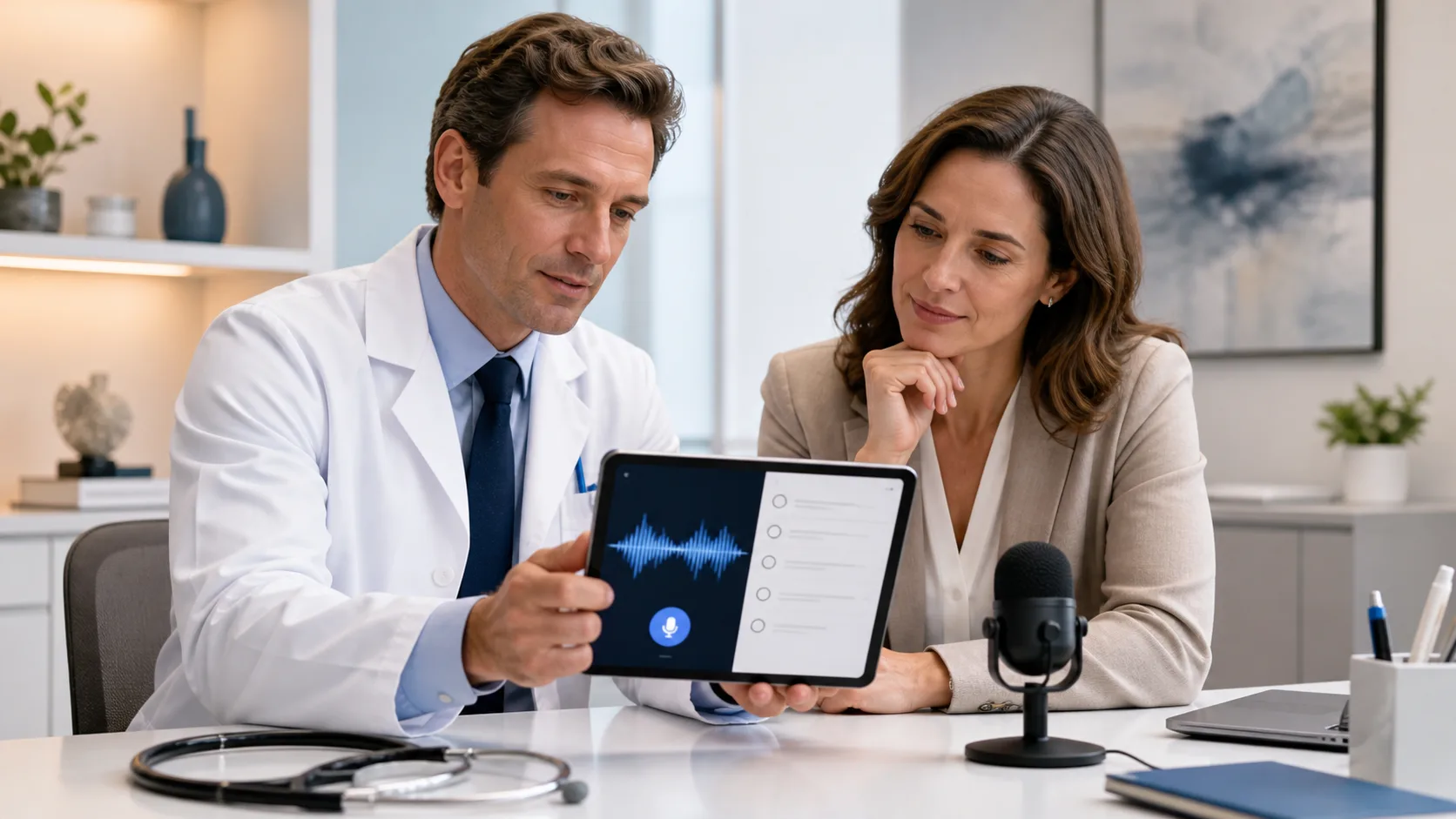
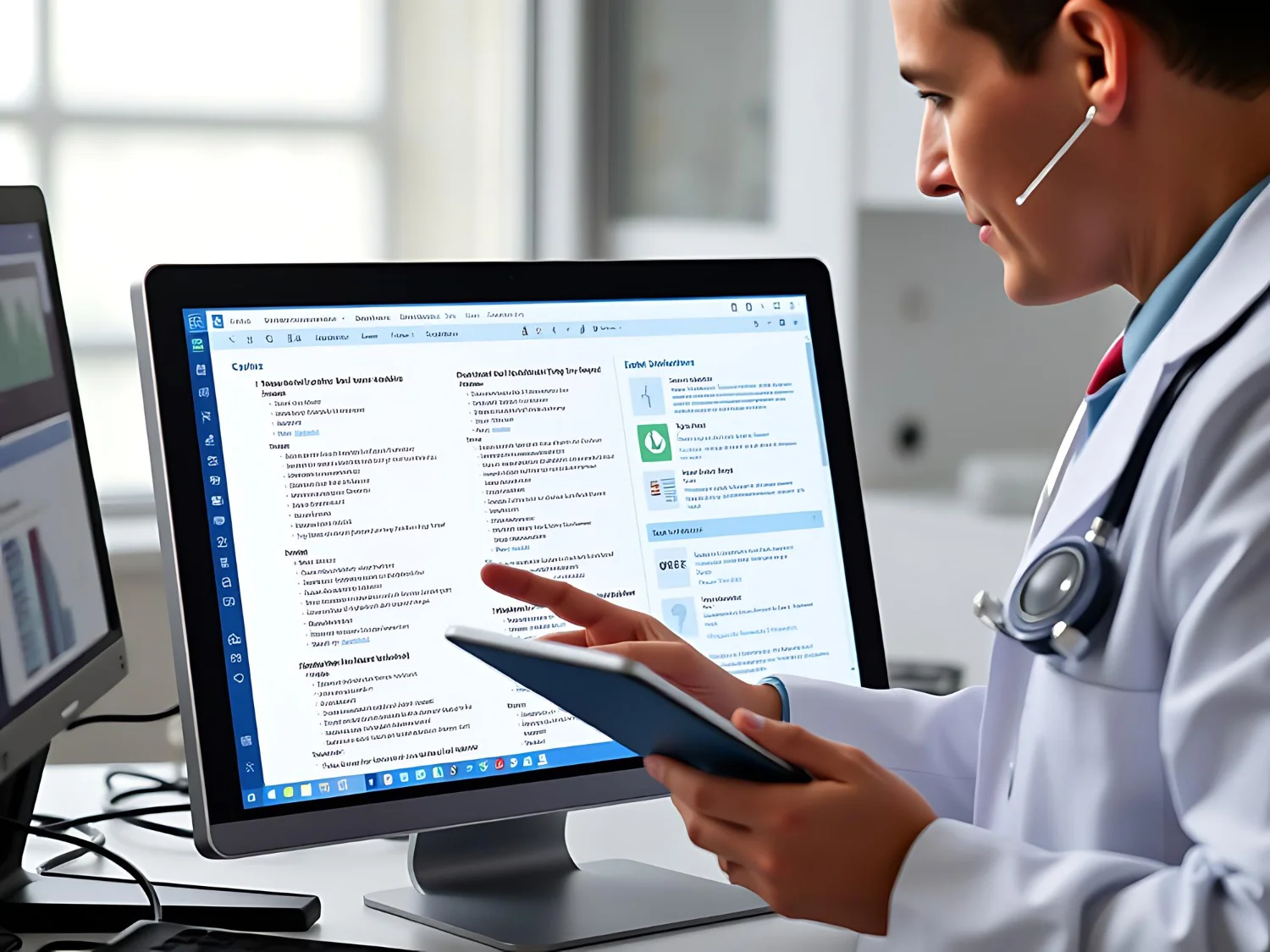
Modern medical dictation software is often seen as just faster typing, but it is more than that. When it is cloud-based and integrated into your workflow, it acts like a workflow engine. Your voice becomes the main tool to move through the chart, drop in content, and keep your thoughts flowing in real time.
Late fall brings extra pressure. Many practices are trying to close open charts, finish quality reports, plan staffing, and get ready for the cold and flu rush. This is a perfect season to step back and ask: where is our documentation process slowing us down, and where could voice close the gap?
One of the biggest hidden gaps is what many people call double documentation. You have a meaningful talk with the patient, work through their story, share your reasoning, then later you sit down and try to squeeze all of that into a template. You are not only documenting, you are rethinking the whole visit from scratch.
That second round takes mental energy and time. It also invites small memory gaps, like leaving out a detail of the history, a patient preference, or a part of your differential that mattered in the moment.
Medical dictation software can help by letting you capture the visit while it is fresh. For example, you can:
With specialty vocabularies and context-aware, speech-recognition, long and complex terms are easier to get into the chart. This supports rich notes that include:
Typing fast is helpful, but it rarely matches how fast you can speak. Voice lets you keep the natural flow of your thoughts and keep more of the nuance that actually drove your decisions.
Another silent time drain is click fatigue. Moving through an EHR often means jumping between screens, opening and closing windows, and scrolling to find the right field. Those patterns repeat all day, every day.
Medical dictation tools like Dragon Medical One can turn many of those clicks into simple voice commands. Instead of mousing around, you might use phrases such as:
Shortcuts like these add up. They help you get where you need to go without breaking eye contact with the patient or losing your train of thought.
You can also standardize common documentation patterns. Many practices set up shared voice commands for frequent visit types or quality measures, for example:
This keeps structured fields consistent across the team while still leaving room for your own narrative. The software does the repetitive part, and you focus on what is unique for that patient.
Even a small amount of “pajama time” can wear you down. When every evening includes finishing notes, messaging, and orders, it becomes hard to recharge. This is especially true in fall and winter, when clinic volume often rises and days already feel shorter.
Medical dictation software helps cut down on that backlog by letting you finish most documentation during or right after the encounter. Speaking your note while the patient is still front of mind usually means:
Because modern tools are cloud-based, you can use them in different settings, such as:
That flexibility supports more sustainable work patterns. Your tools follow you, your documentation stays secure, and you are less likely to drag unfinished work through your evening.
Thin or vague notes can create risk you may not see right away. When the record is missing key details, it can affect:
The challenge is that you need more detail without taking more time. Speaking often solves this. Most clinicians can say a clear, well-formed sentence faster than they can type a short line.
With medical dictation software, it is easier to include:
Richer documentation supports accurate coding and clearer quality data. That matters when you are preparing for audits, working on quality programs, or managing value-based contracts. The story you tell in the chart is what the data team sees, and voice can help that story be complete and consistent.
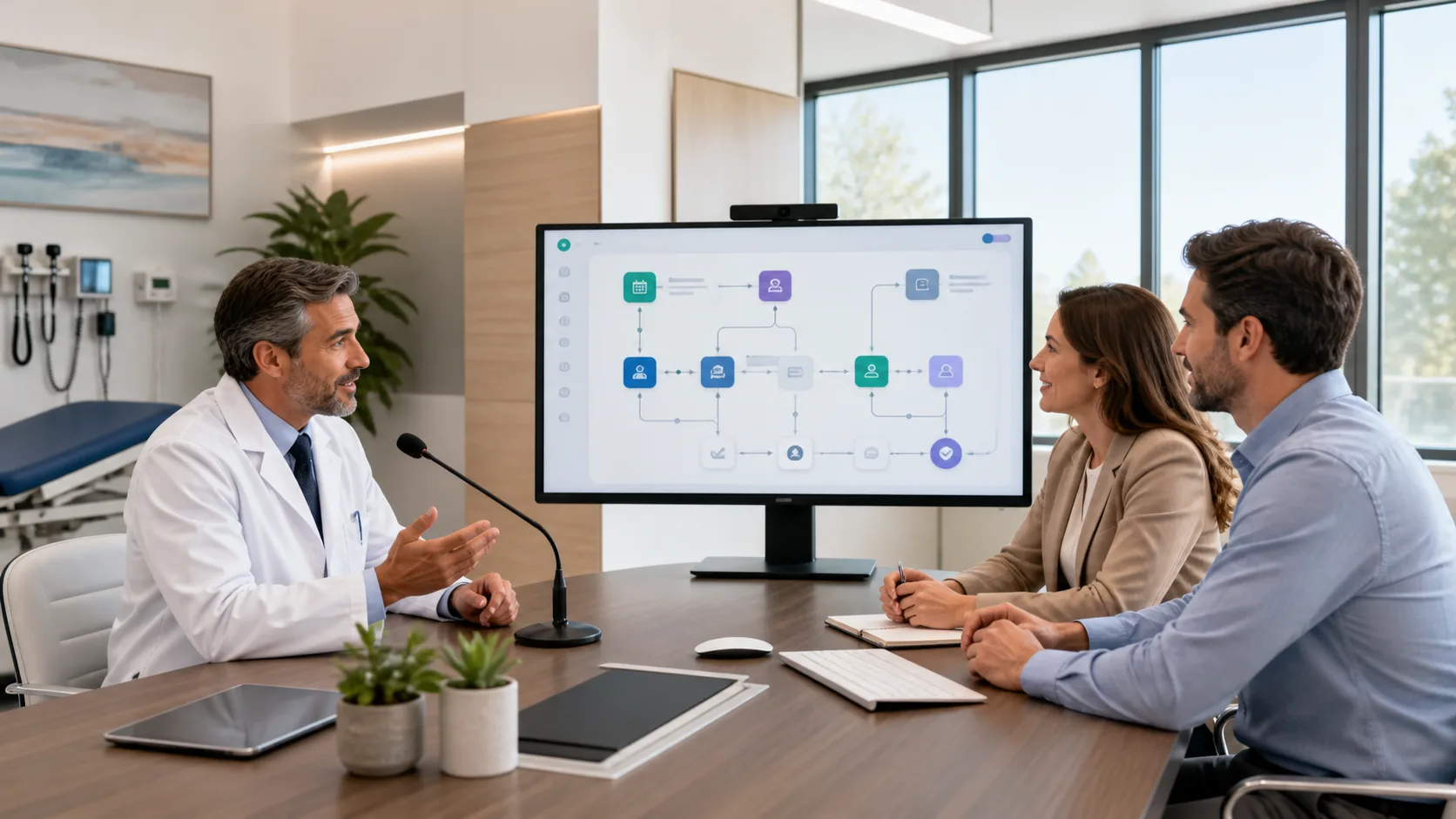
To get real value from medical dictation software, it helps to look closely at your current workflow. Many practices benefit from a simple review:
Once you see those hotspots, you can start small. A common path is to pilot with a few engaged clinicians, build a shared library of voice commands and templates, then expand step by step. This lets you adjust as you go and share what works across the team.
At DragonMedical.one, we focus on helping organizations use Nuance Dragon Medical One in a way that fits real clinical life, from independent practices to larger groups in our region. We support licenses, setup, and ongoing guidance so your team is not just installing software, but actually changing how work gets done.
When voice becomes a core tool in your workflow, the benefits go beyond speed. You protect time, reduce friction, and keep more of your attention where it belongs, on the patient in front of you.
If you are ready to spend less time typing and more time with patients, our medical dictation software is built to fit naturally into your clinical workflow. At DragonMedical.One, we help clinicians streamline documentation so charts are accurate, complete, and finished on time. Reach out to our team through our contact page and we will walk you through the best setup for your specialty. Let us help you reduce burnout and make documentation feel manageable again.