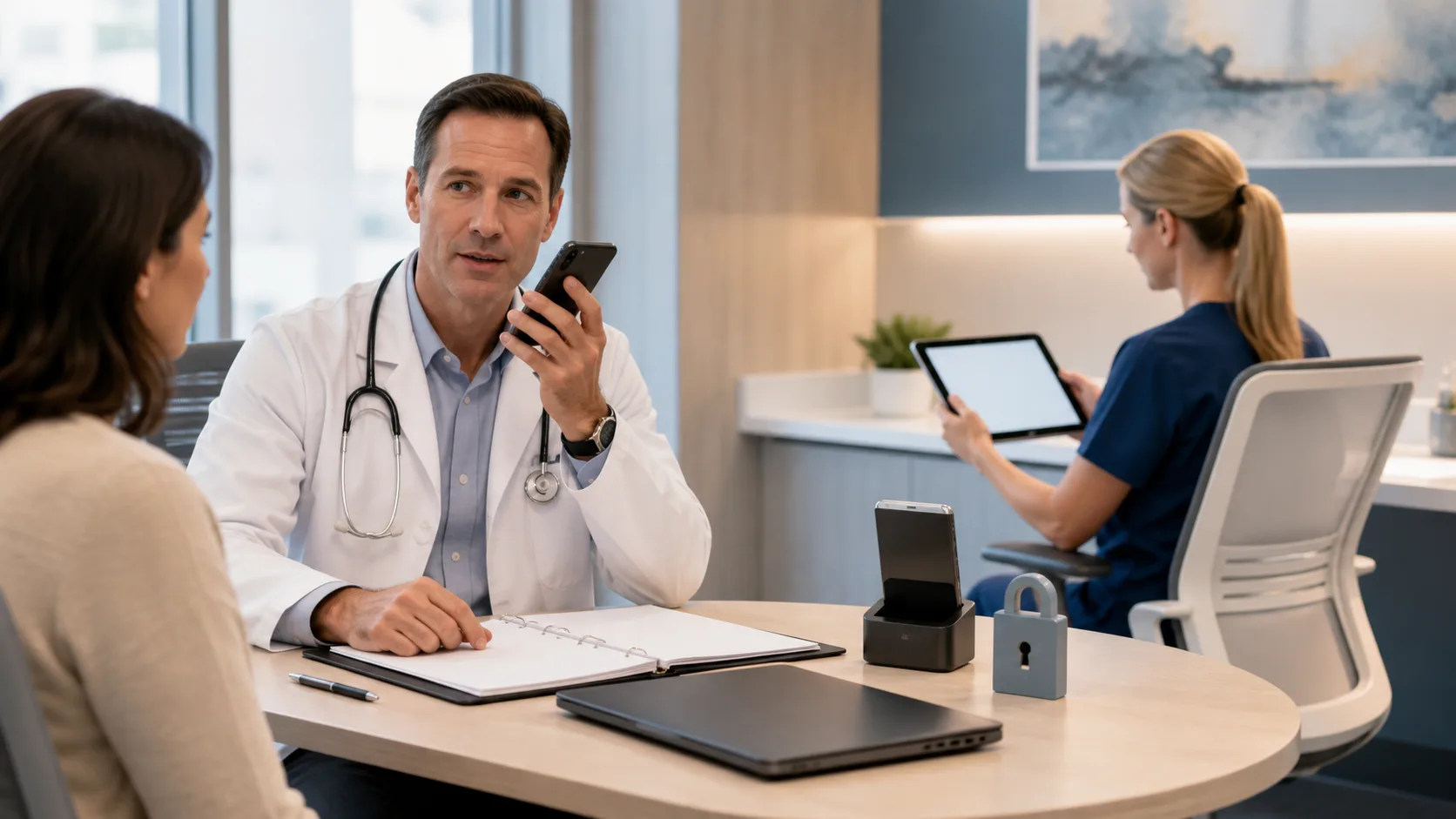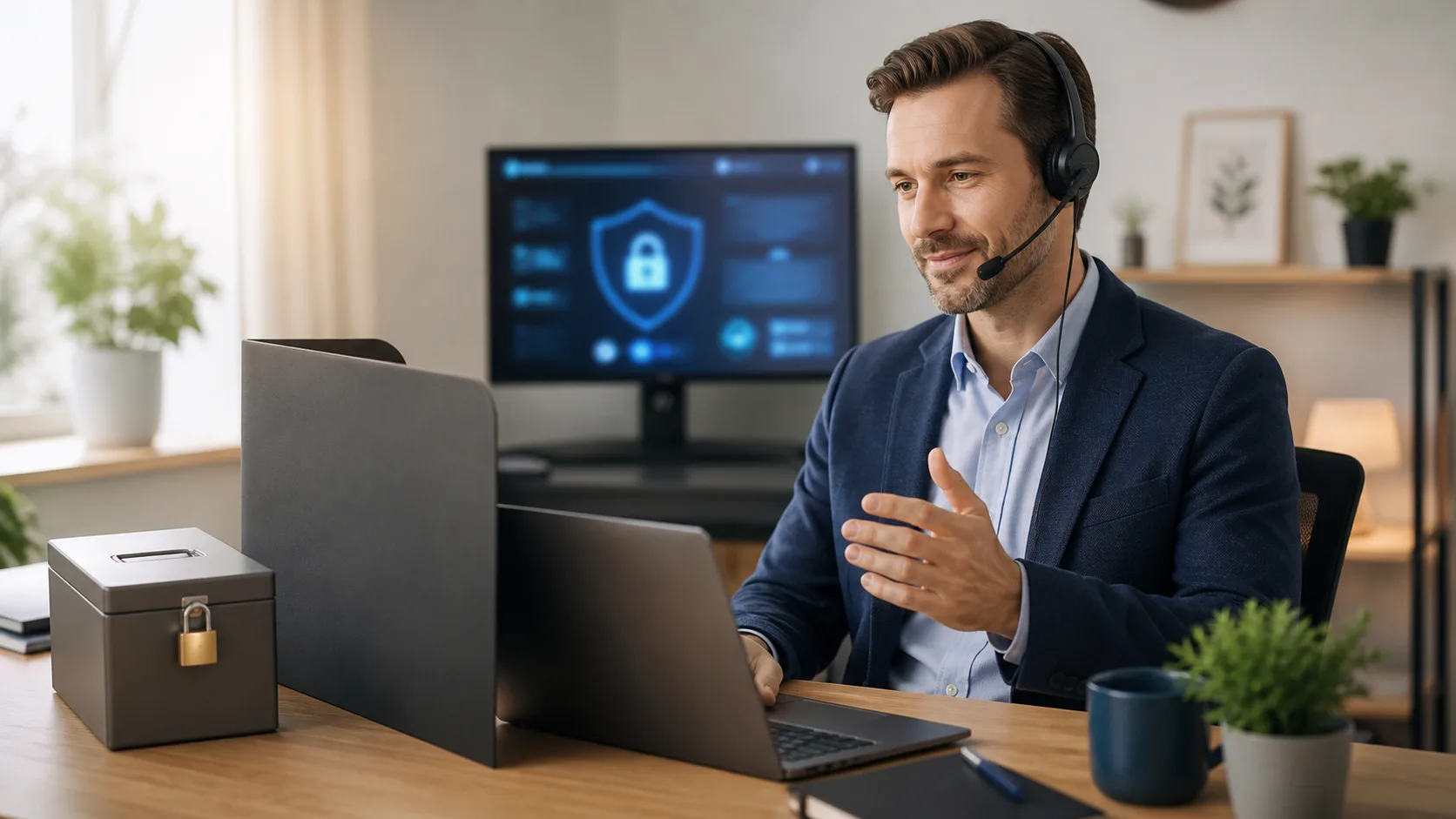
As more care moves outside clinic walls, the tools we use to document care have to keep up. A medical dictation app can make remote notes faster and clearer, but it also brings new security questions when you are working from home, a satellite office, or an on-call room.
In this article, we will walk through what makes a medical dictation app safe, where the weak spots appear for remote work, and how to tighten things up before respiratory season hits full swing. Our goal is to give clinicians and IT leaders simple, practical checks they can use to protect patients while keeping documentation moving.
Telehealth, hospital-at-home programs, and hybrid schedules are now part of daily life. When flu, RSV, and other respiratory illnesses surge, remote coverage grows even more. That means more notes dictated from spare bedrooms, small offices, and on-call spaces.
Secure clinical documentation is not just a tech issue. It touches patient trust, professional standards, and regulatory risk every time a note is created. When speech recognition sits at the center of that work, we have to ask some direct questions:
Platforms like Nuance Dragon Medical One are built with healthcare-grade security and compliance in mind, and authorized providers are trained to support that. Still, it is worth taking time now to test your current setup so remote teams are ready when winter volumes climb.
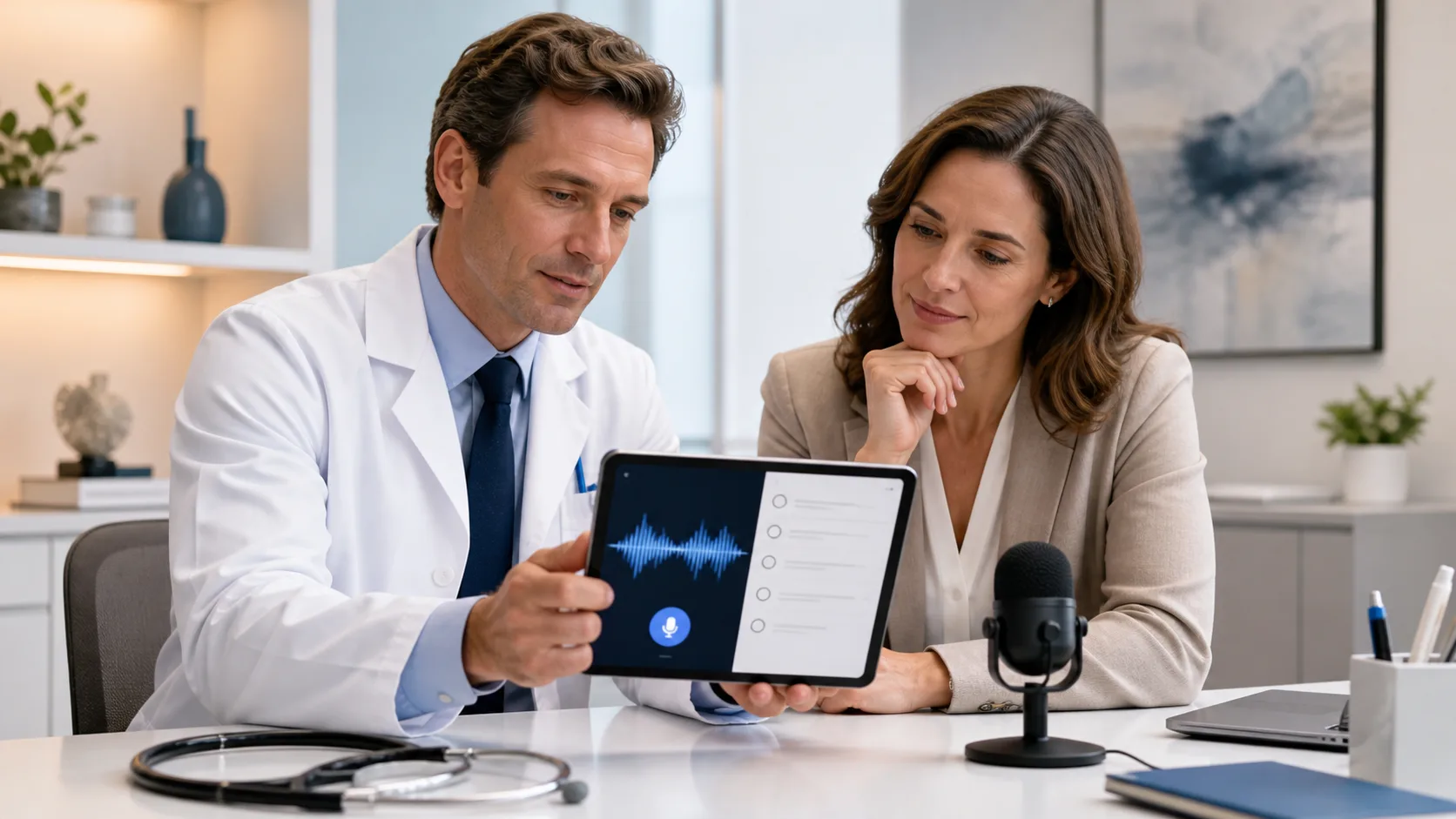
For remote and hybrid clinicians, a medical dictation app is often the difference between finishing notes today or dragging documentation into the weekend. Speech recognition fits naturally into:
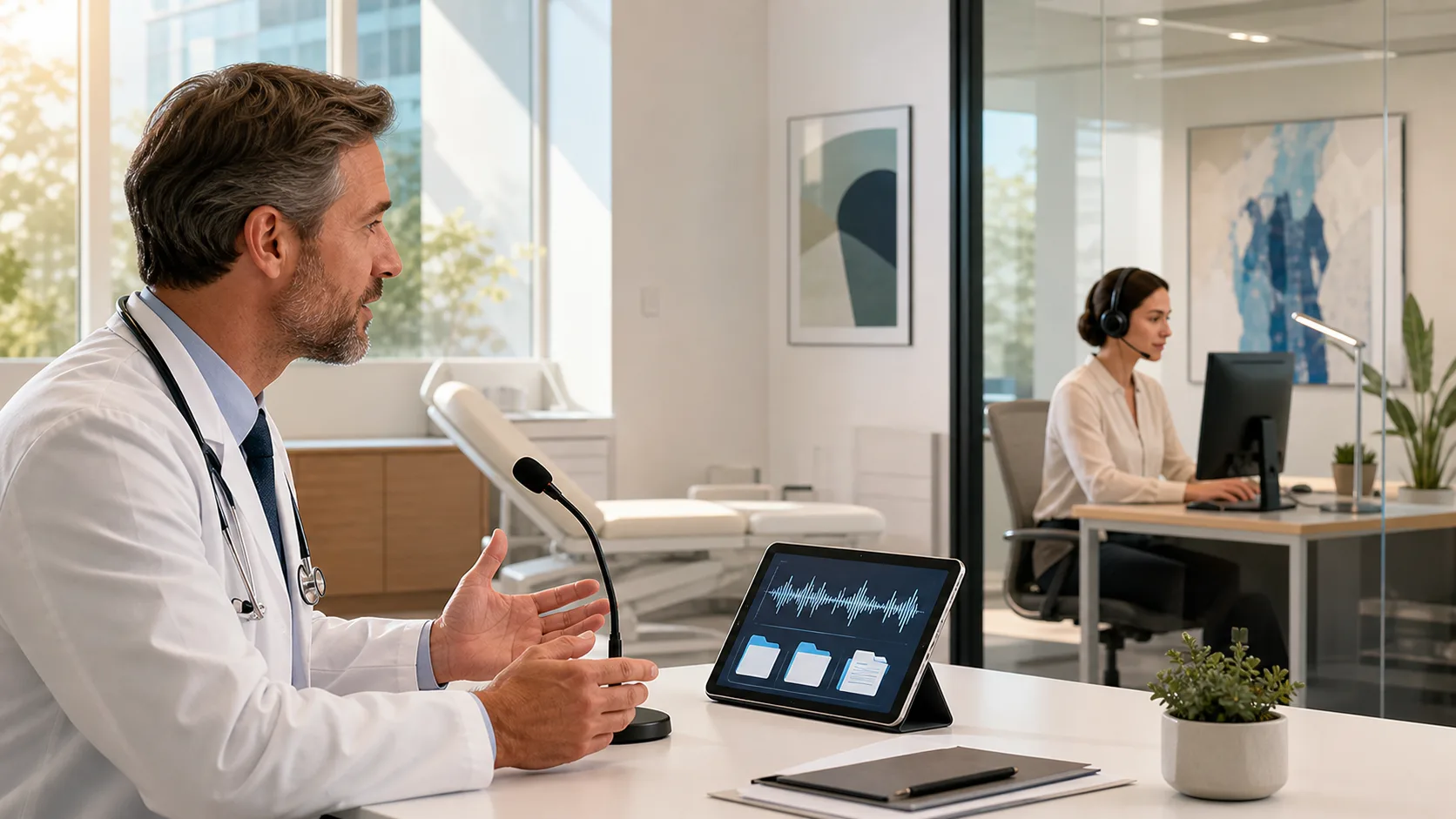
Talking through an assessment is usually faster than typing it. That speed matters when you are moving from video visit to video visit, juggling kids at home, or charting from a call room after midnight. A good app helps:
There are comfort benefits too. Long stretches on a laptop can strain wrists, neck, and back. Dictation lets clinicians sit in a more natural position and look at the patient or camera instead of the keyboard.
Because cloud-based speech recognition travels with the user profile, commands and vocabularies can stay consistent across devices. Whether you are on a hospital PC, a home desktop, or a clinic laptop, you can use the same templates and voice shortcuts.
Once dictation moves out of the secure hospital network, the risk picture changes. Some of the biggest trouble spots show up in everyday habits, such as:
Data exposure can happen in quiet ways. Audio or text might be:
There are also identity and access risks, including weak passwords, shared logins for convenience, and phishing emails that look like IT messages when staff are tired or rushed. Once a criminal has access to an account, they may reach far beyond one note or one visit.
All of this ties into regulatory rules around protected health information and breach reporting. A small habit, like using a personal dictation app just for one quick note, can open the door to bigger problems for both the clinician and the organization.
When you choose a medical dictation app for remote work, a few security features should be non-negotiable. On the technical side:
Healthcare-specific compliance also matters. The platform should support HIPAA and HITECH requirements and align with state privacy rules where care is delivered. This is especially important when clinicians are working across state lines in regional systems.
Cloud architecture plays a big role. A well-designed cloud dictation app typically:
In a setup like Nuance Dragon Medical One, the difference between user data and patient data is a key design point. The system can learn a clinician’s voice and style without needing to keep copies of actual patient notes on personal hardware.
Even with a secure platform, everyday habits make or break safety. Remote clinicians can raise their security level with a few simple workflow choices:
Network hygiene is another key piece. Remote staff should:
Identity protection closes the loop. Strong practices include unique credentials for each user, multifactor authentication where offered, and a healthy level of doubt around links or attachments that ask for logins. Short, focused refreshers on phishing and safe remote work can help keep this top of mind.
For IT and compliance teams, now is a smart time to:
Nuance Dragon Medical One is built as a cloud-based platform, which affects how speech and text move through the system. Audio is captured on the approved device, sent through encrypted channels, processed in secure environments, and returned as text to the clinical application.
Key protections include secure transmission, hardened hosting, and identity and access management that supports healthcare needs. User roles, permissions, and monitoring help organizations keep closer control over who can access what, from where, and when.
As an authorized provider of Nuance Dragon Medical One, we at DragonMedical.One support teams as they plan deployments, configure settings, and train users in ways that align with existing security policies. Our focus is on helping clinicians work quickly, including during high-volume respiratory seasons, without asking IT leaders to trade away institutional safeguards.
With the right platform and practices, remote and hybrid clinicians can enjoy fast, responsive medical dictation while patients’ information stays protected, whether care happens in the clinic, in a satellite office, or from home.
If you are ready to spend less time typing and more time with patients, our medical dictation app is built to fit seamlessly into your workflow. At DragonMedical.One, we focus on accuracy and speed so your notes stay complete, compliant, and easy to review. We will work with you to tailor setup and training to your specialty and documentation style. Have questions or want to see how this works in your environment? Just contact us to get started.