Shift notes have always been part of keeping the day on track, but lately they seem to take up more time than ever. With summer here and staffing shifts changing, it often feels like we are constantly catching up. Extra patients, cross-coverage, or bouncing between floors means we are working from different locations and adjusting to new routines.
More digital tools are making this easier, especially programs that let us dictate instead of type. A voice to text program Windows offers a fast, efficient way to speak notes while they are still fresh. When tools like this fit into how we already move through our shifts, charting starts to slip back into place. Clean, consistent notes can happen throughout the day so we spend less time backtracking when we are tired.
It is easy to fall behind when things get busy. Between responding to pages, reviewing labs, or checking in on patients, note-taking usually gets pushed to the end of the shift. But that time runs out fast too.
The more the backlog grows, the more pressure we feel. That pressure can show in our notes, which sometimes come out thinner or less clear than we intended. It only gets harder later when someone else picks up those same notes and tries to make sense of them.
Talking instead of typing helps us keep pace, even on days when everything moves fast. Speaking our notes out loud taps into how we naturally think. It is easier to say what happened in the moment than try to piece it together later.
A short break in a hallway or a quiet moment before the next appointment is often enough. Speaking out loud helps us stay connected to the information without slowing down.
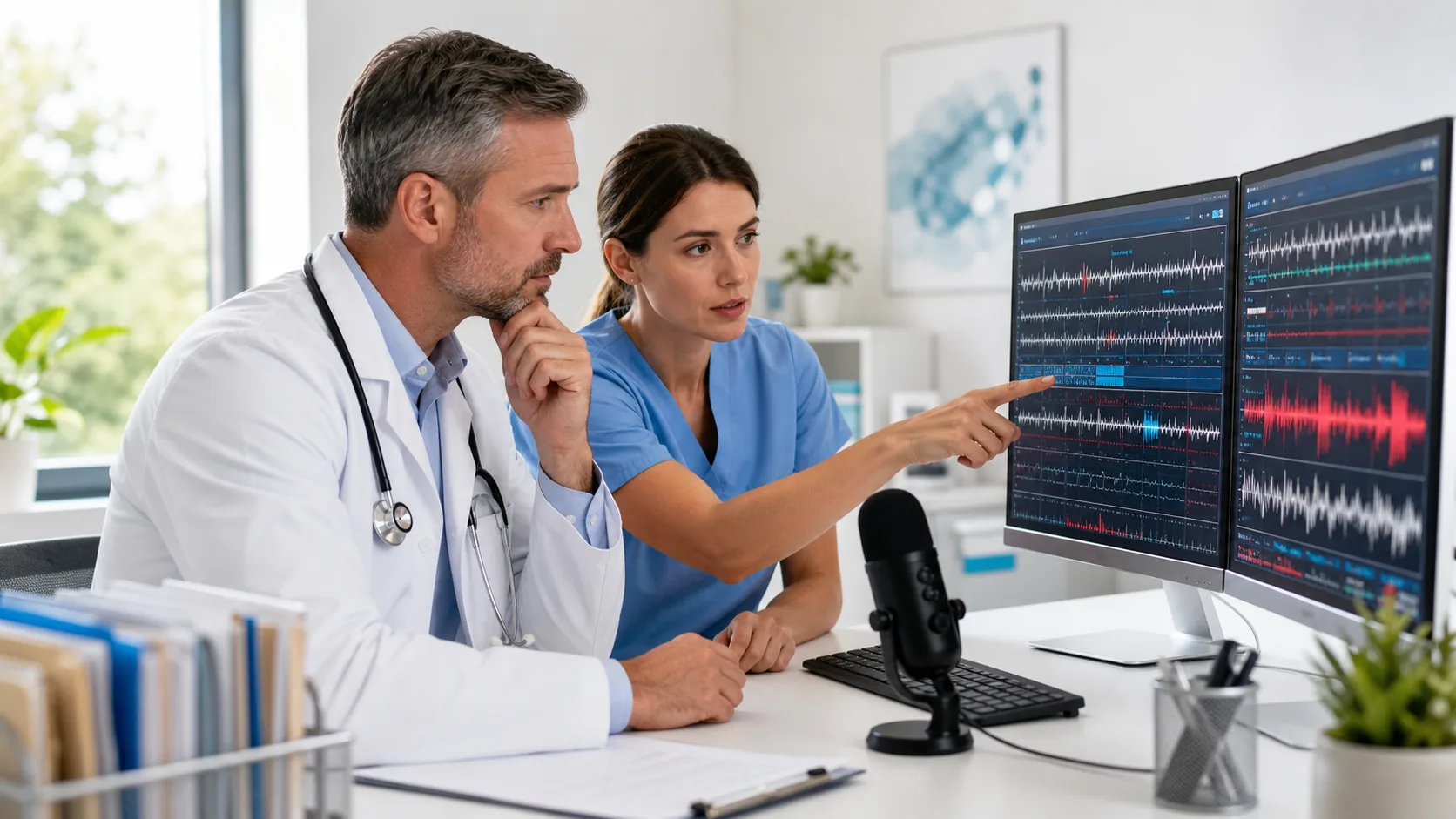
What makes real-time voice tools work for notes is how well they catch what we say. Using a voice to text program Windows that understands medical terms and can follow our speaking style makes a big difference when we are in a hurry.
The real advantage is that we do not have to adjust how we speak. There is no need to slow down or repeat ourselves because the system understands right away. That saves us minutes now and avoids editing later.
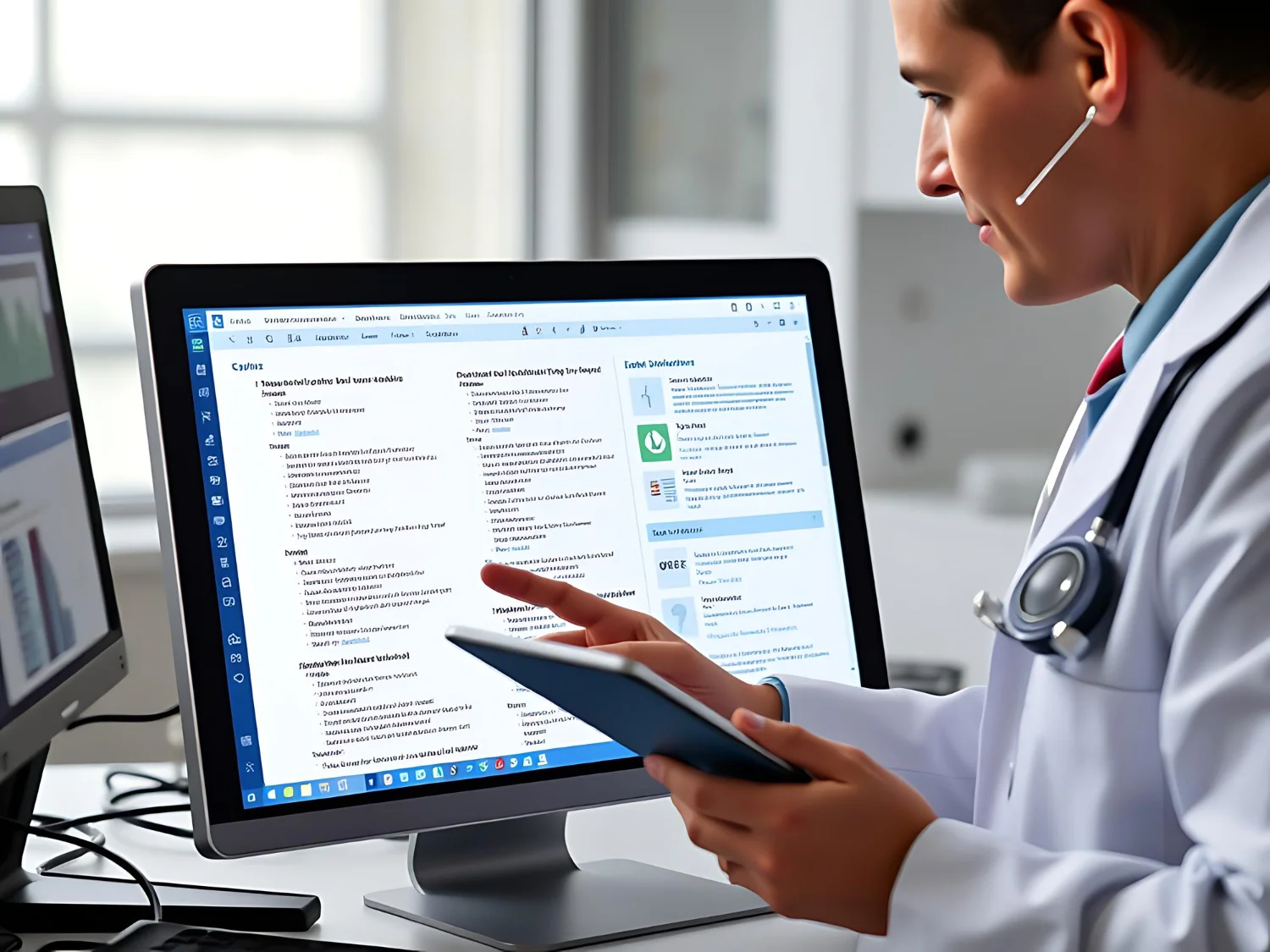
Dragon Medical One uses an AI-powered engine to accurately transcribe medical speech with real-time formatting, allowing users to issue hands-free commands, navigate templates, and correct entries instantly in their EHR.
Shifts often mean bouncing between rooms, units, and even buildings. We cannot always count on having the same computer or setup all day. That is why it helps when our voice tool works no matter where we are.
A setup that travels with us keeps things simple. Whether we are at a shared desktop in the clinic or documenting from another floor, we can keep our work consistent. That frees up time to focus on patients and reduces the mental clutter of switching environments.
Dragon Medical One’s cloud-based solution keeps your voice settings, user profile, and templates consistent across all Windows workstations and PowerMic Mobile-enabled devices, supporting flexibility wherever your shift takes you.
By the end of a shift, it is hard to find the energy to catch up on all the charts that piled up. When notes are handled throughout the day through voice, we take some of that weight off our shoulders and minds.
Dragon Medical One leverages real-time speech recognition to help staff complete shift notes as they happen, reducing end-of-day stress and making documentation less draining, even during coverage transitions.
It is not just about saving time. It is about stepping out of work feeling like what needed to get done actually got done. That peace of mind can really matter in longer stretches or after covering extra shifts.
When everyone is stepping in and out of different roles during the week, clean documentation helps keep everything on track. Voice-first notes that are written clearly and on time reduce guesswork for the next provider.
Small changes in how we document can have a big effect on how the whole shift functions. Handovers feel smoother, questions are fewer, and everyone moves forward with the same background.
Using tools that let us speak notes instead of type helps us stay focused, make things easier for our coworkers, and still leave work with energy left in the tank. Now that summer is in full swing and schedules are shifting, lightening that load makes a difference we feel every day.
Boost your charting efficiency this summer with the time-saving tools from Dragon Medical One. Our software streamlines documentation with features designed for your workflow and settings that stay consistent wherever you log in. By using a real-time voice to text program Windows, you can speak naturally, document quickly, and maintain smooth shift transitions. Let us help you spend less time on notes and more time focused on patient care, contact Dragon Medical One to get started today.