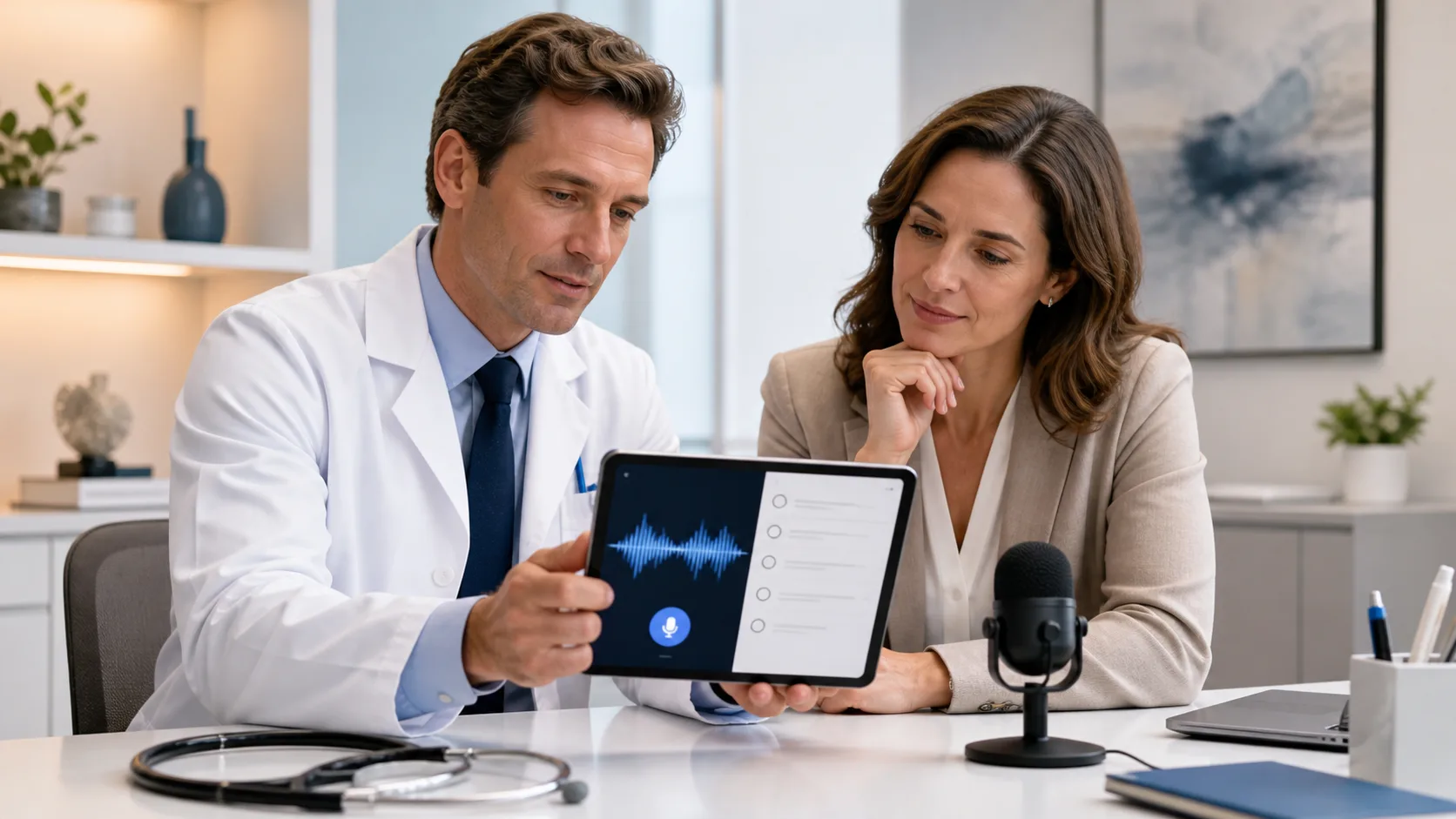
Clinical days rarely run on schedule. Notes get squeezed into a few minutes between patients, during a quick break in the hallway, or in the car before heading home. When time is tight, it is very tempting to grab any medical dictation app that seems fast and easy so the charts get done.
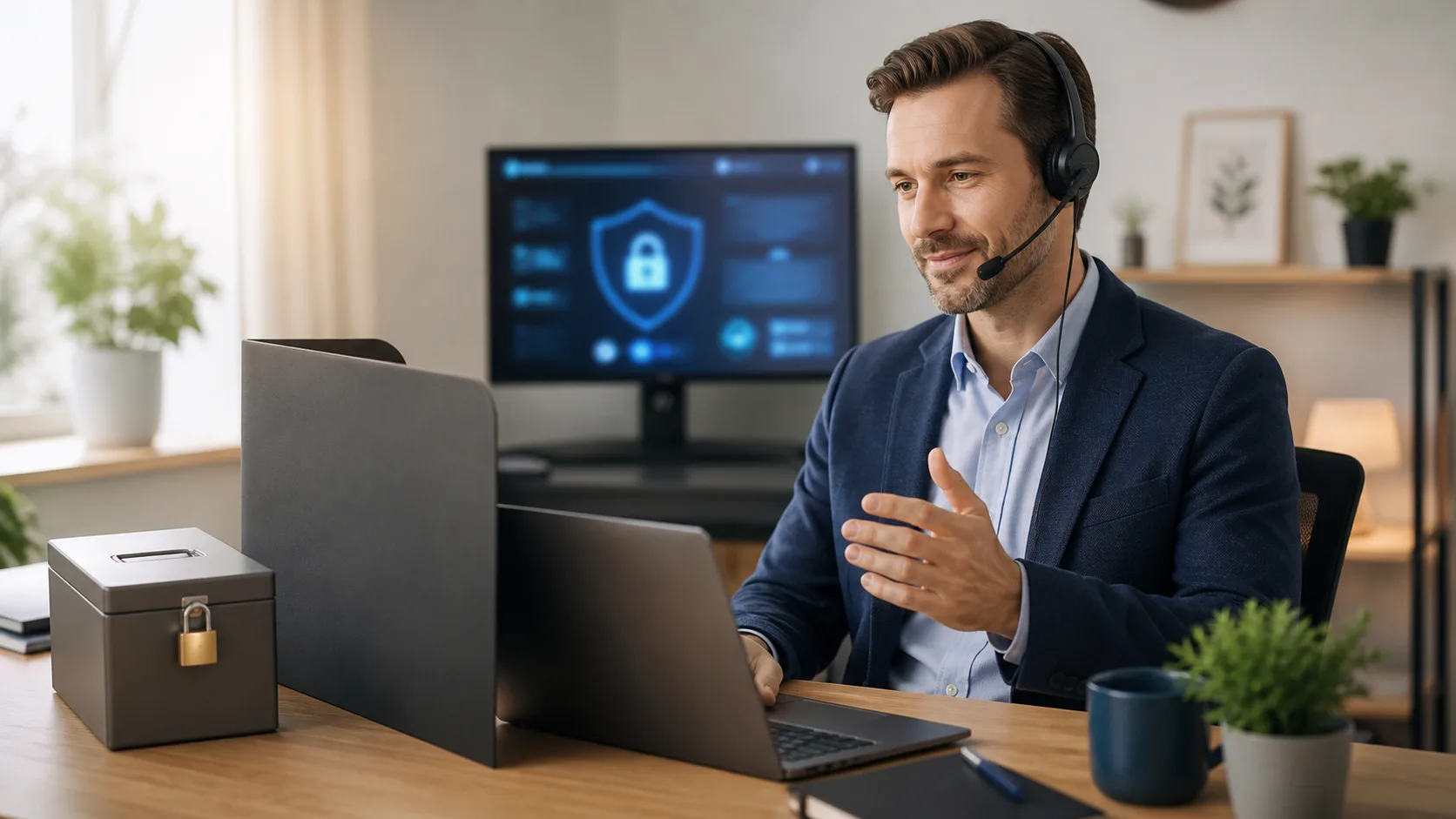
That shortcut can quietly open the door to serious security problems. Ransomware stories, stricter privacy rules, and growing patient concern about data breaches are not just “IT problems.” They touch every person who speaks protected health information into a phone, tablet, or computer.
Here, we want to focus on the specific security gaps that hide inside many dictation tools, especially consumer-style apps dressed up with medical vocabularies. These tools can feel convenient, but they are often not built for protected health information at all. As a cloud-based medical speech recognition provider, we see the difference every day between healthcare-grade dictation and “good enough for personal notes,” and it matters more than many people think.
Most of us have a dictation feature already sitting on our phone or laptop. It is right there, free, quick to launch, and simple to understand. When the clinic is running behind and charts are piling up, that kind of convenience is very hard to ignore.
The problem is that these general tools are usually not designed as a true medical dictation app. They may not come with the privacy safeguards that protected health information requires. They are often meant for texts, emails, and reminders, not clinical notes.
Common gaps with consumer dictation tools include:
Another risk many people miss is how much extra data gets bundled in. That can include device type, location clues, and identifiers tied to personal accounts. When those details sit next to dictated clinical content, they can raise privacy issues that are easy to overlook in a busy workday.
Modern phones, laptops, and tablets love to sync. Audio files, transcripts, even screenshots can slide into consumer cloud services without the user really noticing. A clinician may think they are saving a file locally, but in the background it may already be in a personal cloud drive.
Some common misconfigurations we see include:
This gets even trickier as seasons change. During fall flu waves and winter surges, mobile use tends to spike. People chart in their cars, on home laptops, and on extra personal devices they grab for a late-night telehealth shift. Every one of those endpoints is a chance for protected data to land in the wrong place.
A cloud-native medical dictation app should make the secure path the easy path, with encrypted transmission, clear separation of protected health information, and data stored in controlled locations. Admin tools also matter, so IT can turn off risky sync settings, manage retention, and apply the same rules across many devices and clinics.
Bring-your-own-device habits often start with good intentions. A clinician just wants to be helpful, pick up one more shift, or finish notes from home when the Wi-Fi at the clinic is slow. That is when personal phones, home tablets, and even smartwatches slide into the workflow.
Some of the most common gaps we notice are:
On colder, darker days when everyone is stretched thin, it is easy to just grab whatever device is closest. But if that device is not locked down with passcodes, biometric access, and encryption at rest, patient data may be one step away from a stranger.
A more secure pattern is to pair a medical dictation app with tools that IT can manage. That means enforcing screen locks, encrypting local storage, controlling which apps can see the microphone, and having written rules for what happens if the device goes missing. It is not about slowing clinicians down; it is about making the safer path feel just as quick.
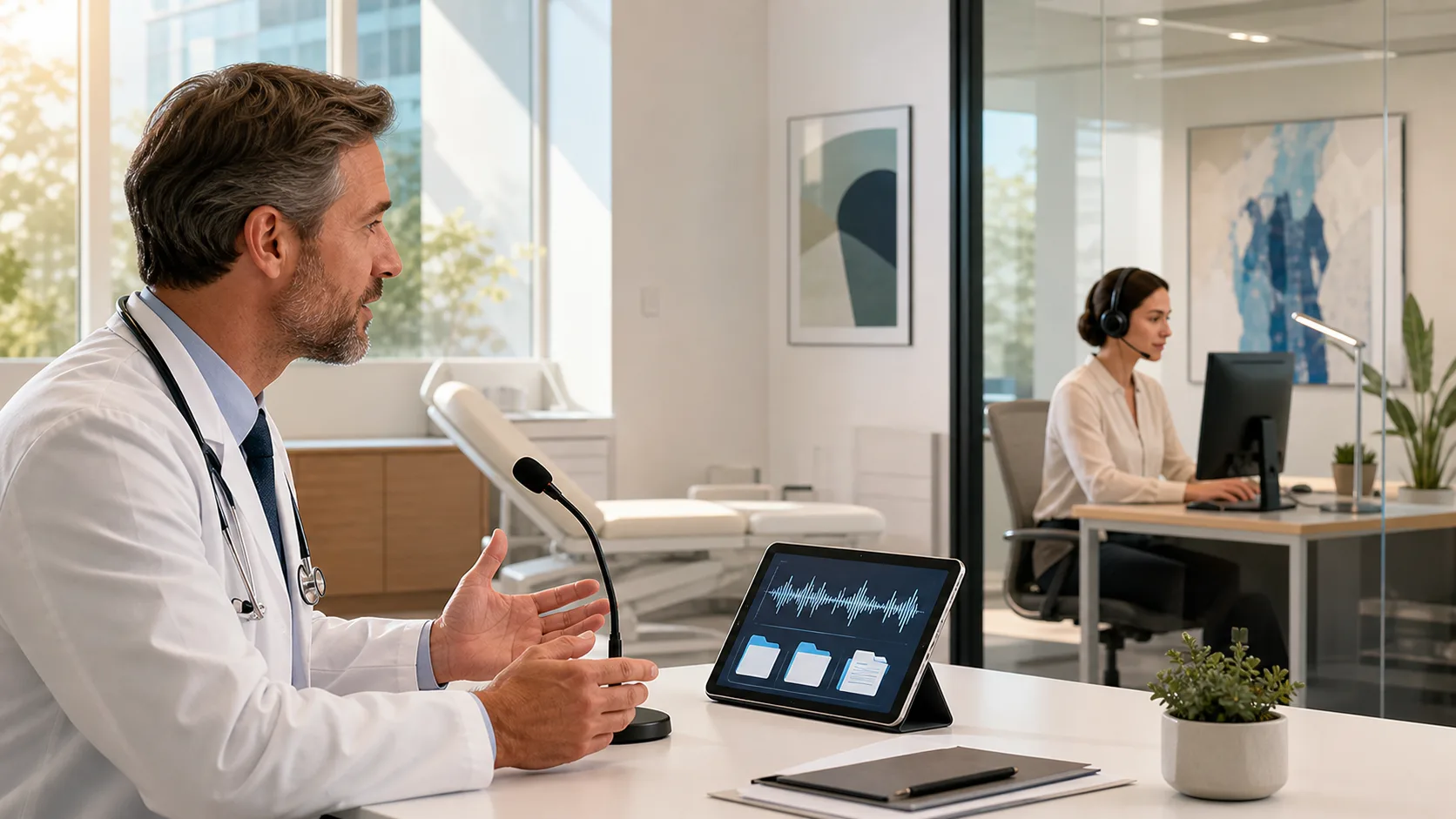
When a dictation tool sits inside an EHR window, it looks safe. It feels like it must have passed all the checks if it appears right on the clinical screen. That sense of comfort can hide real risks.
A few integration blind spots we see often:
A purpose-built medical dictation app should integrate through audited APIs, tie activity to the clinician’s existing login, and leave a clear record of what was dictated and when. It should also plug into the organization’s vendor review and security policies so IT is not surprised later by hidden data flows.
At Dragon Medical One, we focus on this kind of healthcare-grade integration, because speech should fit into existing workflows without creating new cracks for data to slip through.
When charts are stacked high and halls are full of coughing patients, it might feel harmless to lean on whatever dictation tool is closest. But a single overlooked gap, like a synced audio file in a personal cloud or a forgotten app on a shared tablet, can turn into a reportable breach. That leads to stress, time away from patients, and trust that is hard to rebuild.
A simple way to start tightening things up is to walk through a short checklist with the clinical and IT teams:
The goal is not to take away speed or flexibility. It is to match the pace of clinical work with tools that treat every spoken word of patient information with the care it deserves. At Dragon Medical One, we built our cloud-based medical speech recognition around that idea, so clinicians can document quickly while organizations protect what matters most: their patients’ trust.
Experience how DragonMedical.One can help you capture patient encounters faster and more accurately with our powerful medical dictation app. We design our solutions to fit seamlessly into your workflow so you can focus more on patients and less on paperwork. If you have questions or want tailored guidance for your practice, reach out through our contact page.