Busy clinics feel the strain long before winter arrives. By late fall, schedules are packed with flu and RSV visits, chronic care check-ins, and patients trying to use benefits before year-end. That is also when documentation pressure hits hardest, with long evenings spent finishing notes instead of resting.
In that crush of work, the tools we use for charting matter. Many teams lean on question-based templates to move faster, while others turn to medical dictation software to keep up. Let us walk through how each approach really works, where they help, where they get in the way, and how a smart mix can protect both patient care and clinician well-being.
When the waiting room is full and cold weather brings wave after wave of illness, even simple visits can pile up. By late afternoon, it is common for providers to be several notes behind, trying to remember details from visits that happened hours earlier.
Question-based templates and checklists became popular as a quick way to standardize notes. They promise:
That helped for a while. But as volumes grow toward the end of the year, many clinicians feel stuck between rigid forms and never-ending documentation.
The real question is not just speed. It is how question-based documentation compares to modern medical dictation software, and how that choice shapes patient stories, clinician sanity, and practice efficiency when things are at their busiest.
In a typical point-and-click workflow, the chart drives the visit. The screen shows fields for every part of the note, such as:
There are clear benefits to this style:
But the drawbacks show up fast during heavy fall and winter schedules. Providers often face cognitive overload from long lists and rigid paths through the visit. It can feel like doing a survey instead of practicing medicine.
This can lead to:
When you are trying to see many sick patients before a holiday break, that extra time and mental load add up.
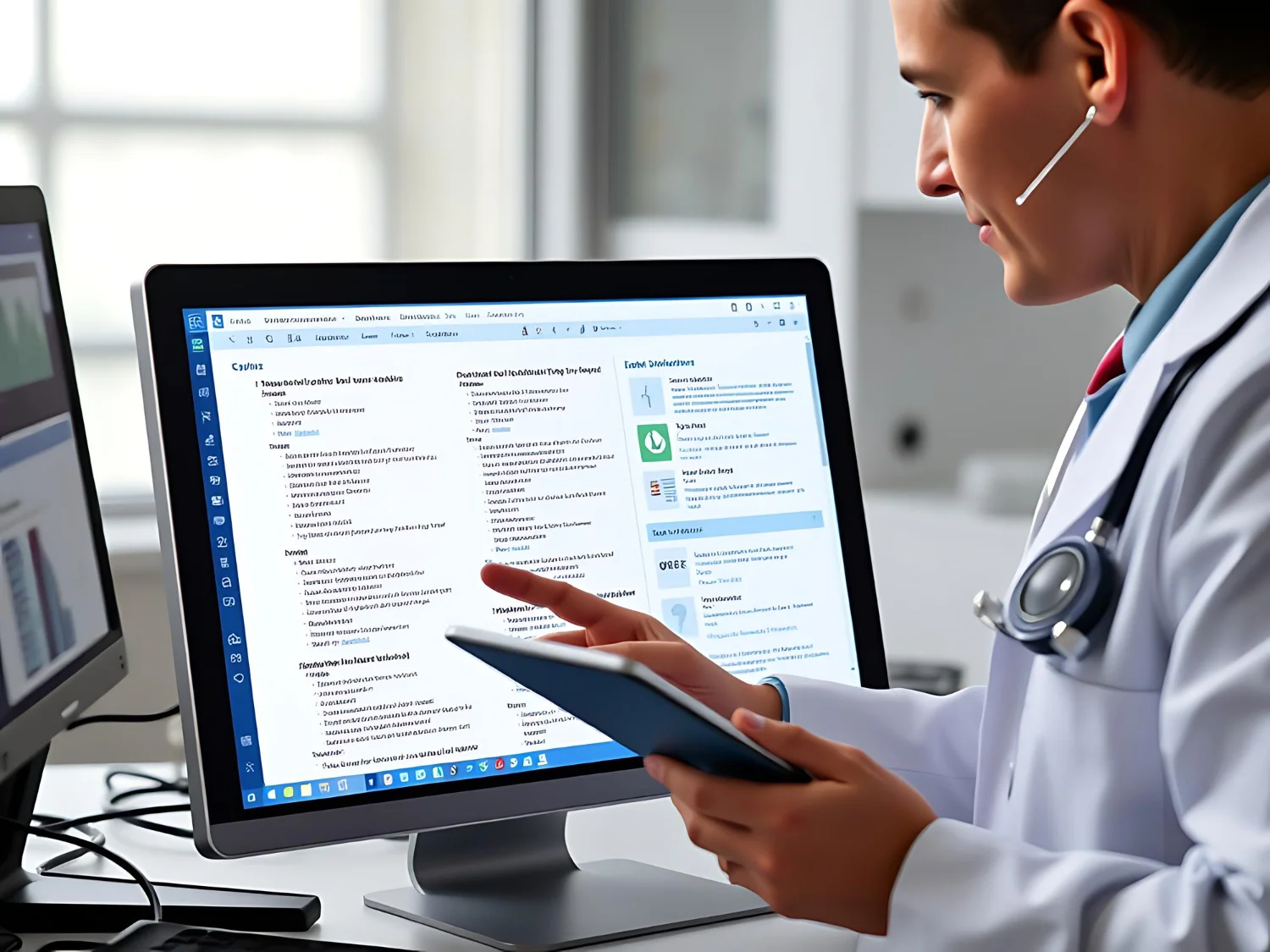
Medical dictation software has changed a lot. Current tools are cloud-based and use AI that is tuned to medical speech. They are built to understand clinical terms, acronyms, and drug names, and they run inside the EHR on Windows devices many clinics already use.
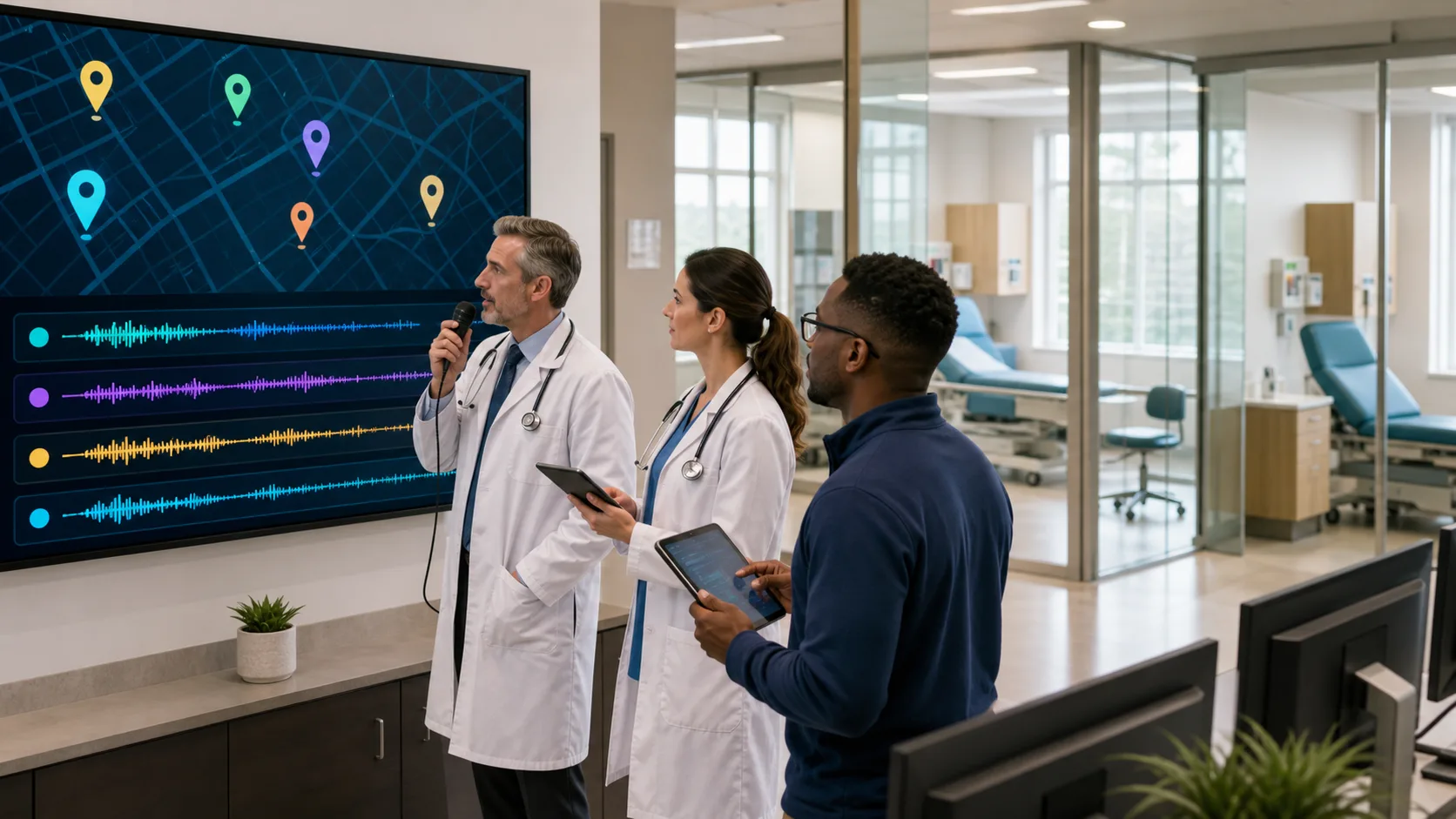
The big difference is how the note gets built. Instead of the chart leading the visit, the clinician can speak in a natural way, telling the patient’s story from start to finish. Free-form dictation lets providers:
When combined with EHR features, it is still possible to capture needed structured data. The narrative and discrete fields can work side by side.
For many teams, the main draw of medical dictation software is speed compared with typing. When clinics are full during cold, wet weather and everyone wants to be seen before the weekend, speaking notes instead of typing can reduce after-hours charting and protect some personal time.
Question-based documentation and dictation are not enemies. They are different tools, and each shines with certain kinds of visits.
Question-based templates tend to work well for:
Medical dictation software often works better for more complex situations, like:
When notes are built mostly from scripted fields and drop-downs, they can all start to sound the same. That can hide important nuance and make it harder to see clinical judgment on review. Dictated notes, in contrast, tend to reflect how the clinician actually thought through the visit.
For compliance and risk, the strongest option is usually a mix of both. Structured questions help capture what must be documented, and dictated narrative fills in the “why,” which can support coding detail, approvals, and audits that often look back across many months.
When we talk about return on investment, time is the first thing many people think about. But it is not only how long a single note takes. It is how the whole day feels.
With long, form-based questionnaires, minutes spent clicking can stretch each visit and push notes later into the evening. With medical dictation software, the time is spent speaking instead of hunting through menus, which can help keep documentation closer to real time.
That affects burnout too. Common pain points with heavy template use include:
When clinicians can talk through the visit while still being present with the patient, it often feels more like a normal conversation and less like a data entry job.
Patients notice the difference. During high-stress seasons, like when respiratory illness is spreading quickly, they tend to appreciate calm, direct communication. Fewer clicks and more listening can support trust, satisfaction, and engagement with care plans.
The good news is you do not have to choose between questions and voice. A hybrid workflow can give you the best parts of both.
A simple plan many clinics use starts like this:
Rolling this out takes a bit of planning, especially ahead of busy fall and winter months. Helpful steps include:
Good change management also matters. It helps to involve clinical champions, track note completion times, and watch after-hours work before and after adding dictation. As the season progresses, feedback from your team can guide tweaks so the workflow feels natural instead of forced.
As days get shorter and clinics fill up, it is a good time to pause and look at how documentation really feels. Where are question-based workflows supporting your work, and where are they slowing everyone down or flattening the patient story?
At DragonMedical.One, we focus on helping clinicians add cloud-based medical dictation software like Nuance Dragon Medical One to the tools they already use, so documentation becomes more about clear clinical thinking and less about endless clicking. By balancing structured templates with spoken narrative, teams can reduce backlogs, protect more personal time, and carry a more sustainable documentation strategy into the new year.
Experience how DragonMedical.One can help you document faster and more accurately with our medical dictation software. We build our tools so you can spend less time typing and more time with patients. If you have questions, need a demo, or want help choosing the right setup, just contact us. Let us show you how a streamlined dictation workflow can support better care and less after-hours charting.