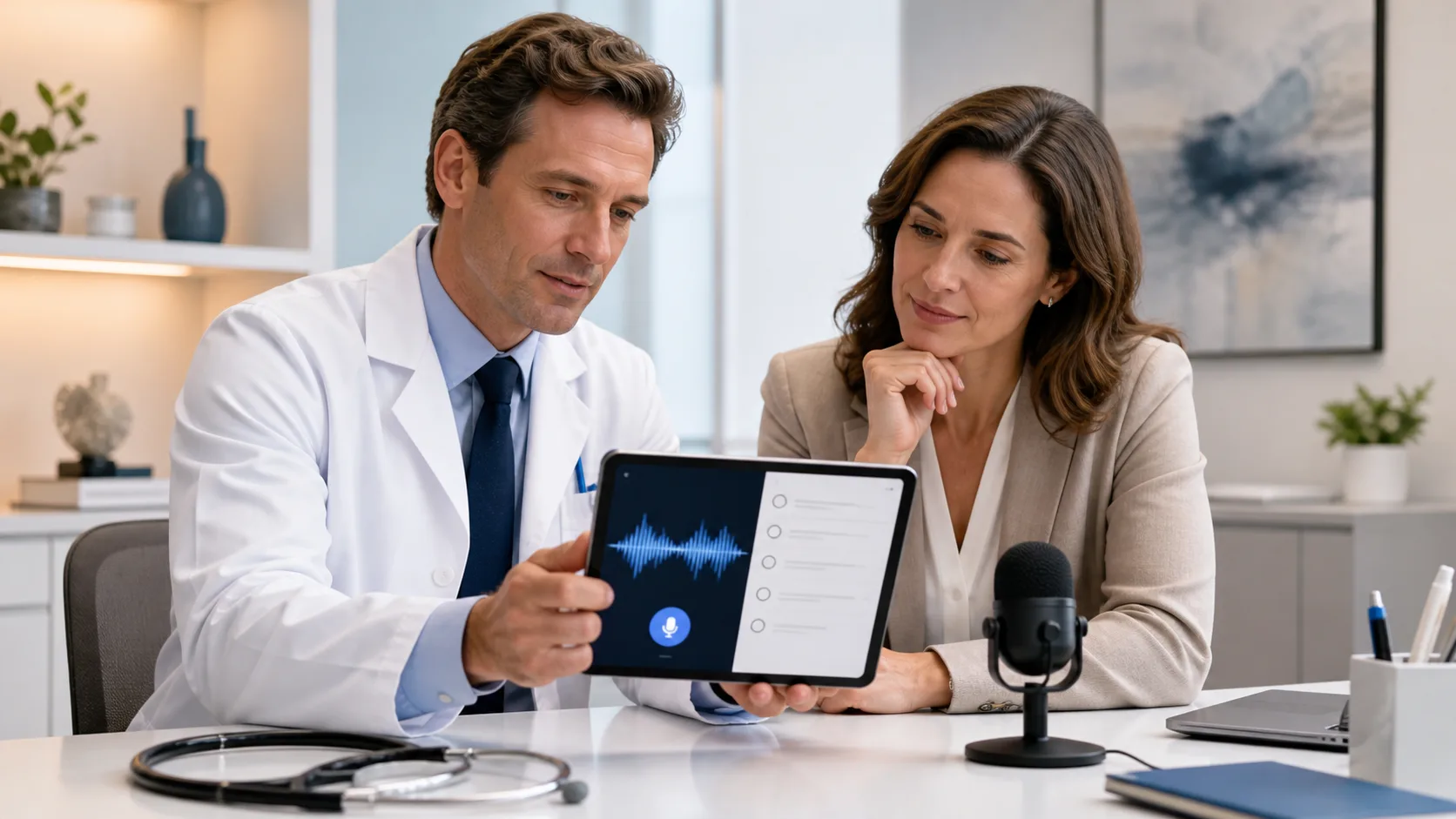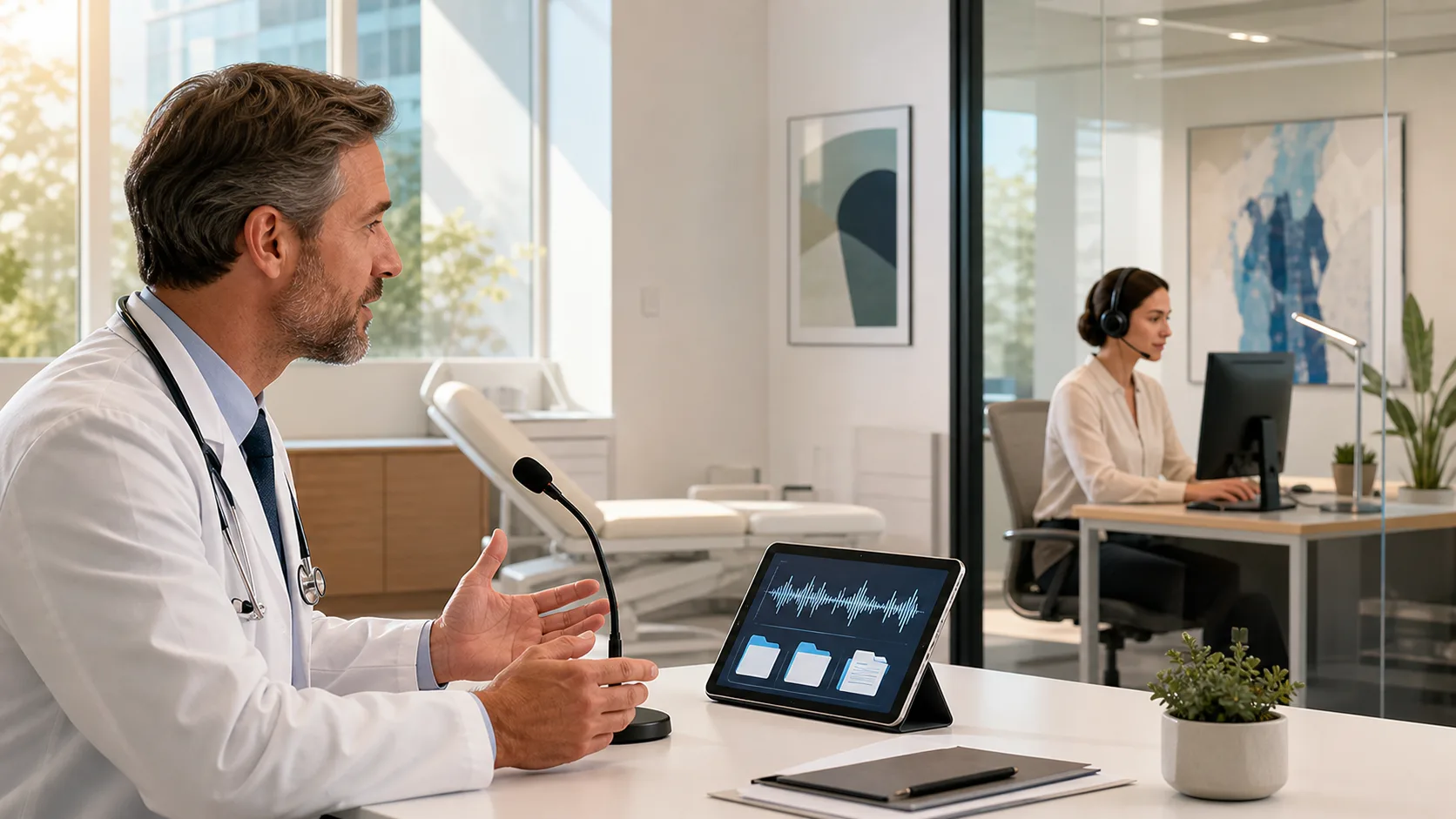
Medical speech recognition should feel like a natural extension of how clinicians think and speak. When it does not, it can feel like one more thing to fight at the end of a long clinic day. Many clinicians blame the software, but in our work with teams, we see something different. Quiet workflow habits in the background often cause the errors, restarts, and slowdowns.
Those small snags add up. A few extra minutes fixing each note can turn into an extra hour after a day of back-to-back summer-clinic days. That means later evenings, higher stress, and more chances for missed details. Here, we will walk through common workflow patterns that quietly break medical speech recognition and share simple, low-friction ways to smooth them out.
Many clinicians dictate while bouncing between tasks. It is common to see someone dictating an assessment while:
In late summer, when schedules tend to be packed and people are trying to take time off, this multitasking gets even heavier. The brain splits attention between the patient story, the EHR, and the outer world. That is when speech gets choppy. Sentences trail off. Words get clipped as the clinician turns away from the microphone.
All of this affects accuracy. Speech recognition hears exactly what is said, not what was meant to be said before the mind jumped to the next task. The audio may also shift as the speaker leans back, stands up, or looks toward a colleague, which makes recognition harder.
A few gentle workflow tweaks can help:
These changes do not add work. They simply protect a small pocket of focus so speech recognition can do its job well.
EHR templates can quietly pull speech recognition off track. Many systems use complex layouts with nested fields, checkboxes, and long SmartPhrases. When the cursor is not where the clinician thinks it is, the words still go somewhere, just not to the right spot.
Common template traps include:
When free narrative and rigid template structure collide, notes can become confusing. The voice engine is not broken; it is simply following the cursor and the rules of the EHR.
Helpful ways to reduce these conflicts:
By keeping the path clear, the software can follow the clinician’s intent more closely.
Even strong speech recognition can be dragged down by small hardware habits. Many clinicians switch between a desktop in the office, a laptop in a workroom, and a tablet on the go. Some use built-in microphones near busy nurse stations or move the device while talking.
These small shifts matter, because the engine listens for:
If one note is dictated into a quiet smartphone microphone and the next into a noisy built-in laptop mic by the nurses’ station, accuracy can swing. In crowded clinics, especially during warm weather when doors are open and fans are running, that background sound only gets louder.
Simple fixes often work best:
With a cleaner signal, the voice engine can focus on the words, not the noise.
Copy-paste feels fast, especially when clinic is running behind. Many clinicians pull in old notes, long problem lists, or past plans, then start dictating updates on top. On the surface, this seems efficient. Underneath, it can clash badly with speech recognition.
Trouble starts when:
The engine faithfully writes what it hears, even if the text on the page is now a mix of old and new. The result can be bloated, confusing documentation that takes even longer to clean up.
Alternatives that support clearer dictation:
This keeps the narrative part of the note clean and current, which makes speaking and reviewing easier.
Medical speech recognition does not live in a vacuum. It works inside real clinics, with real teams, and that means the people around it matter as much as the software itself. Clinicians, scribes, nurses, and IT staff all touch the workflow.
We see quiet failure points like:
When every person uses the tool in a different way, it is harder to share tips and refine workflows. A simple, shared playbook can help everyone row in the same direction.
That might include:
With shared habits, medical speech recognition becomes more predictable for the whole team.
The biggest gains in medical speech recognition rarely come from changing the software itself. They come from smoothing the patterns around it: the multitasking, templates, microphones, copy-paste habits, and team training.
We encourage clinicians and leaders to pick just one or two small changes and try them for a few weeks, such as a quiet minute for dictation after each patient, standard templates for top visit types, or a consistent secure mobile microphone. Small, steady shifts like these can turn everyday dictation into a smoother, more sustainable workflow that supports accurate clinical documentation all year long.
Discover how our medical speech recognition can help you reduce documentation time and focus more on patient care. At Dragon Medical One, we partner with healthcare teams to streamline workflows and improve note quality across specialties. If you would like tailored guidance or a walkthrough for your organization, please contact us to speak with our team.