Typing out medical notes during clinic hours slows everything down. We know how quickly charts begin to stack up, especially when appointments run long or unexpected tasks come up. Every click, scroll, and typed sentence adds minutes we often do not have.
Voice to text PC software gives us a faster, more natural way to keep pace with documentation. Instead of pushing through piles of end-of-day notes, we can speak what we are already thinking and get it recorded right away. It fits better with how we work and saves time without adding more effort. Let us look at how this kind of tool makes our days smoother by improving speed, comfort, and note accuracy throughout the day.
Typing during a patient visit makes it harder to focus on what really matters. Shifting our attention between the screen and the person in front of us can make conversations feel off balance. It is not always easy to catch every detail while we are trying to keep up with the keyboard.
Along with slowing communication, typing opens the door for more mistakes. Manual input often leads to repeated words, misplaced entries, or descriptions that miss the mark. These small errors are not just frustrating to clean up later, they can cause confusion if left in place.
Typing for hours has physical downsides too.
Most of us were trained to listen and think on our feet, not to spend half our day hunched over a keyboard. That disconnect can make documentation feel harder than it has to be.
Voice to text PC software fits into the day by letting us speak notes the way we would naturally. Because it processes speech in real time, we are not stuck waiting for files to load or trying to remember what we intended to say hours earlier.
When notes come together as we work, the whole process moves faster. We can finish up before leaving the room or catch up between visits without falling behind.
Even during short transitions between patients, we can keep momentum going. There is no buildup of work waiting at the end of the day if we stay current. It is a small shift that clears the mental weight of delayed notes and keeps afternoons from dragging longer than they should.
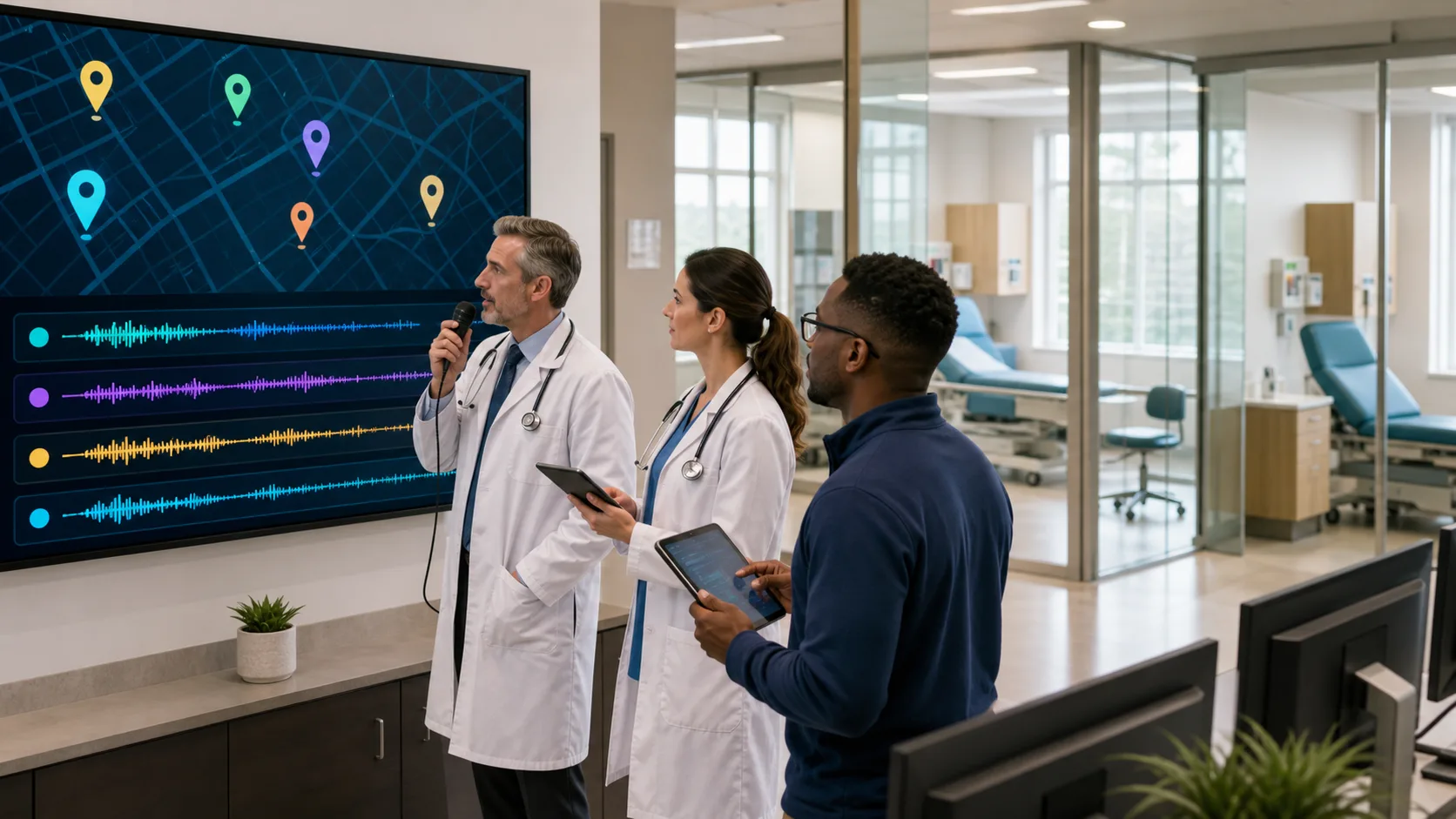
Dragon Medical One provides real-time, cloud-based speech recognition optimized for clinical charting, letting you dictate and complete notes directly within your EHR as you work.
Nothing slows documentation like stopping to fix the same kinds of small mistakes over and over. When the software understands medical terms, specialties, and the way we personally talk, the number of corrections drops.
Built-in health vocabulary helps the tool understand what we are saying without second guesses. It can even adjust to accents or speech patterns automatically, which helps with consistency.
Dragon Medical One supports more than 90 medical specialties with built-in vocabularies and customizable templates, allowing users to dictate with high accuracy, regardless of specialty or accent.
Once we have saved our preferences and vocab, things get easier the more we use it. Even adjustments to phrasing, chart structure, or workflow requests can be set with a few clicks. That means fewer edits, better memory of the visit, and more useful notes every time.
We rarely stay in one room from start to finish. Whether we are rounding, seeing patients back to back in different exam rooms, or checking in on labs between appointments, we need our tools to move with us.
Having cloud-based software helps simplify that. No matter where we sit down, our settings and user profile stay the same. That pattern lets us pick up right where we left off without missing a beat.
Dragon Medical One’s PowerMic Mobile lets users turn any smartphone into a secure, wireless microphone, syncing user profiles and templates seamlessly across all approved clinical environments.
Even if we step into a quiet hallway or take a moment in a different office, we do not lose time booting up a whole new setup. Every environment feels more predictable and calm when our voice profile follows us.
Most of us spend long days juggling people, notes, and decisions. It is easy for documentation to slip behind, especially if we type everything by hand. The longer that gap grows, the harder it is to go back and get details right.
Switching from typing to voice tools supports better daily habits.
That steady pace makes a big difference over time. We head home earlier, sleep better, and return the next day without the weight of yesterday’s charts hanging over us. When the basics go smoothly, we free up more of our time and energy for what matters most, good patient care and a clearer day-to-day routine.
At Dragon Medical One, we know how challenging it can be to juggle charts and documentation throughout your busy day. Our software lets you speak naturally and complete your notes without rushing or retyping, and there is no need for extra recording devices or complicated setup, just a quiet headset and your voice. See how a smart and simple voice to text PC software can help make your workload more manageable. Contact us today to streamline your documentation process.