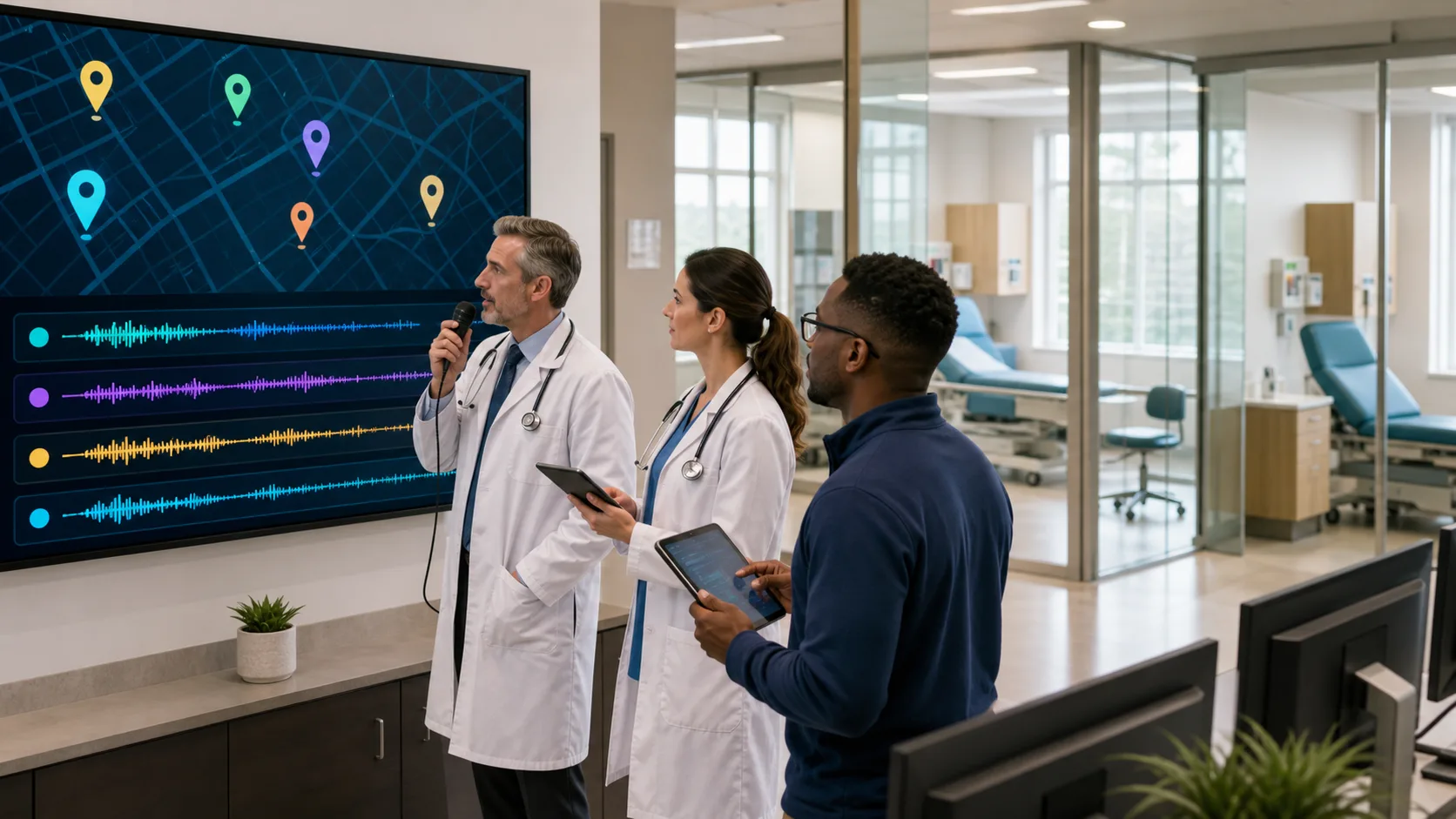
Healthcare providers carry the heavy responsibility of balancing patient care with nonstop administrative tasks. One of the biggest time drains is clinical documentation—writing out patient notes, treatment plans, and other medical records. Getting those notes done quickly, clearly, and with as few errors as possible can make a huge difference in how providers manage their busy schedules. That’s where smarter tools come into play, helping to cut down documentation time while keeping everything accurate.
Medical dictation software has become a go-to option for streamlining this part of the job. When it’s accurate, voice-powered, and flexible, it can reduce the strain of documentation and give providers more room to focus on patients instead of paperwork. Dragon Medical One is a top option for real-time dictation built specifically for healthcare professionals. This article highlights the most useful features that make it a practical choice for providers looking to save time and improve note quality.
Accuracy is one of the most important things to consider with any dictation tool. If the software isn’t getting the words right, you’re stuck proofreading, editing, or even retyping entire sections. Good software should get most of the words right on the first try without needing long hours of training or custom setup.
Some of the most helpful features in accurate software include:
Picture a provider moving quickly between patient visits, dictating notes while walking down the hall. The software’s automatic accent detection and immediate transcription mean they don’t need to stop and correct every sentence. It captures the words cleanly and quickly, helping reduce the chance of patient records being filled with typos or mistranslations. The fewer errors to fix, the more time providers have to care for patients.
Being able to talk to your software like a human assistant is a huge plus. With built-in voice control, you’re not just using the software to transcribe what you say. You’re also giving it directions.
Natural language commands let users:
Instead of using a keyboard and mouse to adjust every little thing, providers can just speak commands. Saying “Go to Assessment section” drops the cursor precisely where it’s needed. Saying “Correct that” makes instant edits. This level of voice control keeps hands free and workflows smooth, helping documentation stay fast without missing the details. When users stay in control just by talking, it reduces interruptions and keeps focus on the task at hand.
Being tied to a desktop mic can slow things down, especially for providers who move between rooms all day. That’s where smartphone mic support makes a big difference. Dragon Medical One pairs with the PowerMic Mobile app to let users turn their smartphones into secure wireless microphones.
With a mobile mic option, any workstation becomes a personal dictation station. All that’s needed is a smartphone and a secure app connection. Once connected, users can:
For busy providers, this gives a major boost in convenience. A clinician might document a patient visit in one room, finish notes from their office, and then make edits during a break in the lounge—without switching software or messing up formatting. Their smartphone becomes the one piece of gear that connects all those locations. It eliminates the limits of fixed equipment and makes sure that documentation keeps up no matter where the provider goes.
Jumping from one device to another used to mean glitches in dictation recognition or having to restart the whole process. A cloud-based, single-voice profile eliminates those issues by letting users take their profile anywhere they go. It follows them across devices, keeping preferences and settings consistent without fail.
Benefits include:
With Dragon Medical One, users don’t worry about corrupted voice profiles or having to retrain the system. Whether working from the clinic, a different department, or even home, the experience is always the same. Clinicians can finish their notes on their time without being stuck at one physical workstation. That kind of consistency improves trust in the tool and takes the stress out of multi-device use.
Clinical documentation doesn’t have to be slow or frustrating. When dictation software includes high accuracy, responsive voice commands, smartphone mic access, and cloud-based profiles, it turns into a helpful tool instead of a burden. Dragon Medical One combines these features to help healthcare providers finish quality documentation without missing a beat.
Providers work in fast-paced, high-pressure settings. They can’t afford tools that create extra steps or slow them down. Dictation software should be invisible—it should just work. And when it does, things like editing errors, retyping notes, and re-logging into different computers all fade into the background.
Dragon Medical One was built to free up time and keep providers focused on patients. By making documentation faster, more accurate, and easier to manage across devices, it lets clinicians control their workflow instead of work getting in the way. These features offer the kind of flexibility and confidence users count on during busy days.
Ready to make clinical documentation quicker and more reliable? Discover how Dragon Medical One’s medical dictation software can help you spend less time typing and more time with your patients. It’s built to streamline your workflow so you can stay focused on what matters most.