Clinical workflows do not follow one set path. They shift with the pace of the day, the number of patients on the schedule, and the pressure to document clearly without losing focus. Most of us build our routines around what works in between those demands. Spring brings a new wave of follow-ups, screenings, and higher foot traffic in exam rooms, which often means documenting on the fly and needing tools that keep up.
Nuance Medical One fits into this rhythm by making note-taking feel like part of the clinical flow rather than a task that breaks it. It does not ask for us to stop what we are doing or spend extra time getting started. Instead, it listens, responds, and moves with us whether we are in our regular exam room or stepping into a shared space. In the sections ahead, we will look at how it helps keep momentum, especially when the calendar starts to feel crowded.
Fast starts do not always come easy with software. Clicking through menus or remembering where certain fields live eats up time during the first few appointments. When the morning is already tight, that kind of friction adds up quickly. Voice commands eliminate that entirely. We can speak naturally now, correcting or formatting on the spot, without having to reach for the mouse or search through dropdowns.
Dragon Medical One offers AI-powered speech recognition optimized for medical charting, enabling navigation, formatting, and corrections hands-free. Voice-driven commands reduce the need for typing and clicking, accelerating the clinical workflow right from the start of the day.
That simplicity does not just speed up single entries. It sets a lighter tone for the entire day. When documentation at 8:00 am takes less energy, we have more left over for the cases that follow.
Most of us do not stay at one workstation all day. Whether it is float rooms, group practices, or overflow spaces, switching computers is a regular part of our work. Instead of logging into a fresh system and fumbling through settings, our preferences follow us. Templates, auto-text, custom vocab, and even shortcut keys all load automatically, and the voice profile does not need re-training.
Dragon Medical One uses cloud-based user profiles that carry over between all workstations and devices. Whether at a desktop in the clinic or at home on a laptop, clinicians have access to their vocabulary, macros, and documentation preferences with every login.
In spring, when appointments increase and time between visits shrinks, that kind of consistency matters. It lets us stay in the clinical mindset without resetting every time we walk into a new room.
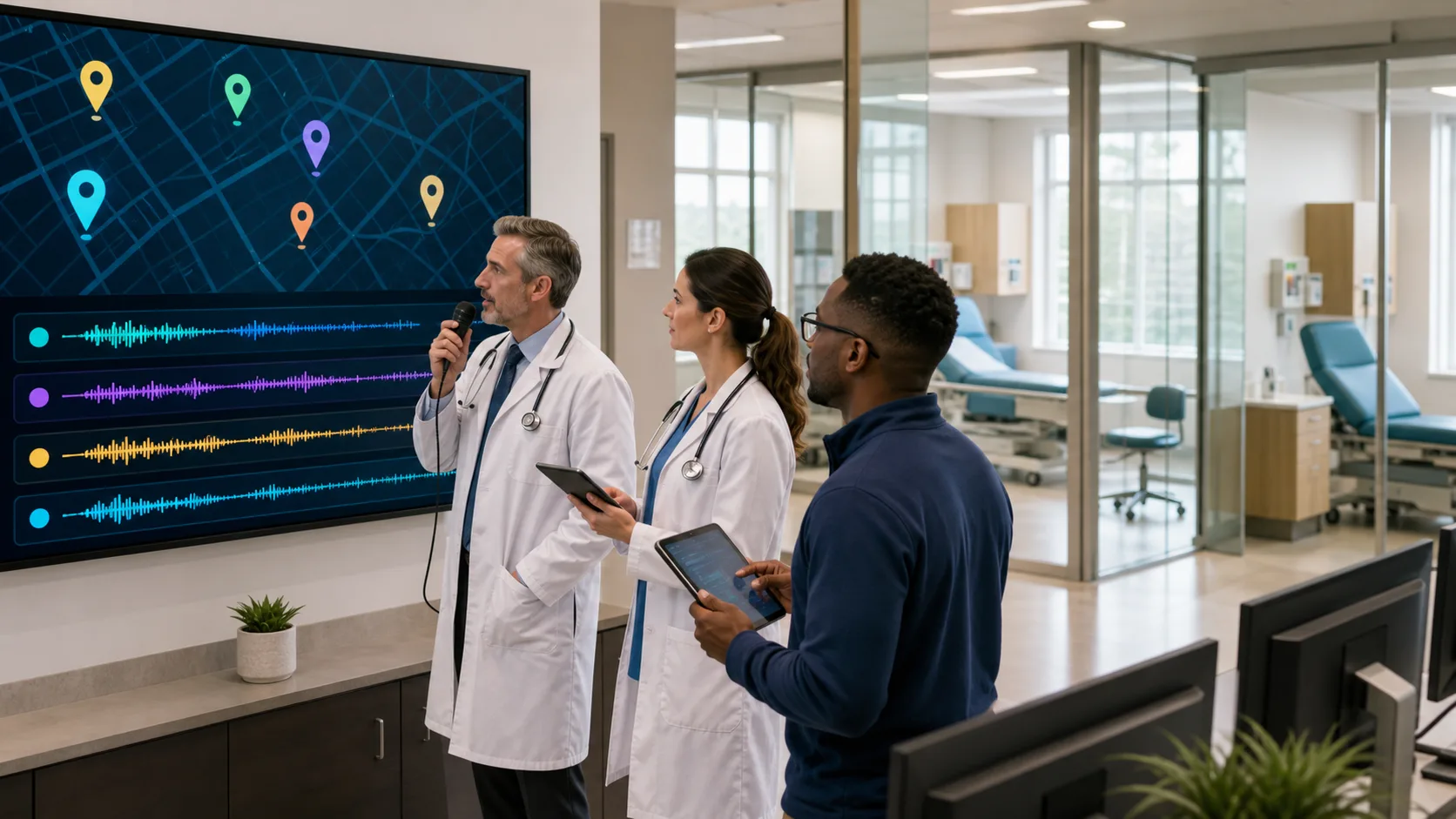
There are plenty of days when we are between locations, moving from primary sites to urgent care stints, or checking follow-ups during quieter evening hours. That is when flexibility in documentation really helps. Using PowerMic Mobile lets us dictate notes using our phones as microphones, securely connected anywhere with a screen. There is no extra hardware or dedicated stations needed.
With Dragon Medical One’s PowerMic Mobile, clinicians dictate securely from anywhere on their smartphones, with instant syncing to their cloud-based profile and EHR. This allows efficient documentation between appointments, locations, and even while working remotely.
During spring’s busier stretch, it is easier to stay current with documentation when the setup adjusts to the day, not the other way around.
Clean notes save more time than fast notes. When speech recognition works well, we do not have to stop and redo sentences or rephrase things that were not picked up correctly. Automatic accent detection inside Nuance Medical One has made a noticeable difference in real-time use. We do not have to slow down or annunciate unnaturally just to be understood.
Dragon Medical One continuously adapts to your speech, specialty, and environment, delivering highly accurate, HIPAA-compliant recognition that helps minimize rework and proofreading.
These quieter gains come into play especially after lunch, when energy dips but patients keep coming. Having documentation that does not require multiple rounds for clarity helps keep focus where it belongs.
Most of the time-savers mentioned here are not headline features. They are quiet parts of the process that let us think more clearly and feel less rushed. The tools do not draw attention to themselves. They just work as expected, quickly, cleanly, and without adding to the load.
When voice controls make navigation faster, when movement between rooms does not require more steps, and when speech recognition keeps pace, our day changes shape. It does not feel like the software is pulling us away from patients or burying us in administrative work.
Those steadier moments are not just about finishing sooner. They are about making each hour go a little smoother, especially when appointment slots are full and the pace is fast. That is the kind of help we need when spring clinics are in full swing, and when our workflow depends on tools that move with us.
At Dragon Medical One, we help you streamline documentation so you can focus on providing exceptional patient care. With speech-driven controls, flexible device support, and a consistent user experience, our solutions are designed to fit seamlessly into your workflow. Whether you are managing high-volume days or moving between workstations, using Nuance Medical One keeps your charting efficient and on track. Connect with us today and see how easy it is to make your documentation work smarter for you.