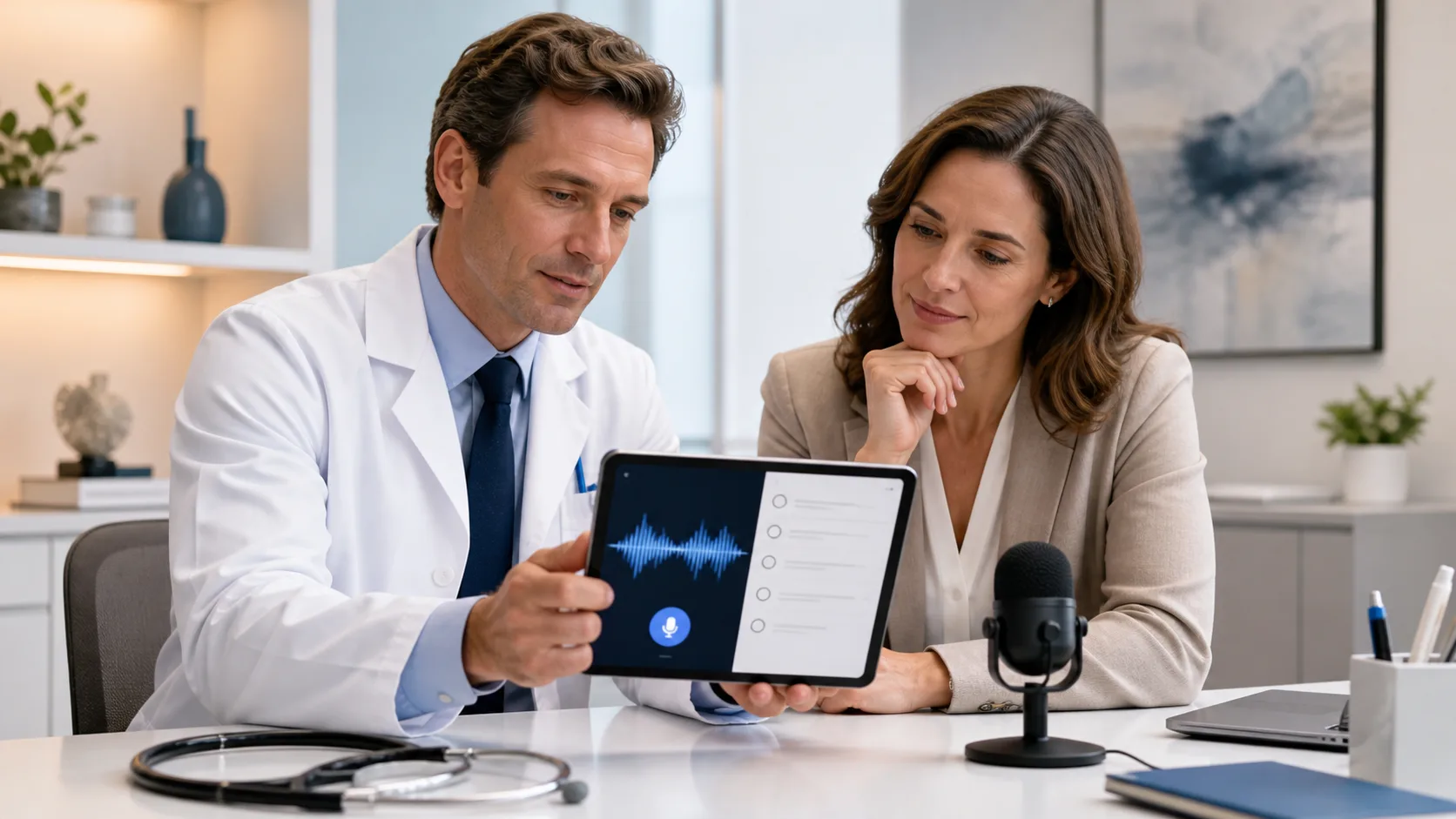
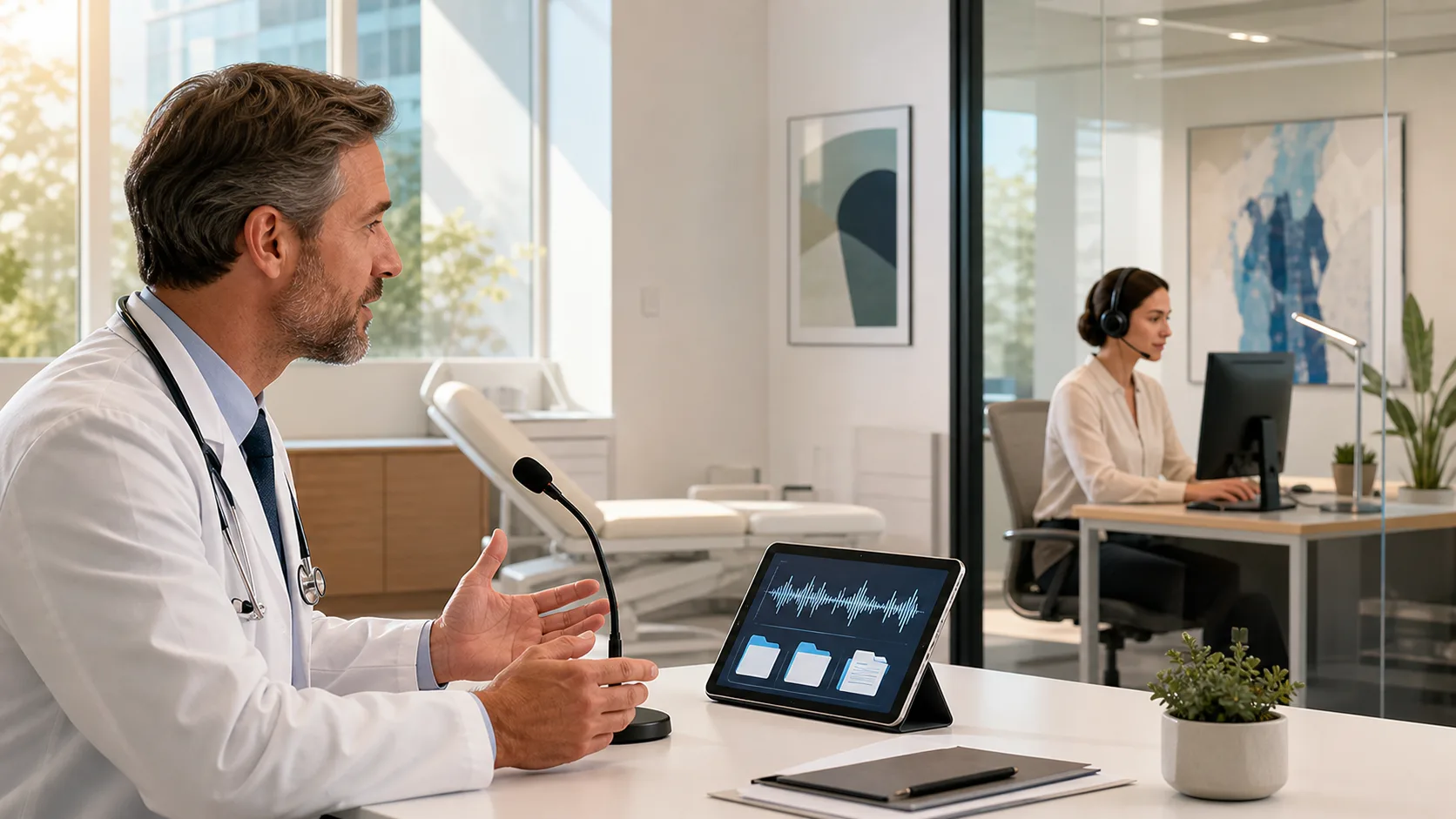
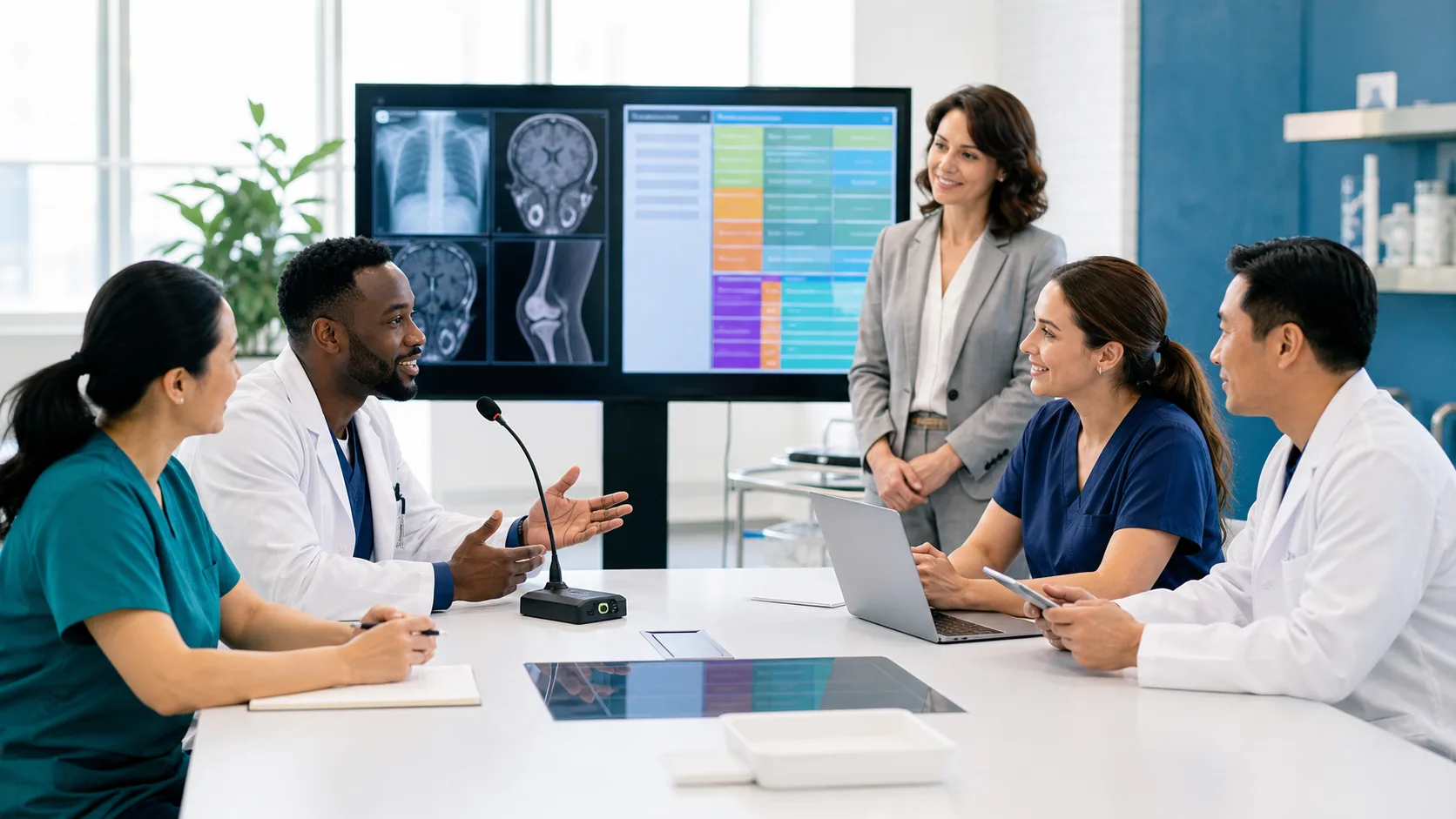
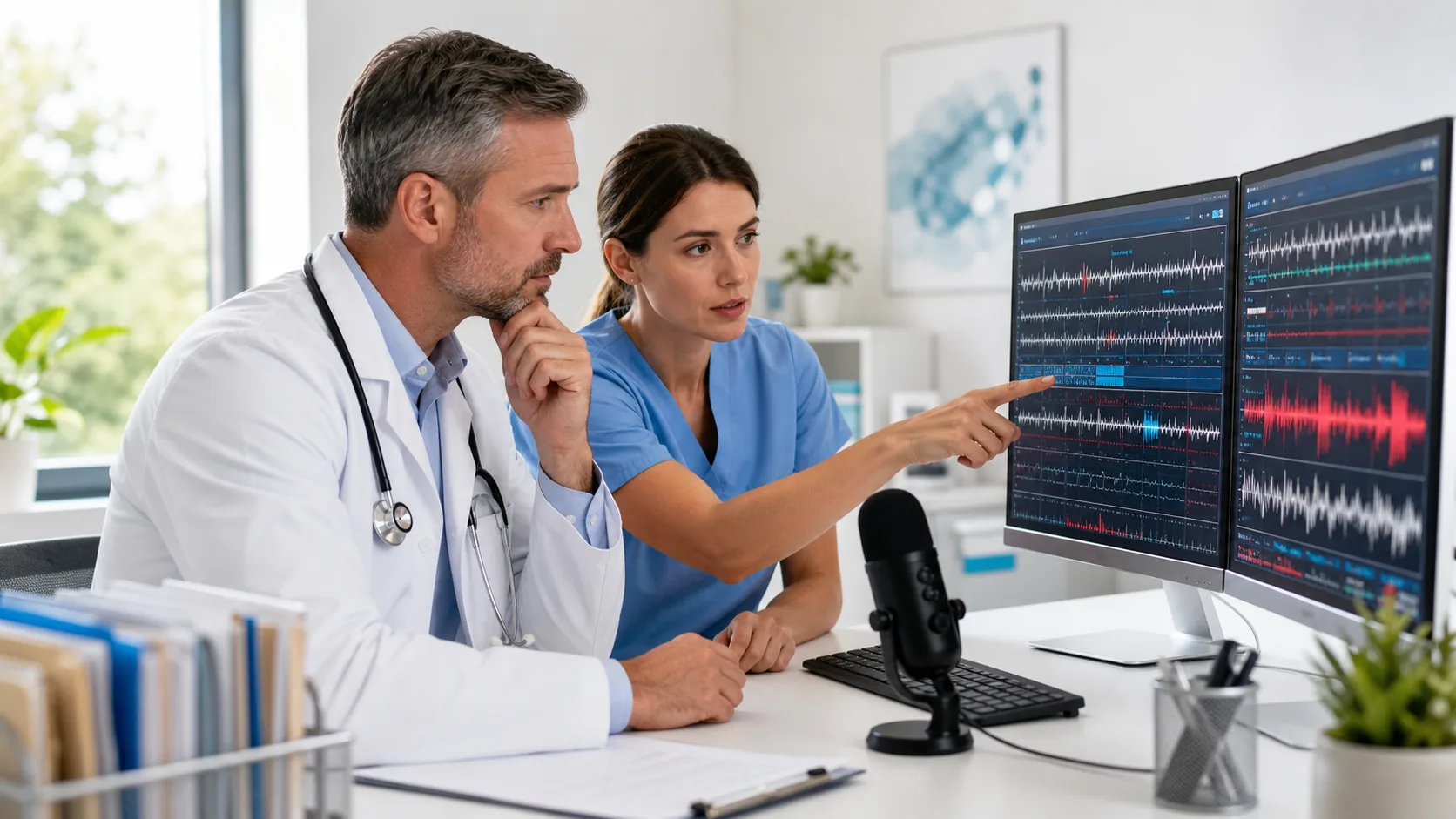
Voice to text technology has become part of daily work life for many clinicians, especially during the summer when appointments stay full, and flexibility really matters. It saves time, helps reduce typing, and makes it easier to keep up with documentation during high-volume periods. Rather than relying on voice recordings or long processing times, today’s tools convert speech into text as we speak, adapting in real time.
We do not have to stop and “train” the software anymore. It simply works, adjusting to our voice, word choices, and work environments. As we move from patient rooms to shared stations or pick up shifts in new departments, being able to talk to our notes, and have them appear right away, makes long days a little smoother.
Speech recognition used to come with extra steps. Users had to read training scripts. Voices needed to be learned. That is changed. Now, voice to text technology does the heavy lifting in the background. Within seconds, it adjusts to how we speak without requiring a warm up.
This makes a big difference on busy days. Instead of correcting mistakes or slowing down so each word hits right, we can keep our natural tone and pace. When our software understands how we speak, documentation stops being a task we fight with and starts becoming something we barely think about.
Dragon Medical One enables real-time adaptation to user accents, medical terminology, and dictation habits without voice training, providing accurate speech recognition across more than 90 specialties.
Summer does not always allow us to stay in one chair all day. Patient care carries us from location to location, exam rooms, shared workstations, offsite offices. Voice to text technology that can follow that routine without being reset is a major help.
Switching workspaces or covering different services can feel scattered. But when voice input stays the same no matter where we are, that sense of control and focus sticks with us. It turns our digital documentation tools into something dependable instead of one more thing that needs managing.
Dragon Medical One offers secure, cloud-based user profiles and supports PowerMic Mobile, so your settings and personalization are always available, and documentation can continue from any workstation or approved mobile device.
We already know our clinical workflows by heart. We do not need a second language to describe them in our notes. That is where natural voice control makes things easier. Voice to text tech lets us speak the way we already do, without changing how we give instructions or format text.
Once we get used to these commands, our notes come together quickly. And because we are consistent, the output stays consistent. Over time, this becomes less about learning new tricks and more about fine tuning a tool that already understands how we work.
Dragon Medical One integrates with common EHR systems and allows for customizable voice commands, auto-text, and formatting to match each provider’s documentation preferences and daily language.
Background noise is just part of working in healthcare. Air vents, hallway chatter, nearby carts, they are not going anywhere, especially in summer when doors are open and fans are running. A good headset setup can make all the difference here.
We do not need special recording gear or extra devices. Just a solid headset with the right mic placement does the job. When that foundation is strong, the software hears our words cleanly and keeps errors to a minimum. That means fewer corrections later and better output the first time around.
Summer often brings changes to our regular schedule. We might be rotating departments more often, helping with inpatient support, or picking up extra shifts in unfamiliar areas. When our voice tech remembers who we are no matter where we log in, that familiarity makes fast work of note taking.
This saves time and avoids second guessing. We are not starting fresh every time. Our setup reflects us, how we speak, what we say most, and which layouts we prefer. In a busy setting, having that efficiency ready every day can keep things moving smoothly.
With Dragon Medical One, all customizations and template preferences are stored and synced in the cloud, so documentation remains personal, efficient, and consistent, no matter where the workday takes you.
Voice to text technology is more than just saving time typing. It is about adapting to our routines and adjusting alongside the way our days shift. The right setup listens to how we speak, moves with us across devices, and learns which words and tools we use most often.
When summer pace picks up and clinical demands stay high, having a dictation system that does not add more work makes everything feel more manageable. Our voice becomes part of the workflow, and our tech finally feels like it is keeping up.
At Dragon Medical One, we believe that less time spent fixing errors means more time focused on patient care. Our solutions are designed to seamlessly support you, especially during demanding days or summer coverage shifts. With smart audio setups and a consistent experience, you can trust your notes to reflect the way you work. Discover how our approach to voice to text technology can help simplify your workflow. To get more information or get started, contact us today.