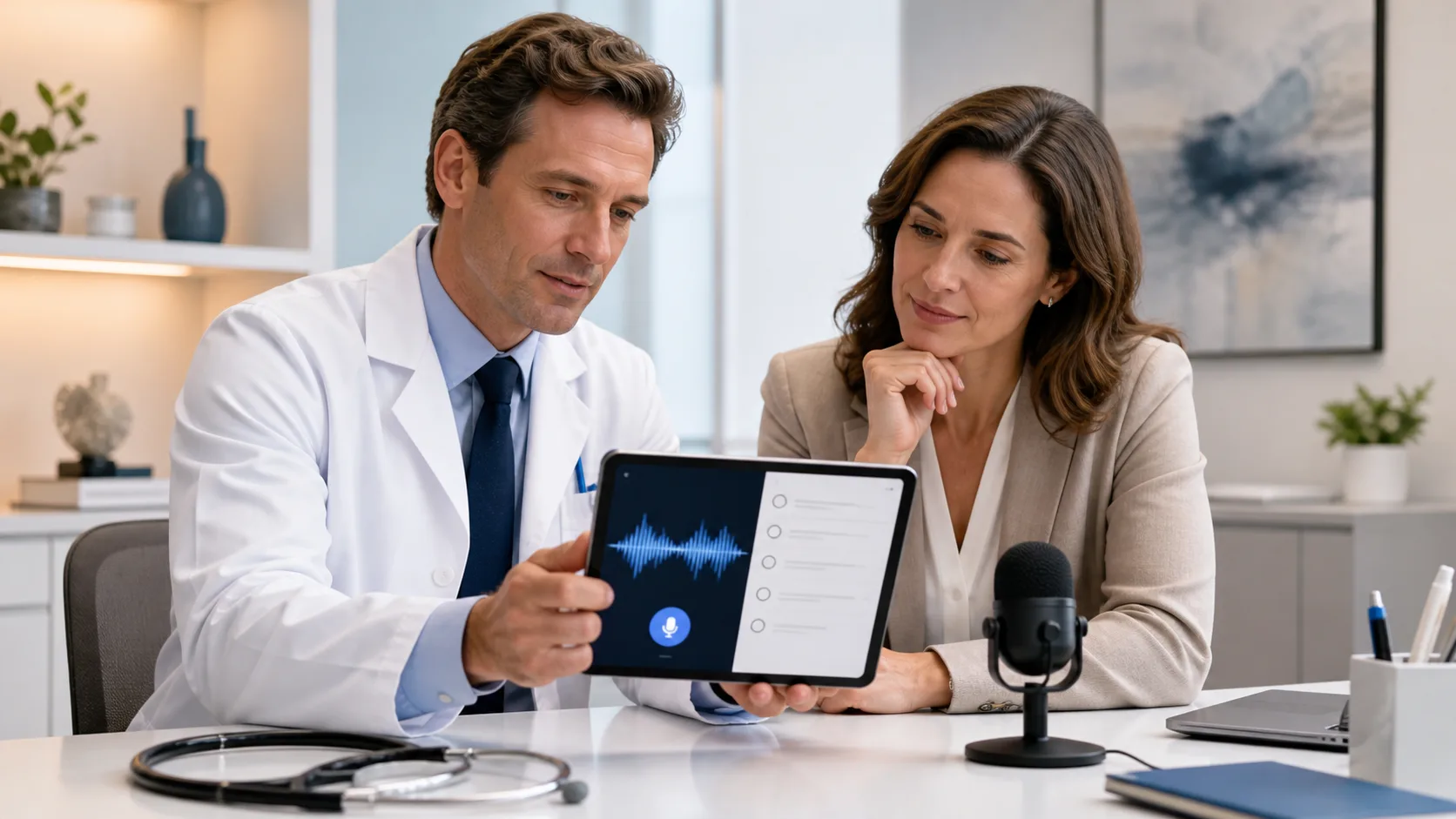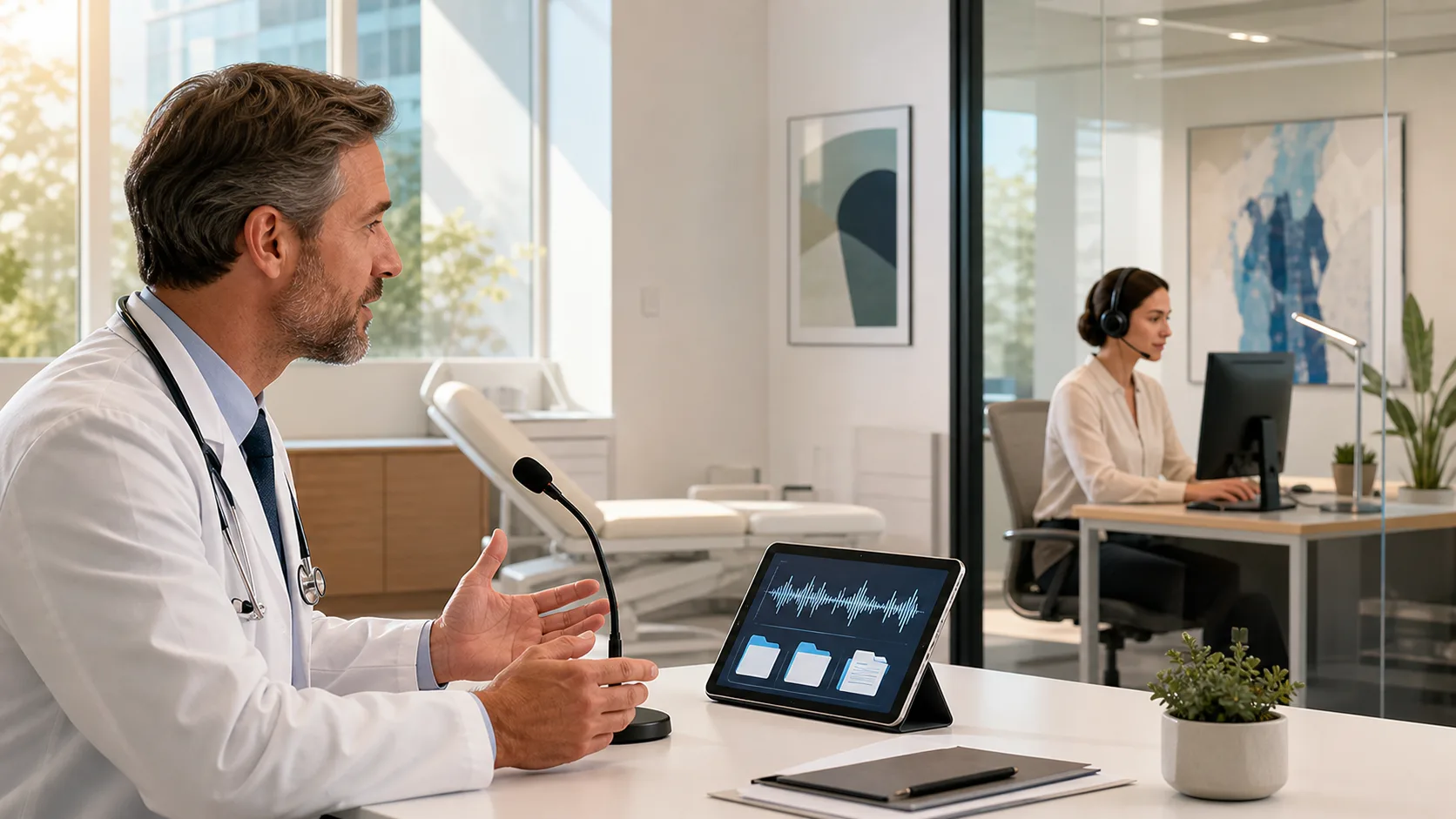
Most of us rely on voice to text tools at some point during the day. In healthcare, they have become part of how we keep pace with notes, workflow, and follow-ups. Typing every interaction is not always realistic when our schedules stay full and patients keep moving. That is where voice tools come in handy, letting us speak and keep records updated without slowing down.
But using voice to text software online comes with its own responsibilities. With how fast and easy these tools make documentation, it can be tempting to focus on speed more than protection. Patient notes often contain personal and sensitive information that needs to stay protected, no matter how quickly it is entered. Every time we speak into a mic, that data travels across systems and networks, and that journey needs to be secure from start to finish.
Tools used in healthcare settings need to do more than just work well. They are part of a larger responsibility to protect information that is not ours to share.
HIPAA laws raise the bar even higher. Communication must be secure, access needs to be limited, and any tool we use has to support those rules. That adds pressure, especially when the tech is fast-moving and designed to keep up with tight schedules. Even if voice tools help us move quicker, they do not remove the need to protect what we say.
Security problems are not always big. Sometimes it is the everyday stuff, the ways we log in or where we access our accounts, that introduces more risk.
These kinds of habits make it easy for breaches to happen, even unintentionally. If a temp worker jumps on a shared machine or a provider copies a quick note while walking between floors, those moments still need protection. Most issues do not come from bad intent. They come from tools not being designed to prevent misuse even when things move fast.
Strong privacy starts with smart design. If a voice tool is going to be used in medical settings, it has to build safety into every part of its process.
When we trust that our software is watching for risks, we can focus more on what we are doing and less on how we are doing it. Dictation tools should follow us from shift to shift, helping rather than getting in the way of safety routines we already follow.
Dragon Medical One is built for secure, HIPAA-compliant medical documentation, with automatic 256-bit encryption for voice data, secure profile management, and user-based authentication to help organizations protect sensitive patient information throughout the workflow.
Summer brings more chance for shift changes, extra roles, and temporary staff rotating in to help with coverage. That makes security harder to track if the tools we are using do not adjust easily across different users or locations.
Suddenly a voice note might be dictated from a phone, a hallway computer, or a shared tablet, and all of these places have different levels of security. Unless the software can handle that variety, things fall through the cracks.
Dragon Medical One offers seamless security across environments so clinicians can safely dictate from any approved location or device, including remote and mobile setups. Profile-based authentication, audit logging, and encrypted connections help healthcare organizations manage access, no matter where staff are working during the busy season.
We all want to move through our notes faster. But protecting patient data is part of how we deliver care. That means even when using quick tools, we still need full confidence in how information is handled, saved, and shared.
Voice to text software online creates easier ways to capture notes, especially during short pauses between clinical work. But that ease should never come at the cost of privacy. The right tool will take care of secure logins, encrypted transfers, and protected user settings automatically so providers can speak freely while keeping records safe.
When speed and protection work together, we spend less time fighting tech. Everyone can focus more on getting care right and less on worrying whether info might end up in the wrong hands. That level of trust is not optional, it is what keeps the whole process connected, clear, and safe.
We know how important it is to stay quick and secure while charting throughout the day. Our tools are built to help you move between devices without losing time or control over sensitive details. If you are looking for a smarter way to create notes that meet today’s privacy expectations, our voice to text software online handles the heavy lifting without slowing workflow. Dragon Medical One is made to follow your routine, not the other way around. Contact us to get started.