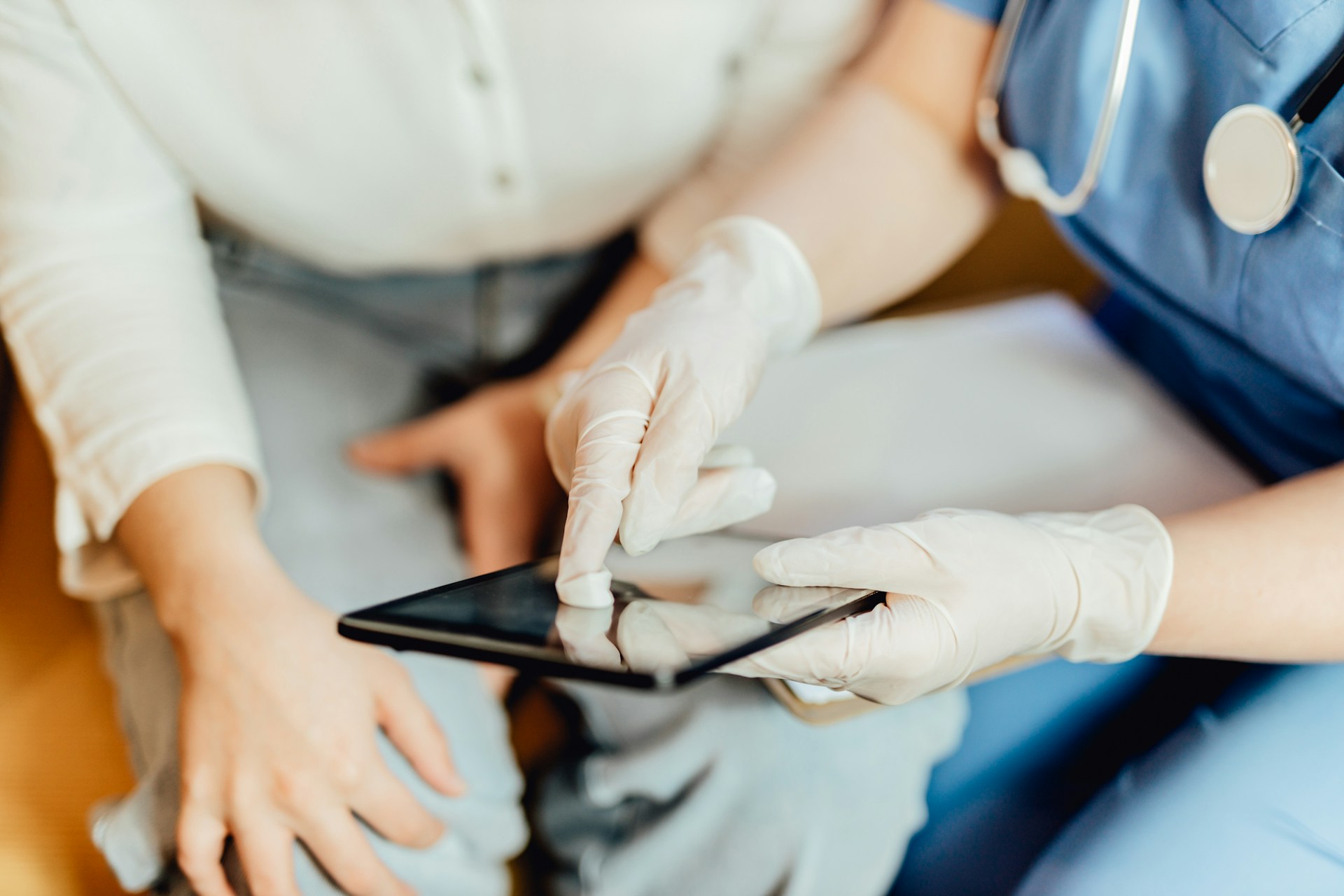
More clinicians are turning to voice dictation to text tools to speed up documentation without slowing down in the clinic. For new users, this shift from typing to talking can feel like a welcome move. Notes get finished faster, hands stay free, and there is no need to press pause during appointments just to chart.
When first starting out, it is normal to wonder what works best. The good news is that most questions have simple answers. There is no long setup and no need to change how you speak. With a few tips and the right environment, you will find that this kind of workflow quickly becomes second nature.
A quiet place to work and a solid headset make a big difference early on. That does not mean you need a soundproof office, just avoid high-traffic areas or places with frequent interruptions. Picking a headset with good noise-canceling helps the software focus on your voice instead of background noise.
You do not have to go through any voice profile training or read scripts to get started. There is no adjustment period because the software is built to understand your natural pace and accent right away. Once your headset is connected, you can start speaking and see notes appear instantly. This keeps the stress out of the process so you can focus on the visit.
Dragon Medical One offers real-time, cloud-based speech recognition that works out of the box, with no voice training required. It adapts immediately to clinicians’ voices, and works seamlessly with noise-canceling microphones or any approved headset.
Talking to your screen might feel awkward at first. One of the easiest ways to get used to it is to speak like you are explaining something out loud, not like you are trying to type with your voice. Complete thoughts help the software follow what you mean and give you cleaner, more accurate results.
Here are a few helpful habits to keep in mind:
You will find your rhythm as you go. The more you talk through notes out loud, the more natural it starts to feel.
Dragon Medical One’s medical vocabulary engine supports more than 90 specialties and adapts to new clinical language automatically, making it easy to document accurately without adjusting your normal speech patterns.
Voice dictation is not limited to typing out what you say. You can also speak commands to move around within charts and forms. That means fewer clicks, shorter breaks between thoughts, and less back-and-forth between your keyboard and screen.
Here are some of the voice commands that help most new users:
Even if you are new to voice tools, you do not need a long list of memorized phrases. Just start with the basics and you will get the hang of it without needing to interrupt your day to learn new tech tricks.
Dragon Medical One integrates advanced voice commands, auto-texts, and flexible templates so users can efficiently navigate, edit, and insert content, reducing the need to interact with the keyboard or mouse.
Many of us do not spend the whole day in one spot. We move between exam rooms, shared workstations, or mobile setups. The nice thing about a cloud-based, single voice profile is that it follows you. Preferences, custom terms, and templates stay the same, no matter where you log in.
A great way to keep things flexible is to use your phone as a secure microphone. That way, your workstation becomes wherever you are. Say you are stepping into a quieter room between visits or finishing up near the end of the day, you do not need a bulky setup to stay on track. The workflow stays steady, even if your location does not.
Dragon Medical One’s PowerMic Mobile turns a smartphone into a secure wireless microphone, syncing your preferences and customizations across all devices for seamless and consistent note-taking anywhere.
New users often feel the urge to get everything perfect right away. But the real progress comes in small steps. One of the best routines is to dictate notes right after patient visits. The details are fresh, and it takes less time than trying to recall conversations hours later.
When you keep up with documentation during the day, the notes do not pile up by evening. That helps you leave work more caught up and with fewer loose ends. It is easier to stay calm and focused through your appointments when you know the charts will not stack up later.
Over time, this regular use builds speed and familiarity. You will not need to force it, your habits will shift as voice dictation to text becomes the standard part of your workflow.
Getting comfortable with voice tools does not require a deep background in technology. What makes the difference is having the right setup, speaking naturally, and using voice commands to keep your flow going. Add to that a consistent routine and some flexibility in location, and things begin to feel more manageable.
As new users make voice dictation part of their daily charting, the pressure starts to ease. It is not about doing more, but about doing it with less friction. With the right habits, accurate and quick documentation starts to feel almost automatic. That is what makes the first few days worth the effort. The rest tends to follow on its own.
Boosting your daily workflow can be simple with the right tools in place. At Dragon Medical One, we have designed our solutions to let you use your voice naturally, making documentation faster and easier. Ready to see how voice dictation to text can streamline your routine? Reach out to us today to get started.