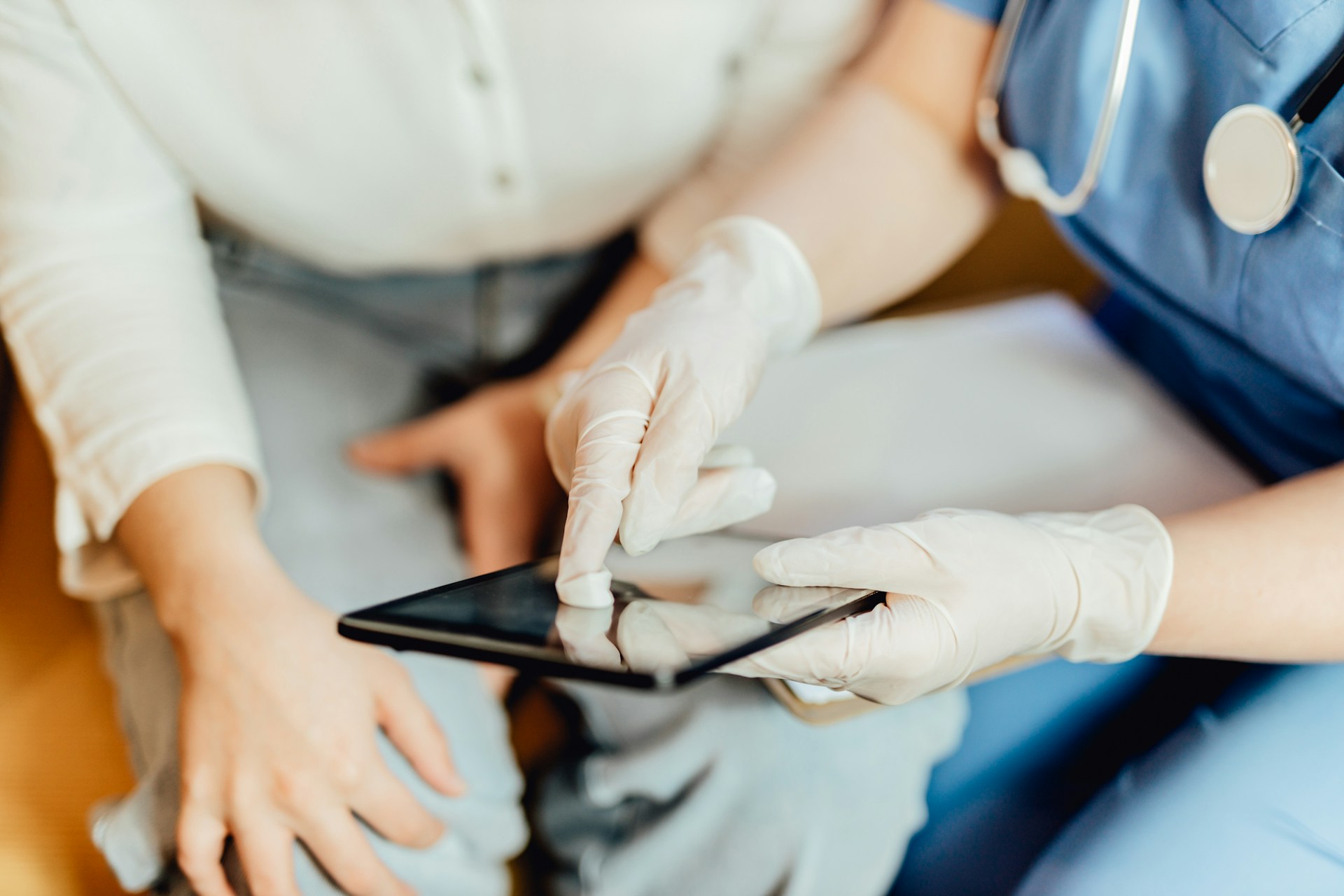
Summer can feel a little strange in healthcare. Some days are packed with sports injuries and travel bugs, and other days run a bit quieter as families head out of town. That slight lull is a great window to tune up how we document, before schedules fill again in the fall and winter. One powerful place to start is with dictation macros inside medical dictation software.
Dictation macros are simple in idea: they are reusable voice commands that drop in text, templates, or even steps you repeat all day. Instead of saying the same paragraph 20 times, you say one short command and let the software do the work. When we design smart macros in a platform like Dragon Medical One, we can cut time per note, lower after-hours charting, and keep documentation more consistent across a care team.
Not all macros are the same. Some are simple text-expansion tools. Others are more dynamic and can change based on the patient or the part of the visit.
Simple text-expansion macros usually handle things like:
You say a short command, and the software types out a full sentence or paragraph in your EHR. Dynamic macros go a step further. They can:
In cloud-based medical dictation software, your voice command is sent securely to the cloud, matched against your macro library, turned into structured text, and then sent back into the EHR, all in a very short time. The goal is simple: you speak, the right words appear where you need them.
Security and compliance sit under all of this. Protected health information must be handled in a way that supports privacy rules and organization policies. Role-based access can help decide who can create, edit, or share macros across groups. This is why a healthcare-grade platform matters compared with general speech tools that are not built around clinical workflows or PHI needs.
Good macros do not start with software features, they start with your daily habits. A helpful first step is to find your “top 10” repetitive note patterns. You can do this by paying attention for a few days to:
Once you see the patterns, the next step is naming. Macro names work best when they are short, clear, and different from your normal speech. Think about how a phrase will sound when spoken out loud, not how it looks on the screen. Names should be:
Instead of building random macros, we suggest designing around real visit types you see every week. Examples might include “new diabetic visit,” “post op day one,” or “summer sports physical.” Each macro can prefill a basic structure for history, exam, and plan that fits that visit type, with plenty of space left for your own words.
This way, you are not locking yourself into one script. You are simply starting from a smart outline that saves time and keeps you from forgetting key elements.
Once the basics feel natural, macros can help with more complex encounters too. Conditional or branching macros are helpful when you often face a small set of common paths. For example, you might have one voice command that offers options like positive vs negative findings, or inpatient vs outpatient follow-up.
Field prompts inside macros are another powerful tool. You can create structured text with labeled blanks, then move through them with either voice or keyboard. This cuts down on mouse clicks and scrolling, especially for long consult notes. Think of a macro that:
Macros can also be used to standardize how your team writes certain high-impact parts of the note. This might include guideline-based recommendations, risk score language, or specific phrases for common conditions. When everyone uses the same building blocks, it can be easier to review notes, track quality, and keep up with changing best practices.
Smart automation is not just about speed. It is also about fewer errors and less stress at the end of the day. When macros carry consistent phrasing for things like informed consent, critical results, or for medication adjustments, there is less chance of leaving out something important.
Standardized language can support:
From a well-being view, macros can help during busy seasons too. Summer can bring a rush of urgent visits, outdoor injuries, and travel-related illnesses, often mixed with staff vacations. If notes move faster, there is a better chance the charts are closed on time, without a long stack of work waiting at night.
Macros also help new clinicians, residents, and locums blend into your documentation style. Instead of guessing how notes “should look” at your organization, they can start from shared templates and phrases that are already approved. That can shorten the learning curve and keep the record more uniform while still leaving room for personal clinical judgment.
The best way to get value from macros is to roll them out in stages instead of trying to build everything at once. A simple summer plan might look like this:
Summer is also a good time for teamwork around macros. Clinicians, clinical informatics, and IT can sit together, even for short sessions, to review which macros should be shared, who should manage updates, and how to keep them aligned with current guidelines and local policies. A shared library can grow over time, with clear owners who make sure it stays clean and useful instead of cluttered and confusing.
At Dragon Medical One, we focus on making medical dictation software that works the way clinicians actually practice, from any Windows workstation, whether you are in a clinic exam room, an inpatient floor, or a home office. When macros are thoughtfully designed and tested during slower summer weeks, they are ready to support you when the colder months bring heavier schedules and more complex cases.
If you are ready to reduce charting time and focus more on patient care, our medical dictation software can help you work faster and more accurately. At Dragon Medical One, we give you cloud-based speech recognition tailored for clinical workflows so you can document directly into your EHR. To explore the best fit for your organization or request a personalized demo, please contact us today.