Busy healthcare teams do not usually have time to sit down and type everything out. When patient care, staff updates, and documentation stack up all at once, being able to speak instead of type saves energy and time. That is why finding the best dictation app can take pressure off and keep things moving during even the most packed clinic days.
When speech recognition fits smoothly into existing routines, teams do not have to pause or backtrack. They just keep working. The right features make a real difference, helping clinicians stay focused, reduce fatigue, and cut back on repetitive manual work. Here is what we look for when deciding what matters most in a good voice-to-text tool.
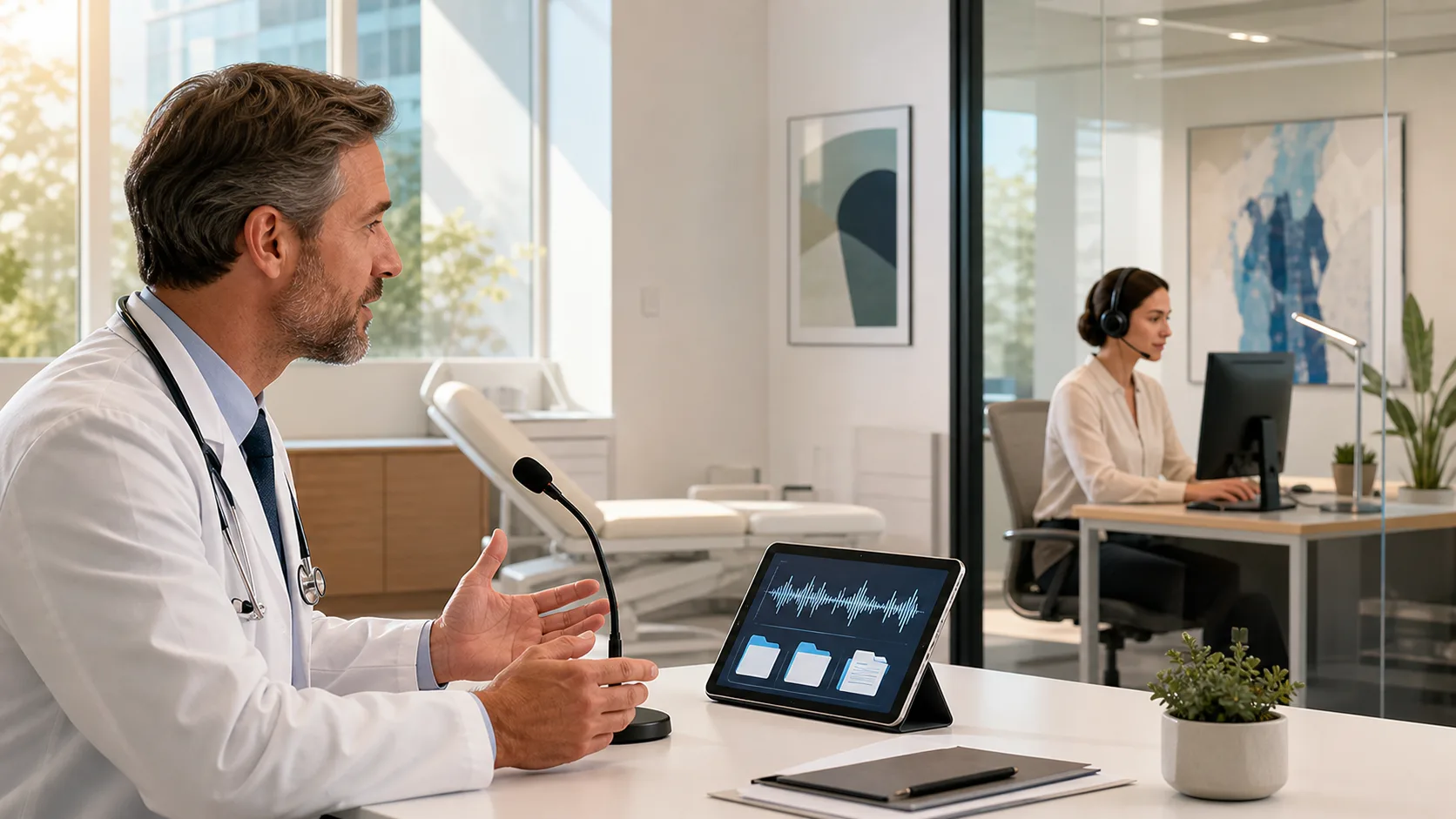
A strong dictation app should work the moment we start talking. Real-time output means every word we say shows up right away without delay. We talk, and the words appear, no uploads, no recording files to manage.
Having a tool that does not require separate voice training makes everything more straightforward. We do not need to set up a profile or record long samples before getting started. That is especially helpful in workplaces where different users may share devices or shift locations throughout the day.
We look for systems that keep efficiency front and center:
Fast, live transcription can feel like working with a real assistant. It helps us document thoughts while they are fresh without stopping the flow.
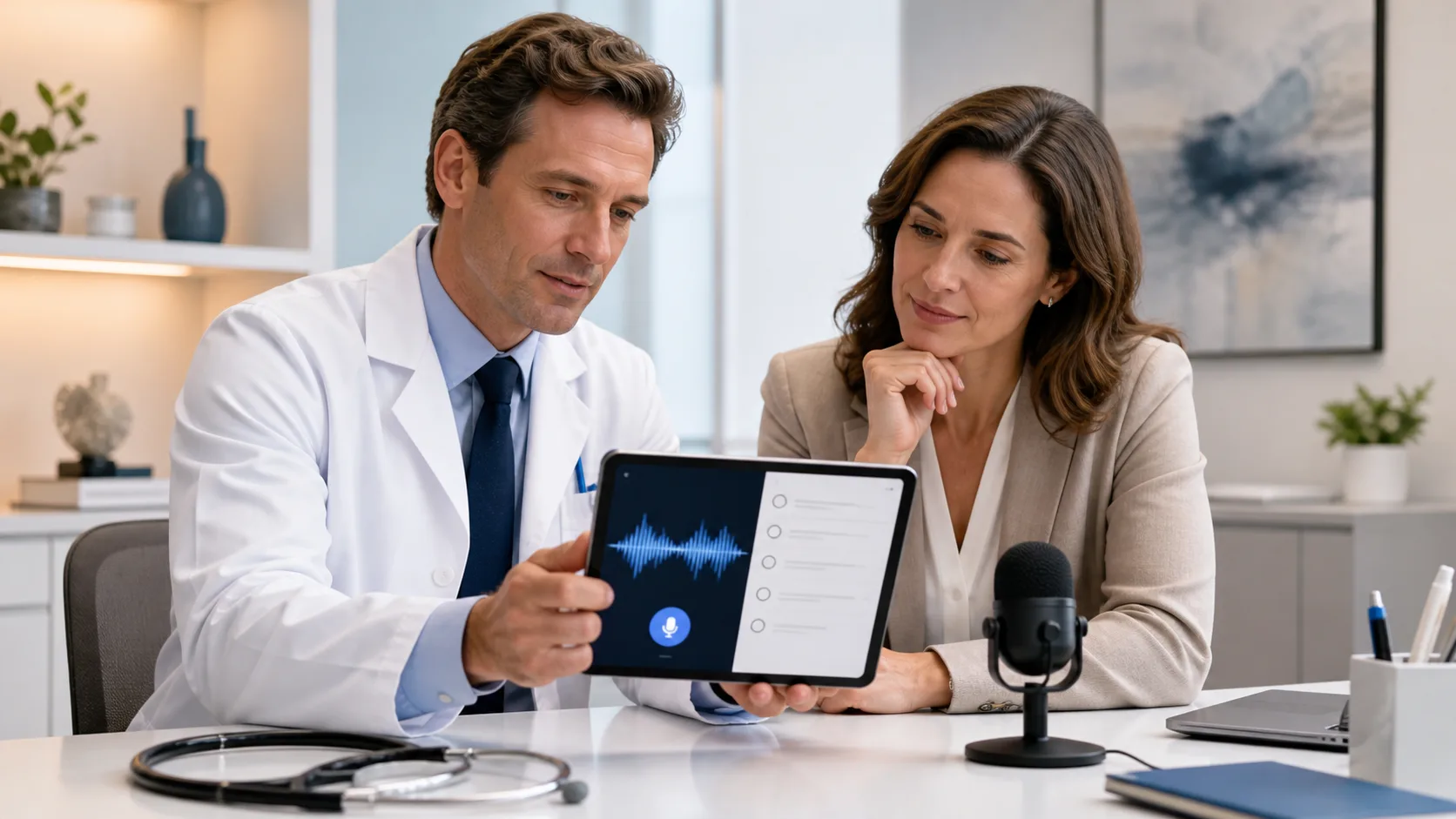
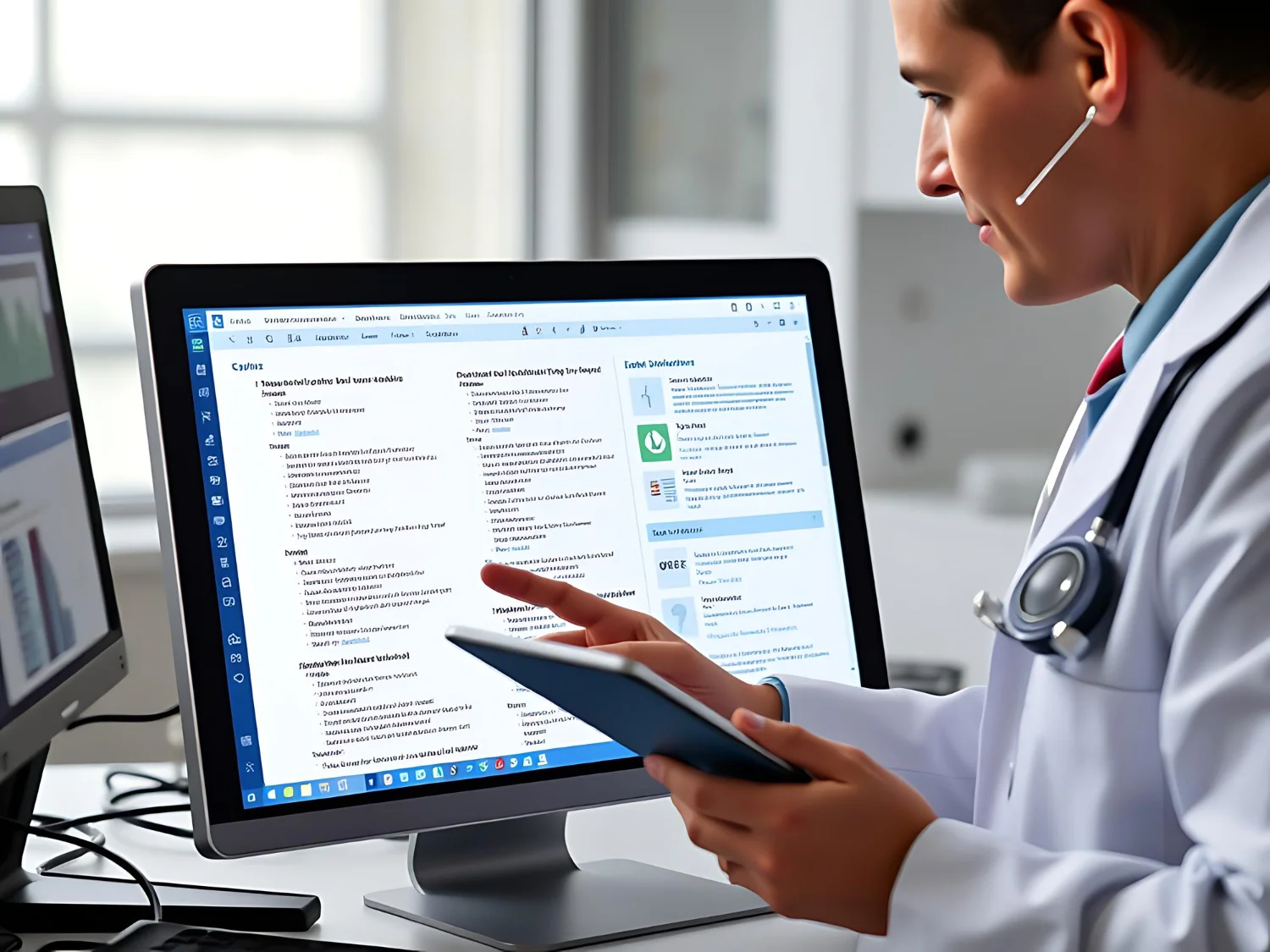
Dragon Medical One enables real-time speech recognition, instantly displaying spoken documentation directly into electronic health records. The system is designed specifically for medical professionals, so clinicians can document procedures and notes with industry-leading speed and reliability.
Typing less is a good first step, but the best dictation tools go further. Built-in voice commands help us edit, rephrase, and move through notes using only our words. That means no reaching for the mouse while describing symptoms or no hunting for punctuation during phone updates.
Instead of pausing, we speak naturally:
These shortcuts let us stay focused on what we are documenting, not how we are formatting. When we can control punctuation or move through charts without touching keys, we save those small seconds that really add up over long shifts.
Dragon Medical One supports customizable auto-texts and advanced voice commands that allow users to insert templates, clinical content, and standard text in seconds, reducing repetitive typing so more work gets done with less effort.
Medical spaces can get noisy. Between phones, machines, and people moving through shared rooms, accuracy matters more when sound gets unpredictable. A solid app knows how to handle that background hum without getting confused.
The best systems read our voices clearly even when things are not perfect. Whether someone has a strong accent or speaks quickly between procedures, the app should keep up.
We look for:
When we do not have to stop and fix every line, we build momentum. That makes even a full load of notes feel more manageable.
Mobility matters during the day. If we are switching rooms or working remotely, we need dictation tools that move with us. That is where cloud-based voice input becomes so helpful.
A single voice profile means there is no getting locked out when moving across devices. Whether we are on a tablet, a desktop, or a shared workstation, our preferences follow us.
With the right tech, we can:
Dragon Medical One makes it seamless for clinicians to dictate securely from any Windows device, with personal profiles and vocabularies that sync across environments. Mobile microphone options, like PowerMic Mobile, let clinicians dictate on the go using their smartphones, maintaining efficiency between exam rooms or remote settings.
This kind of flexibility helps us manage time better without extra log-ons or software installs wherever we go.
Time matters even more when dealing with repeat content. From common treatment notes to department-specific terms, smart dictation apps let us personalize how we speak, and how the app listens.
We save time with pre-set templates or custom phrase lists for things we say all the time. Instead of repeating ourselves, the app fills in the gaps for us based on our preferences.
A few features that make a real difference:
When tools match how we work, we are not adjusting our habits to fit the app. It adjusts to us.
The best dictation app removes obstacles, saves time, and lets clinicians focus on patients and care rather than documentation headaches. Features designed for mobility, accuracy, and personalization make work less stressful for staff and keep clinical days running consistently.
Dragon Medical One is a proven choice for organizations that want fast, secure, and adaptive dictation technology trusted across healthcare. By focusing on solutions designed for the clinical setting, the right features deliver productivity and peace of mind.
At Dragon Medical One, we know how important it is for your team’s documentation to be quiet, fast, and flexible. That is why we have built our workflow around features that save clicks, reduce unnecessary rework, and help your team stay focused on patient care. When comparing solutions, take a close look at what the best dictation app should provide throughout a busy clinic day. Ready to work more efficiently without sacrificing quality? Contact us to get started.