Voice to text software lets people speak instead of type, with their words showing up on the screen in real time. It is useful across different kinds of jobs, not just for those who work in offices. From writing messages faster to helping people stay caught up during meetings, this kind of tool is gaining attention for one big reason, it saves time and effort.
Typing everything out can slow us down, especially during busy workdays. Voice to text software makes it easier to keep pace. Instead of waiting until later to jot things down, we can speak our thoughts as they come. It helps build smoother days where fewer tasks pile up, and we are not scrambling at the end of a shift. Using voice to text software not only helps us get tasks done in less time, but also makes multitasking simpler when there are competing priorities on our plate.
There are plenty of ways people use speech tools during regular work hours, even if they are not in high-pressure jobs. Speaking instead of typing can help lighten the load when multitasking or trying to capture fast-moving conversations. Voice tools provide extra flexibility in capturing ideas as they come to mind, making it easier to keep up with the pace of modern work environments.
Relying on voice for common workplace tasks can be a real advantage. It enables us to stay on top of incoming requests, remember quick details, and spend less time transcribing notes, all without losing the thread of conversation or workflow. Using voice for common tasks helps us stay on track and get through the day without always relying on a keyboard.
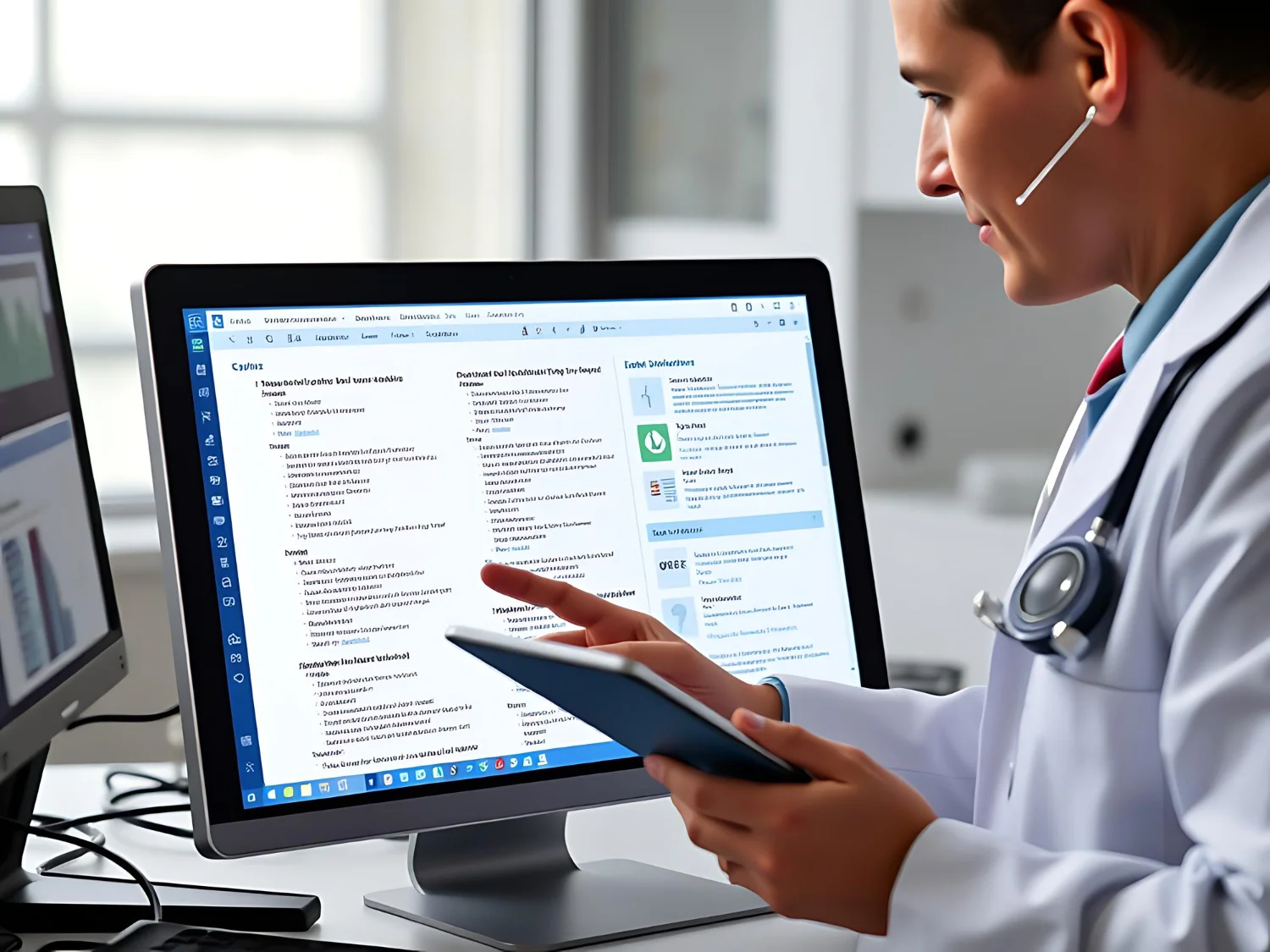
Dragon Medical One delivers real-time speech recognition with voice commands and formatting controls, helping teams and individuals document or communicate efficiently across many tasks in healthcare environments.
Some jobs demand a constant stream of documentation, even during nonstop shifts. That is where voice to text shines. It gives people a way to keep up, even when things get hectic.
It is easy to fall behind on documentation when work gets intense, but with voice to text software, notes and updates happen in the moment. This ongoing documentation process benefits not only the person using it, but also the teams relying on accurate and timely communication. By speaking notes during the day, we make documentation a smaller part of the job. That energy can go elsewhere, like helping clients, patients, or teams right when it matters.
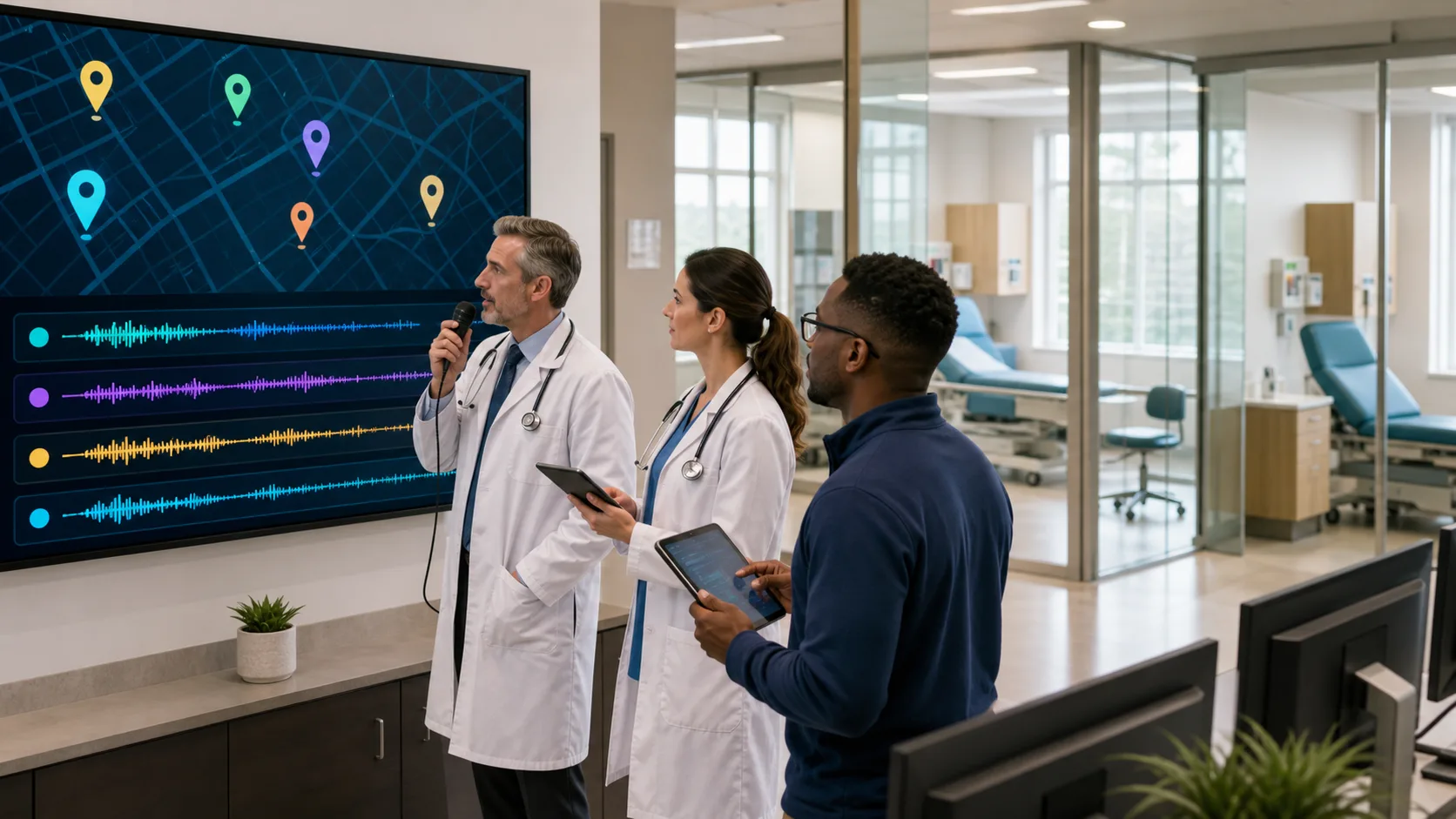
Dragon Medical One’s built-in specialty vocabularies and mobile solutions support busy documentation schedules, giving clinicians the flexibility to dictate from any location and stay on pace with daily charting.
Typing is not just time-consuming, it can wear us down physically. Repeating the same movements or writing out the same phrases day after day takes a toll. Voice software can take those habits and make them easier.
Introducing voice software into the day can give your hands and wrists a break, especially for people who are sensitive to strain from long typing sessions. For anyone who deals with soreness from typing or just dreads typing long forms every day, voice input gives the body a break. The convenience also encourages people to finish repetitive or tedious documentation tasks as they happen, reducing the risk of errors or forgotten steps.
Not every job stays in one spot. For people who move between rooms, buildings, or different devices, switching tools can slow things down if settings do not carry over. A good voice to text setup moves with us.
This kind of flexibility makes voice input a practical choice even for people who do not sit at a desk or use the same computer all day. As work becomes increasingly remote or mobile, those who rely on more than one device benefit from seamless transitions between platforms. This ensures that productivity continues unimpeded, regardless of location or the technology at hand.
Dragon Medical One’s PowerMic Mobile allows clinicians to turn any smartphone into a secure wireless microphone, enabling charting from any location and ensuring profiles, templates, and preferences move seamlessly with each login.
When we fall behind on small tasks, even unintentionally, the impact stacks up. Simple entries can turn into big chores. Tools that blend into our day without needing extra steps help keep things flowing.
Making a habit of using voice to text software can lead to more streamlined workflows and improved focus throughout the day. As these good habits build, people experience less backtracking and have a clearer sense of accomplishment by the end of their shifts. Small changes in how we work lead to big shifts in how we feel after a long day. This tool helps us build healthy habits around finishing tasks as we go. Over time, these habits support better productivity and create a steady rhythm for handling ongoing responsibilities.
Using voice to text software during the workday creates more room for what matters. We spend less time on the little things, like typing out the same phrase for the tenth time, and more time moving through the day with less drag.
It also supports focus. When we reduce friction in our routines, work tends to run smoother. Fewer steps, fewer forgotten tasks, and fewer hours spent catching up lead to better flow and steadier progress. This kind of tool does not just speed things up, it helps us stay clear-headed as we move from task to task. That is a shift worth keeping. Incorporating voice to text technology into everyday work is a simple way to stay ahead on both small and large responsibilities, and it allows everyone to respond to changing priorities without feeling overwhelmed.
At Dragon Medical One, we make it easy to work smarter by offering tools that seamlessly integrate with your current workflow. Whether you are looking to minimize strain or boost organization, using voice to text software can help make your daily tasks more manageable. Let us connect to discuss how we can streamline your workflow with effective solutions, reach out to us to get started.