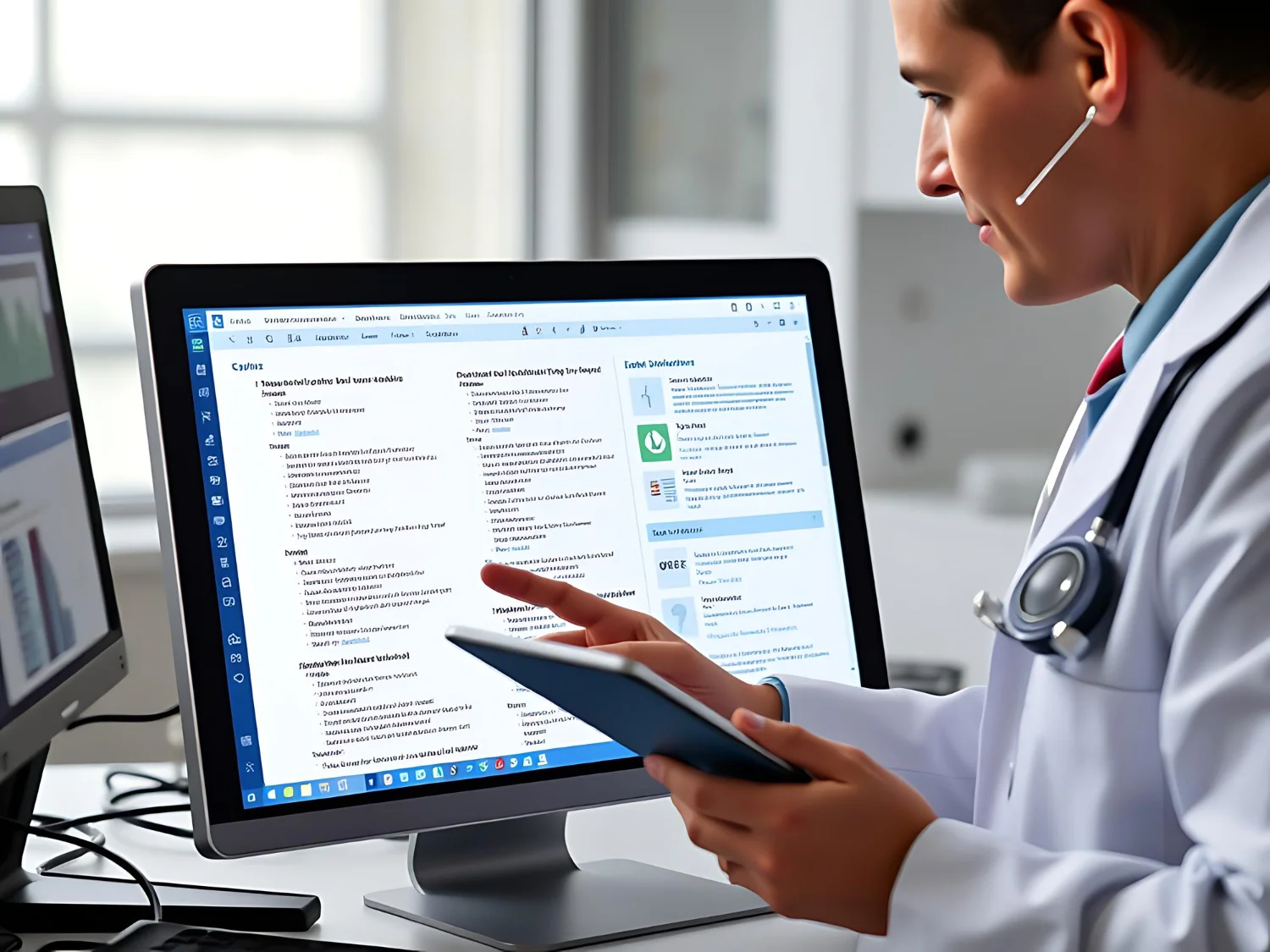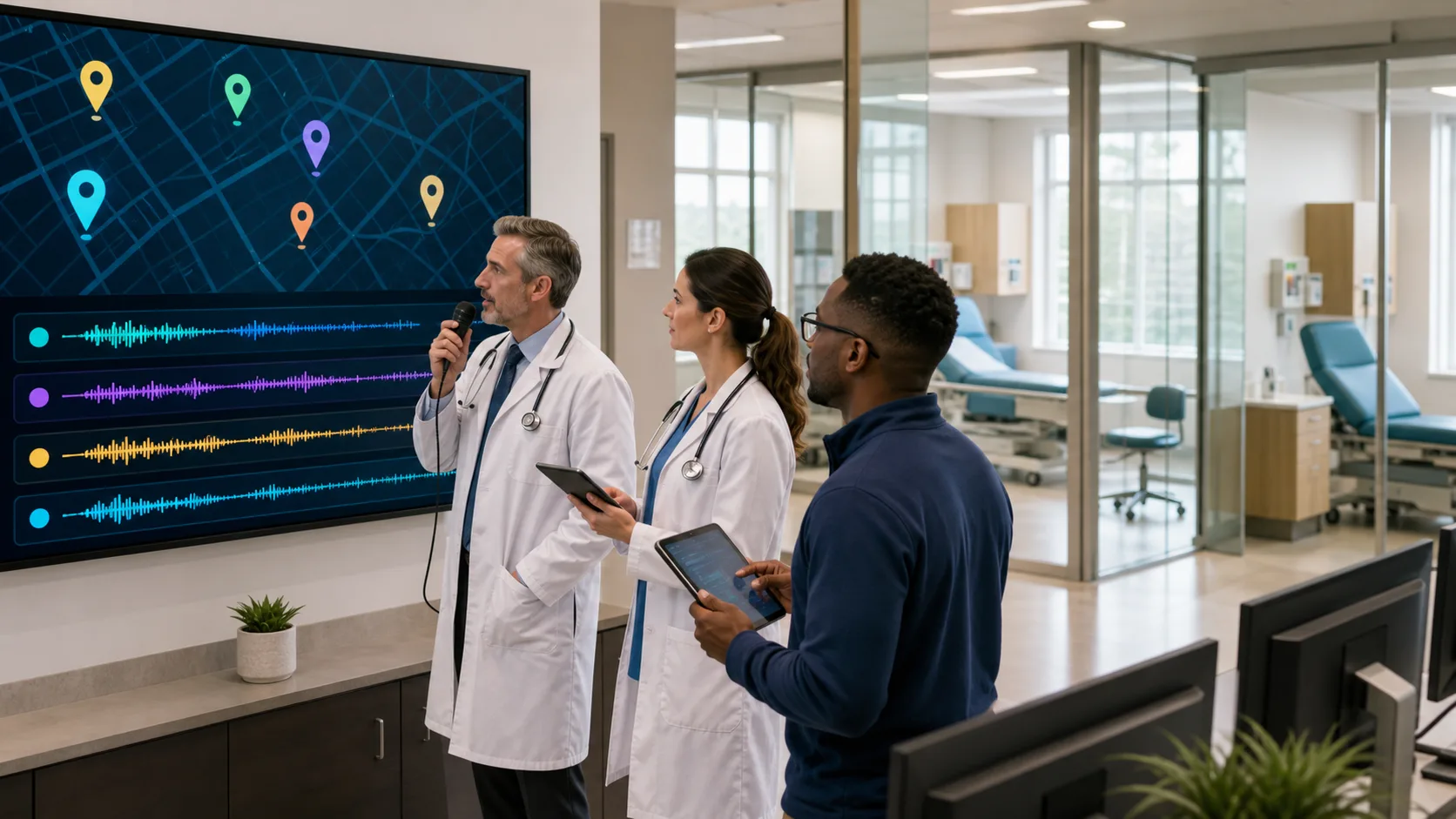
Good AutoText templates turn daily charting from a grind into something that actually fits how a visit feels. When our templates in medical dictation software match real conversations in the room, notes stop being a wall of text and start to sound like real patient stories. That matters even more when summer hits, schedules are packed, people take vacations, and everyone is trying to do more in less time without losing quality.
With Dragon Medical One, AutoText is not just a canned paragraph. AutoText is a reusable, voice-triggered block that can hold full note structures, favorite phrases, and smart prompts that guide what we say next. In this article, we will walk through how to design those templates so they match real visit patterns, support accurate coding, and help cut down on late-night charting.
The worst way to build AutoText is to stare at an empty screen and guess. It works much better to start from the visits we actually see, especially in busy summer months when people come in for heat issues, outdoor injuries, asthma flares, and delayed wellness checks.
Begin by listing common visit types in your clinic, such as:
Next, shadow your own documentation for a week. Pay attention to:
Group those visits by complexity. Short, focused visits might need a tight HPI structure and a quick exam section. Complex follow-ups with several problems may need room for multiple assessments, medication changes, and patient goals. The goal is not to clone notes. We want smart frameworks that match how we actually think and talk, so each note still feels personal and accurate.
Strong templates follow clinical reasoning, not checkbox order. When AutoText lines up with how our minds move through a visit, dictation feels smooth and natural.
A clear structure might follow:
Within the template, use headings and placeholders as quiet prompts. Examples could include:
With Dragon Medical One, you can tie these templates to short, natural voice commands, like “Insert summer injury visit template” or “Insert diabetes follow-up template.” That way you can keep eye contact with the patient, say the command, and start speaking into a structure that already matches the visit.
The point is not to shortcut thinking. Different specialties will shape these templates in different ways. A pediatric clinic might build prompts around growth, school, and family concerns. Cardiology may focus on symptoms with exertion, medication tolerance, and test results. Behavioral health may center on function, mood, safety, and coping skills. The template should speed up good thinking, not replace it.
When AutoText is well designed, medical dictation software stops being “just speech to text” and becomes part of how we keep notes complete and steady across the day. Instead of trying to remember every guideline detail in the middle of a packed schedule, we let the template do the reminding.
Good AutoText can:
For example, you might add prompts for counseling topics that matter in hot weather, like hydration, heat illness prevention, sunscreen use, and travel vaccines. You can also include spots that remind you to note decision-making steps, follow-up timing, or time spent on care coordination when needed.
Because Dragon Medical One is cloud-based and runs on Windows systems, your AutoText library can move with you between exam rooms, office, and home. With a mobile microphone option, you can pull up the same voice-triggered templates in different settings while still keeping security in mind. The goal is one set of smart tools that fits wherever you are doing your work.
Even the best template idea needs real-world testing before everyone uses it. A simple pilot can save a lot of frustration later.
Try this approach:
Track outcomes that matter to your team, such as chart completion time, after-hours work, number of unsigned encounters, and internal note quality reviews. You are looking for a balance where notes are complete and readable, but not bloated or full of repeated text.
Standardize where it helps, personalize where it matters. Many groups like to have:
Revisit your templates at least seasonally. Summer may call for extra prompts around heat, outdoor injuries, dehydration, travel medicine, and air quality issues. As cooler weather comes, other topics will matter more. Keeping templates fresh helps them stay clinically relevant, not just technically handy.
A simple plan for tomorrow morning can make this real instead of just a good idea. Pick two high-volume visit types in your clinic, like a common chronic disease follow-up and a typical acute complaint. For each, sketch a short AutoText framework that follows your thinking from chief complaint to plan, then add two or three placeholders that remind you to individualize the note.
Give each template an easy voice command that feels natural to say in the room. Load them into Dragon Medical One, test them once or twice, and then commit to using them for that visit type for a week. By the end of the week, you will know what to tweak, what to keep, and what new templates you want next.
Over time, build in a routine for review. A quick quarterly check-in with clinicians and staff can keep templates aligned with new payer rules, updated guidelines, and the real flow of your days. When we treat medical dictation software as a partner in our clinical thinking, rather than something we talk at, our notes start to match what actually happened in the visit. That is the heart of AutoText that works: voice-driven templates that support clear, fast documentation while preserving the real stories we hear from patients every day.
If you are ready to spend less time typing and more time with patients, our medical dictation software can help you capture detailed, accurate notes directly into the EHR. At Dragon Medical One, we design our solutions to fit naturally into your daily workflow so documentation feels faster and more intuitive. Have questions about implementation, licensing, or integration with your current systems? contact us and our team will help you choose the right setup for your practice.