Charting takes time. Often, more time than we expect. Between patient visits, tasks, and end-of-day wrap-ups, documentation may spill well into the evening. While it might feel minor in the moment, these extra minutes add up fast.
That is why more clinicians are switching to real-time speech tools that allow them to document without typing every word. They are looking for ways to keep up with the day in a natural, less exhausting rhythm. The big question becomes simple: which voice to text program actually helps us cut charting time the most, without creating more cleanup later?
Typing is already a split-focus task. When we are typing while speaking with a patient, something inevitably gets less attention. Whether it is a portion of the conversation or a piece of the record we are creating, something slips. Multitasking slows documentation and increases small errors that take extra time to correct.
Manual typing also creates a physical and mental drag:
For most of us, documentation was not the part of the job we looked forward to. And when it eats into personal hours or adds to cognitive fatigue, the weight of each record makes the work feel heavier than it should.
We think in complete thoughts, speaking them often takes less effort than typing every word. Real-time dictation lets us keep momentum during and between appointments because we are already forming the sentences we need to chart.
With a voice to text program that processes input as we talk, we stay ahead of the work instead of trying to catch up later. Notes become a natural extension of thought, not a separate task.
By the time a visit ends, we can finish the notes and move on, rather than leaving the details to memory. That simple switch adds more clarity and less stress to every hour we work.
Of course, speed only works if our tool understands us. If we have to stop and fix small mistakes every few words, the time saved quickly disappears. Accuracy is not about perfection, it is about reducing friction between our voice and what appears on screen.
Programs that recognize medical terms, specialties, and vocal differences create smoother workflows. When our usual phrases and patterns are captured the first time, editing is light and fast.
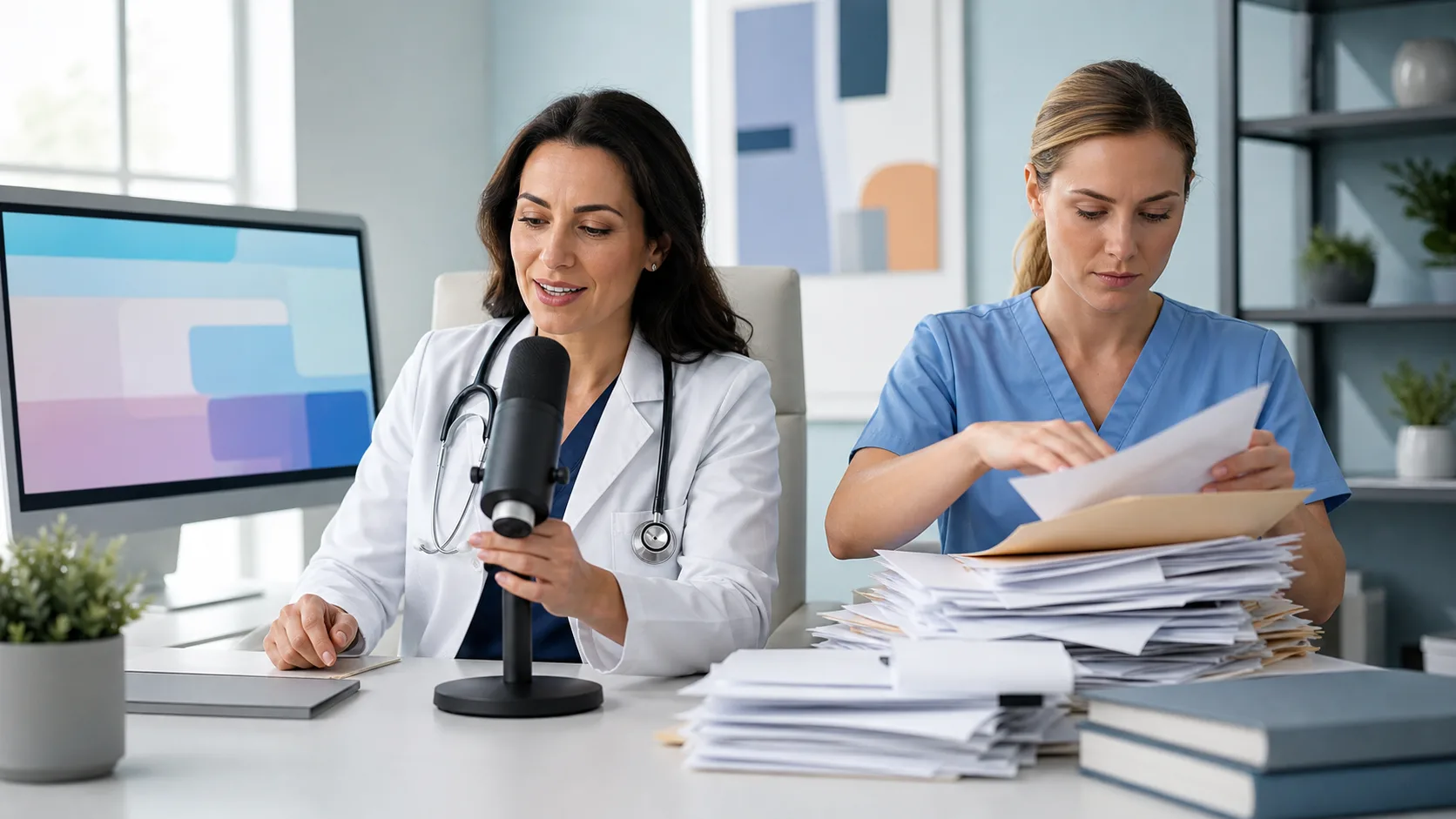
Dragon Medical One delivers real-time, cloud-based medical speech recognition with specialty vocabularies, accent detection, and programmable commands to support hands-free documentation for more than 90 medical specialties.
Customizing word lists and templates to fit the way we work makes documentation feel more familiar and less mechanical over time. That familiarity cuts down on rework and shortens each step.
Most clinical settings are not static. We move through rooms, floors, or departments. We log in from shared devices or use our phones in quieter hallways. Waiting on software to load, or needing a full workstation setup, slows everything down.
With a cloud-based setup, our preferences follow us without lag. If our voice profile and custom tools are ready the moment we log in, we lose less time between steps.
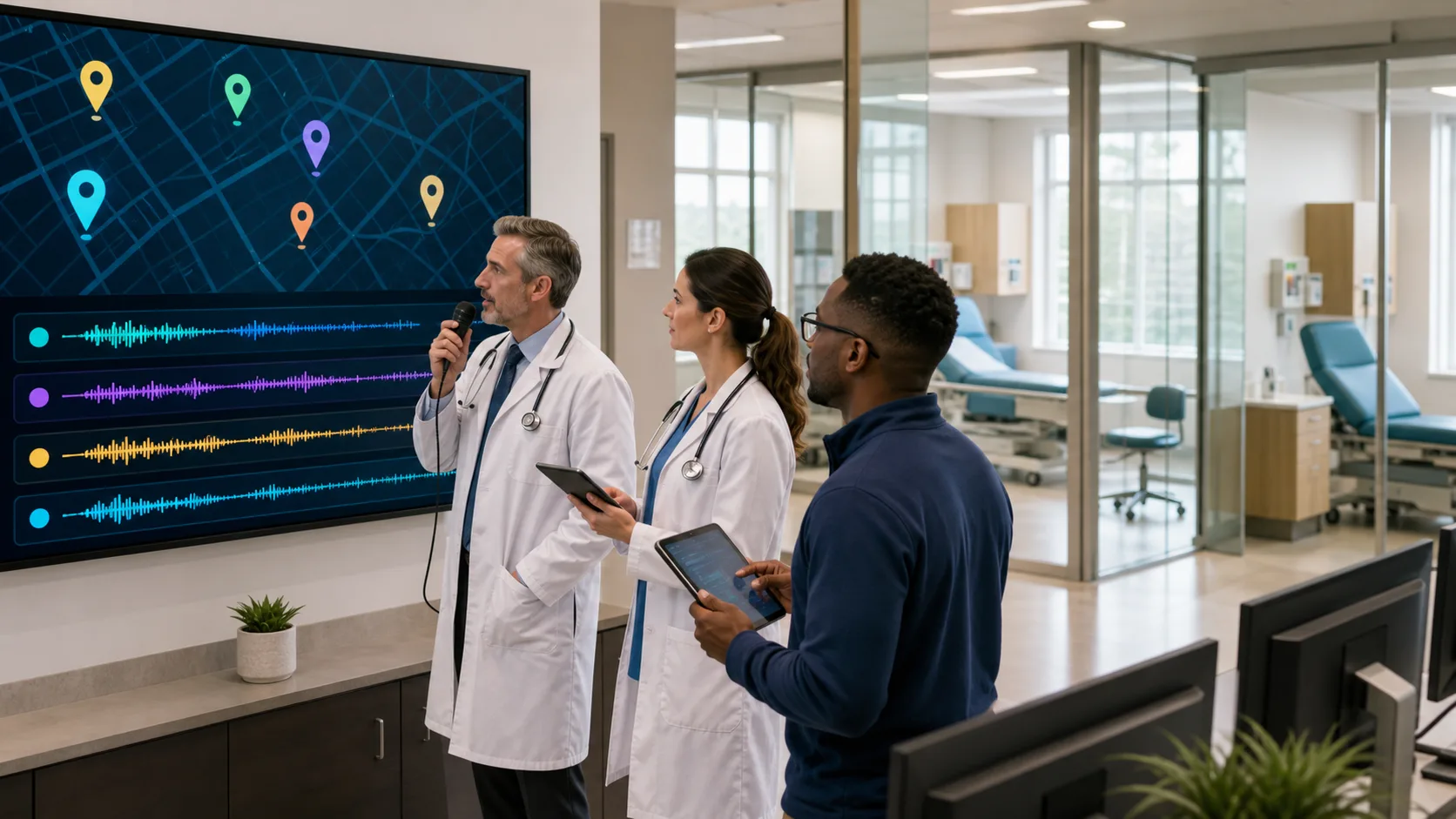
Dragon Medical One includes PowerMic Mobile, which turns any smartphone into a secure, wireless dictation microphone, syncing all customized user profiles, templates, and commands across devices instantly.
Whether we are in a high-traffic area or working remotely, consistent access to our tools makes documentation one less thing we have to think about.
One short note done in real time feels small, but these moments build up across a week. When documentation becomes a habit that fits into our day, as we move, think, and speak, then we get consistent gains without extra effort.
By finishing as we go, we avoid the snowball effect of notes piling up. We leave work closer to when the day ends, not after pushing through another hour of typing. That final lift, leaving earlier and feeling done, has a gentle but lasting impact on how we carry the work forward.
When we switch from typing everything to speaking notes as we go, it changes the pace of the day. Charts stay cleaner. We remember details more clearly. And most of all, we are not buried in unfinished tasks after hours.
With smart tools that catch our meaning, follow us from device to device, and match our natural way of working, we stay steady through the chaos of the clinical day. A voice-first approach does not just change how we chart. It gives us more clarity, more energy, and more daylight left after the shift ends.
With Nuance, you can spend less time typing and more time staying present throughout your day. Our real-time system keeps pace with your natural speech, delivering faster notes and fewer corrections without changing your workflow. Our tools move seamlessly with you across rooms, tasks, and logins so documentation feels lighter from start to finish. Discover how the right voice to text program can support a smoother clinical pace, contact us to get started.