Documentation does not always move at the same pace as care. That is something we hear often from those working in hospitals, clinics, or private practices. With more patients, shorter visits, and less downtime, the pressure to stay current on notes grows fast. Choosing the right dictation software for medical professionals can help smooth that gap between seeing patients and updating records.
Typing or relying on traditional input methods forces us to split our focus, and that adds time. Voice-driven tools offer a way to keep clinical flow steady without piling on extra clicks or logins. But not every dictation solution works the same way. Understanding what to look for now can make documentation feel more natural through every part of the workday.
When software does not keep up, that lag shows up in lots of little ways. It might be a progress note that does not save right. Or a comment that sits in a recorder waiting for someone else to type it hours later. Even small setbacks like those can push charting into late-night hours or create gaps that follow us from room to room.
Manual documentation breaks up the momentum of care. It pulls attention away from the patient and into the system. When we are typing while trying to remember what just happened, it changes the experience. And when voice tools are clunky or delayed, we stop using them altogether.
That is why it matters to find something that works right away. A smoother, faster documentation process makes a long day feel a little less crowded. A system that responds when we speak, without delay, gives us time back and keeps us present during visits.
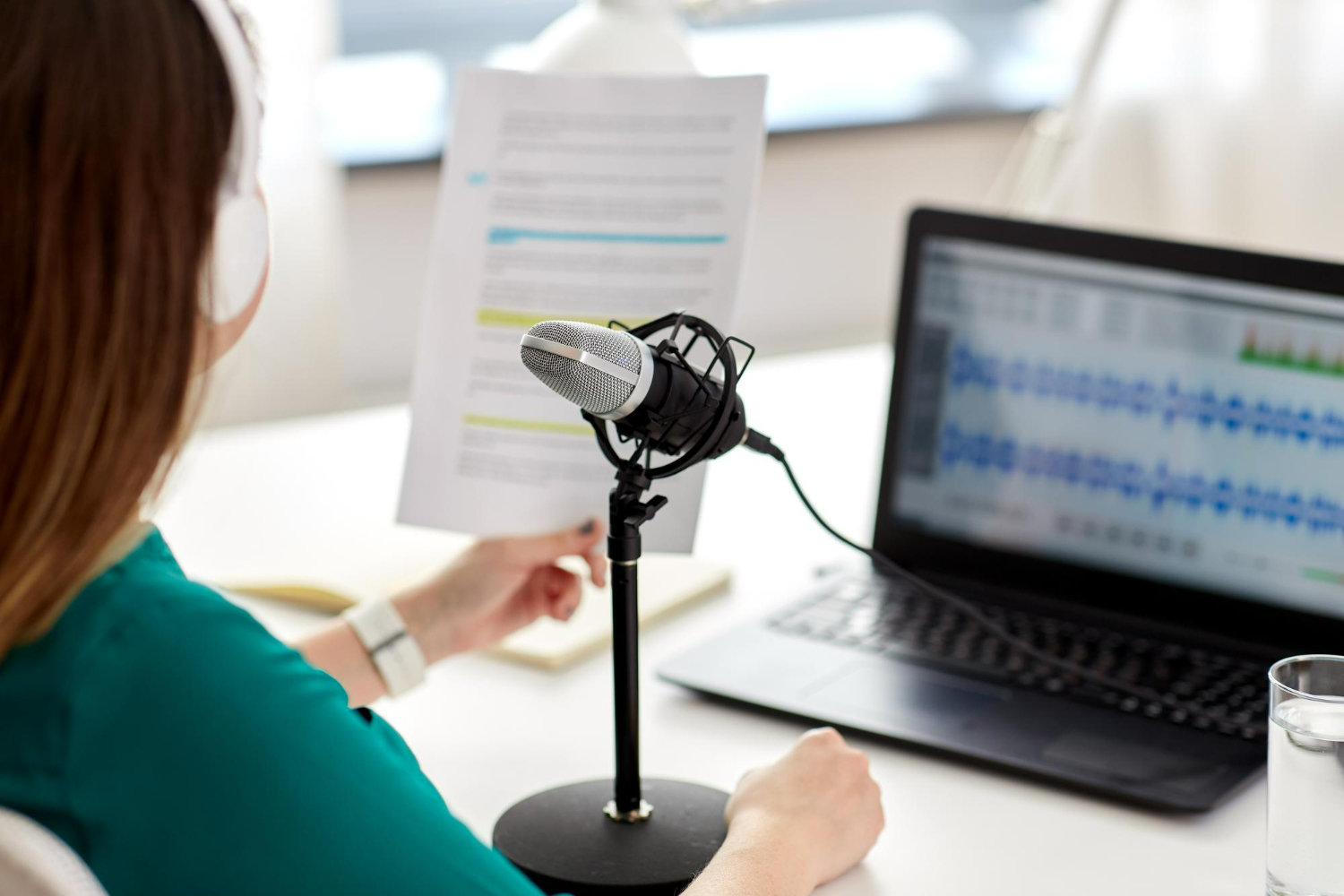
Real-time dictation means exactly that, we talk, and the words appear. There is no audio file to upload, no need to wait for someone else to type them out. The hardware is simple too. A frictionless setup often looks like a headset connected to a workstation. As long as the mic can block out distractions, the software handles the rest.
The accuracy is instant. There is no setup period where we have to train the software to recognize us. We do not need to slow down our speech or worry about accents. Smart voice detection adjusts automatically, even when switching locations or using different devices.
And with voice commands built in, we can edit or format notes with simple spoken phrases like “new paragraph” or “select last sentence.” It is a process that unfolds in real time, just like everything else in a typical shift.
Dragon Medical One provides cloud-based, real-time speech recognition that lets you create documentation directly in your EHR from any workstation. The solution is HIPAA-compliant and was designed to help reduce physician burnout by streamlining clinical documentation efficiency.
When we are trying to choose software that can keep pace with medical work, a few things matter more than the rest:
A strong setup makes note creation a small part of the day, not a separate task we return to once the day is over.
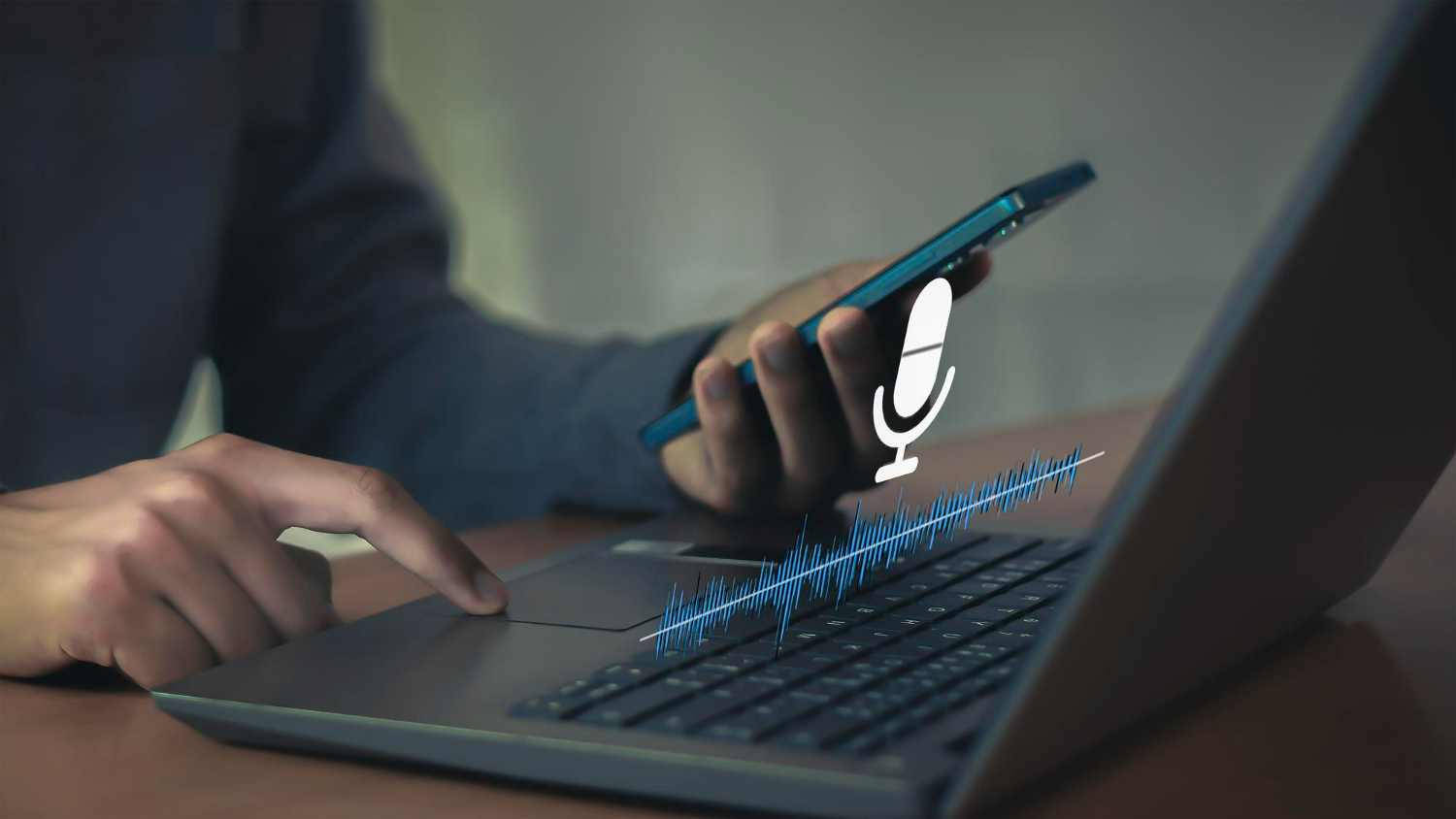
Dragon Medical One allows you to use PowerMic Mobile, turning your smartphone into a secure wireless microphone for dictation on the go. You can customize templates, access medical specialty vocabularies, and use built-in auto-texts for quick documentation, making your workflow even smoother.
No system works well if it slows us down. Before choosing a new tool, we need to understand how it works across different places and setups. These questions can help:
Work is not limited to a single screen. Sometimes we need to move between a clinic computer and a laptop at home. Sometimes we are documenting during transitions, walking, waiting, answering questions. A reliable tool fits into those movements without needing constant adjustment. By staying responsive in these varied contexts, the software ensures that clinicians are not interrupted by technical delays, so notes can be created as seamlessly in a busy hallway as at a quiet desk.
Some tools slow us down more than they help. If setup takes too long or if we have to send off recordings for typing, that is already a step backward. We want tools that are ready to work when we are, not ones that make us stop and troubleshoot.
Look out for software that still relies on making recordings or managing long lists of saved audio files. Today’s real-time systems do not need that structure. They work live, which gives us immediate results and fewer points where things can go wrong.
And be careful of systems that make us re-record, log out, wait for syncing, or retrain voice input. The best tools feel like an extension of speech, not a process we have to repeat or track. Good dictation software should require little learning curve and minimal maintenance, so that it integrates into our existing routines with ease. When documentation tools fade into the background, we devote more energy to each patient and less to the EHR.
Today’s medical work moves fast. Tools need to respond in real time, whether we are in exam rooms, doing follow-up calls, or updating charts after the last patient leaves. Dictation software for medical professionals should not just check a box. It should take something complex and make it easier.
When the software supports how we naturally speak, we stop thinking about documentation as a separate task. We say what we need, format it with voice commands, and move forward. That makes documentation part of the rhythm of care, not an obstacle within it.
The best tools are not the ones we notice. They are the ones that simply work, helping us focus more on people and less on paperwork. Consistency, reliability, and speed mean that clinical documentation becomes a streamlined piece of the day, rather than a hurdle to overcome after hours or during precious downtime.
When documenting care starts to feel overwhelming, it is important to have tools that work at your pace. With a real-time, responsive system, you can easily turn voice into clear, structured notes without missing a beat. At Dragon Medical One, we designed our solution to match the fast-moving, dynamic nature of clinical work. Discover how the right dictation software for medical professionals supports your workflow from start to finish. Connect with us to take the next step.