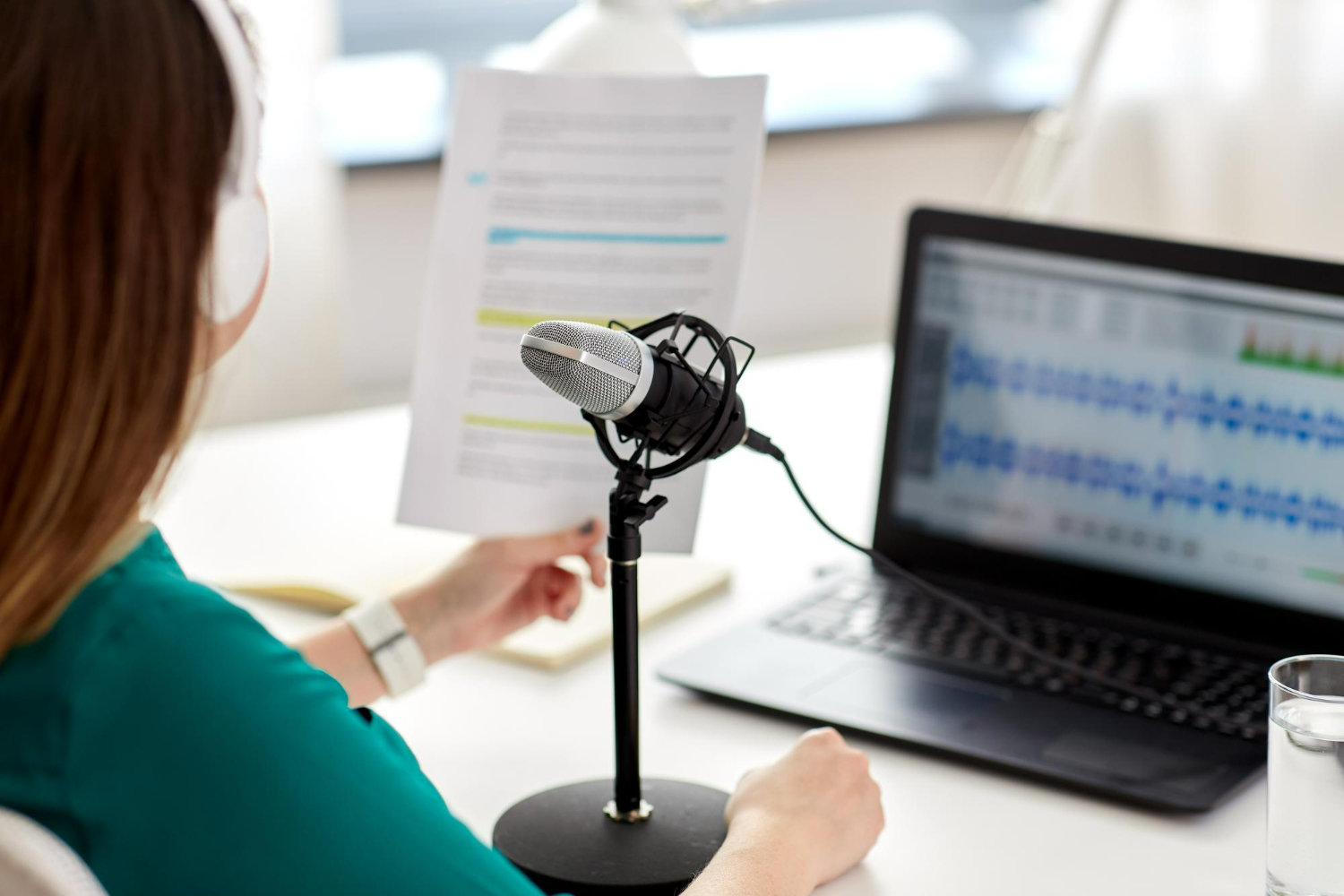
When it comes to clinical work, time really matters. Hours spent entering notes can stack up quickly and take away from the attention patients need. That’s why many healthcare professionals rely on medical dictations to capture their thoughts and streamline documentation. But like anything tech-driven, it’s not always smooth sailing. Every second of disruption, whether the software misinterprets a command or struggles to keep up, can throw off your entire day.
One common issue that pops up during medical dictations is trouble with command recognition. You might say “next field” or “scratch that,” only to have the software process it incorrectly or not at all. These errors can be frustrating and make your workflow feel clunky. If you’ve ever had to keep repeating yourself or manually fix mistakes after dictating, you’re not alone. Understanding why these problems happen and how to prevent them makes a big difference.
Medical dictation software depends on accurate voice commands to navigate and format documentation. But sometimes it’s like the system just doesn’t listen. Here are some of the most frequent problems clinicians run into:
– Dropped commands: You say a command, but nothing happens.
– Misinterpreted phrases: The software hears the wrong word or mixes it up with a similar one.
– Inconsistent response times: Commands work instantly one moment and lag the next.
– Voice overlap errors: Dictation and commands get confused when spoken in quick succession.
– Environmental audio interference: Background noise causes the software to misfire or stall.
Even when software is designed to be intuitive, it still relies on your speaking style, your environment, and your equipment to work correctly. A noisy room or low-quality mic can throw off the most advanced system. Sometimes users quickly rattle off long notes without pausing. Other times, they speak commands too softly or blend them into their dictation. These small habits seem harmless but can lead to unintended actions or errors in the final note.
For example, a practitioner might say “start new paragraph,” but if it’s spoken too quickly or mixed into sentence dictation, the system might type those words instead of formatting the text. When this keeps happening, it slows documentation down and adds more work at the end of an already long day.
Before concluding that the issue is with the software, it’s important to take a step back and look at your setup and habits. You may have more control over these disruptions than you think.
It’s tempting to blame software when something goes wrong, but sometimes a few quick tweaks to your process can go a long way in fixing recognition problems. Here are some helpful ways to get the system working more smoothly:
Take a look at where and how you’re working each day. Are you often dictating in loud environments? Do you rush through notes at the end of your shift? These may seem like small factors, but together they play a big role in whether your commands are recognized the first time around.
Beyond proper usage, the features built into your dictation software can either hold you back or move you forward. That’s where Dragon Medical One stands out. With tools designed specifically to meet the demands of healthcare documentation, it offers more accurate, responsive dictation in real time.
Real-time accuracy is one of the most powerful features available. There’s no recording or uploading. When you speak, your words and commands show up instantly—right on the screen. That means you can keep working without stopping to wait or correct errors later.
Accent detection is another helpful feature. Dragon Medical One automatically picks up on different accents without needing users to pre-train their profiles. This adjustment happens automatically, so you can focus on your workflow instead of having to tweak settings or do voice training.
Each user has a single voice profile stored in the cloud. It doesn’t matter which workstation or device you use—your customizations follow you. No waiting around for setup or worrying about corrupted files.
If you’re always on the move, PowerMic Mobile lets you use your smartphone as a secure wireless mic. That means freedom to dictate away from your main workstation without sacrificing audio quality. It’s one small change that can have a big impact on how fluid your workflow becomes.
Other smart features include:
– Templates that allow you to fill out common note structures automatically
– Auto-texts for inserting frequently used phrases or disclaimers
– Custom commands you can personalize to your voice and style
– Shortcuts configured to match the needs of your specialty
With all these tools, dictation becomes less about figuring out what works and more about letting the technology work for you. The system starts to sound and feel like an extension of how you speak and think as you document.
When you’re pressed for time, even small hiccups in your dictation software can grow into real obstacles. That’s where dependable tools make all the difference. With a setup like Dragon Medical One, you’re not just dictating—you’re actively reducing disruptions.
If you’ve ever had to re-dictate a note or redo formatting on a long report, then you already know how much time can slip away. By using features that support fast, clean input, you eliminate some of that backtracking. That means you can trust what comes out the first time and spend less time correcting mistakes.
Better yet, these tools are flexible enough to adjust as your day shifts from one task to another. Whether you’re seeing patients back-to-back or finishing up after hours, the software adapts to your needs. Over time, this isn’t just about tech. It’s about reducing mental drain so you can concentrate on care instead of correcting errors.
Whether you’re a solo practitioner or working within a larger system, having a refined dictation setup in place can change the pace of your documentation. Faster notes mean better retention, clearer thought flow, and less time spent at the keyboard.
Fixing command recognition problems starts with better habits but ends with the right support system. Dragon Medical One is built for speed and clarity, with tools baked in to reduce errors, save time, and adapt to your way of working. With everything from high-accuracy speech recognition to customizable workflows and mobile mic options, you’re setting up for smoother clinical routines.
You put in the time for accurate patient care. It’s time your documentation tools returned the favor.
Maximize your efficiency in medical dictations by leveraging advanced dictation technology with Dragon Medical One. Streamlining documentation has never been easier, and with features like built-in voice control and smartphone mic integration, your clinical practice can see significant improvements. Discover how our software can transform your documentation process and support your practice by exploring medical dictations today.