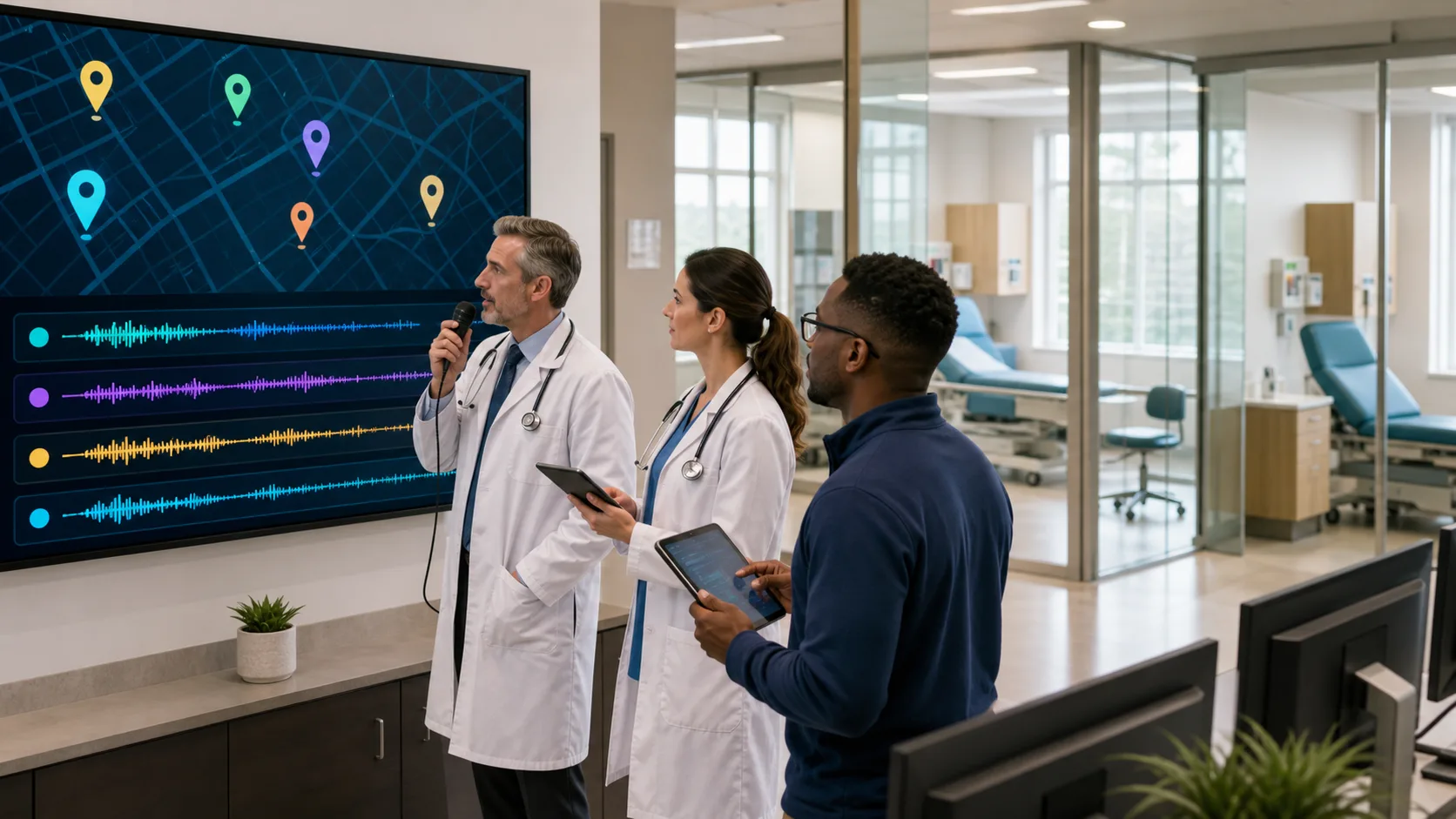
When clinical documentation starts to take over the day, it does not take long to feel the slowdown. Typing out notes, managing screens, and switching between mental tasks all pull us off track. But using voice instead of a keyboard can change the pace entirely. Medical dictation software for PC gives us a faster way to work, especially when accuracy, speed, and usability matter most. As the day fills up, we need tools that keep us moving, not ones that add more layers to get through.
Dictating in real time with software that understands normal speech can take pressure off almost everything we do around patient documentation. The smoother that process feels, the less it pulls us away from where we want to focus. So what actually makes software like this feel easy to use from the start? It is less about extras and more about the way it works in a real clinical flow.
Software is only helpful if it gets out of the way. We have all used programs that are loaded with steps or slow to learn. For documentation to feel manageable, starting needs to be simple and getting better should not require extra effort every day.
Most of us do not have time to memorize how to format a list or fix a typo using menus. Saying “new paragraph” or “bold this” lets us write with clear flow, just like talking. That kind of low-lift tool does not interrupt thinking and gets us through more in less time.
Dragon Medical One requires no voice profile training, letting users dictate instantly and adapt to normal workflow. Cloud-based setup means clinicians get high accuracy and immediate access anywhere, with no IT or special installation needed.
Piling up notes until the end of the day only works for so long. After a few hours, it gets harder to remember the details that matter. Real-time dictation gives us a way to stay current without stacking more work onto our evenings.
We do not have to wait for the next break to catch up. We can finish documentation during the visit or directly after. That takes pressure off the rest of the day, especially on longer shifts. Keeping up without moving slower is what makes real-time dictation such a good fit for how we practice.
Not every workspace looks the same. Depending on the day, we might move between rooms, buildings, or sites. Carrying equipment is not an option in most clinical routines, which is why mobile setups matter. Using a smartphone as a secure microphone is one way to keep documentation moving without extra wires or tools.
Dragon Medical One includes PowerMic Mobile, turning your smartphone into a secure wireless microphone so documentation can be created from anywhere in the practice or on the go.
That kind of freedom makes a big difference when we do not want to stop and reconfigure anything. No matter where we are, we can add to the chart in a way that feels just like it did from the last room. Device changes should not switch up our workflow or cost us time.
Having to shift between laptop screens, mouse clicks, and the keyboard spreads our attention thin. That is time we are not spending with a patient or following through on care. Using our voice to guide the software helps limit those jumps and build more focus into the room.
Dragon Medical One supports voice commands for formatting, inserting templates, and auto-text, letting clinicians document quickly without unnecessary steps or distractions.
Every small pause adds up. If we can finish thoughts out loud instead of jumping back and forth between tools, everything feels smoother. We are less likely to miss something and more likely to track the moments that matter during visits.
Late February can bring in low energy and heavier days. The mix of winter strain and packed schedules leaves less room for error. When charts fall behind, so do we. It is not always easy to catch up once we are halfway through the week.
This part of the year is all about staying steady. Having tools that make things easier, not harder, gives us a better shot at keeping pace as winter winds down. The less held back we feel by documentation, the more we can focus on getting through the final stretch of winter work.
A good medical dictation software for PC does not change our process. It fits within it. We should not have to adapt to the tech, learn new habits, or build fresh routines just to get notes done. The better the fit, the easier the tool feels.
In the end, what makes it easy has nothing to do with shortcuts. It is about moving through the day with fewer hurdles and finishing tasks in the moment instead of postponing them. When a tool learns how we work and stays with us wherever we are, it becomes something we do not have to think about, and that makes all the difference.
Experience a faster, more streamlined way to document on the go with our software that works in real time, requires no training, and stays out of your way during busy shifts. With an easy setup and reliable mic pairing, you can take it anywhere you work. Discover how our medical dictation software for PC can help lighten your clinical workload. Connect with Dragon Medical One today to get started.