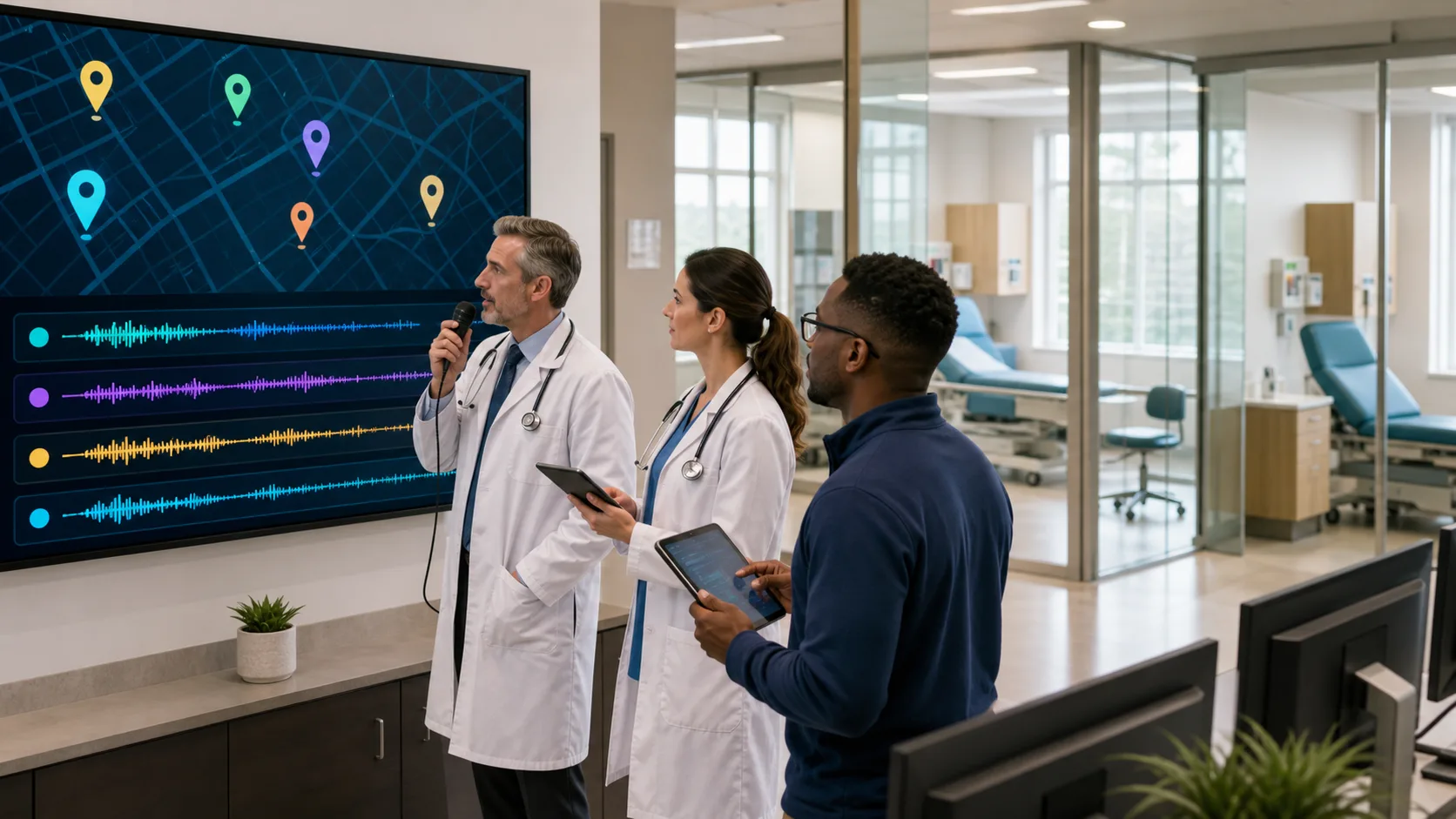
Picking the right medical dictation device for office work is not about keeping up with trends. It is about finding something that does not slow us down when time is tight and work settings get busy. When patient care takes up most of the day, the last thing we want is a tool that adds more friction.
Office work often means jumping between stations, switching rooms, or sharing devices with others. Not every device supports that kind of pace. That is why choosing the right tools makes a real impact. We are looking for something that keeps our hands free, our notes accurate, and our minds focused.
When we talk about productivity in the office, we cannot ignore the little things that add up. The smallest bit of hassle from slow logins, clunky gear, or awkward setups can ripple throughout the day. The right dictation device helps cut down on these slowdowns, making each transition from one desk or patient to another smoother and less stressful.
Understanding what you need in a medical dictation device is much more than just style or new tech features. It is about the basics of how you work. Are you always on the move, or are you mostly at the same workstation? Do you share equipment with other clinicians, or do you have your own dedicated setup? These questions help pinpoint whether wireless mics, noise-cancelling headsets, or built-in templates make the most sense. The right answers do not just save seconds, they make hours more productive and calm.
Most clinical offices do not have the luxury of staying put in one spot all day. We move. Between patient visits, hallway consults, or stops at different workstations, our tools need to keep up without needing a restart every time.
When our dictation tools adapt to movement, our workflow begins to feel more natural. There is less stopping to set up or manually log back in. That matters during short breaks or quick transitions, where time is too limited to reset a system.
Dragon Medical One supports the PowerMic Mobile app, which allows your smartphone to serve as a secure wireless microphone. This lets you document from any room, workstation, or location in your office, ensuring your setup moves with you and keeps you focused on patient care.
Moving freely between rooms or workstations during the day means your dictation process cannot rely on static equipment. You may start your morning in an exam room, find yourself consulting in a hallway, and finish a note at a shared desktop. Dictation devices that support mobile workflows fit seamlessly into this daily rhythm. Carrying a headset or using your smartphone as a mic removes that static barrier, making it easy to shift locations without losing precious time. These small details in flexibility add up, leading to consistently smooth transitions, fewer disruptions in your thought process, and, overall, better patient care.
Noisy hallways and shared spaces do not mix well with poor microphones. If the device cannot hear us clearly, our dictation becomes one long fix-it project. That is where the quality of input matters most.
Comfort counts here too. If a headset pinches, slips, or causes fatigue, we are not going to reach for it during the ninth hour of the day. Lightweight, padded gear that holds its shape makes a difference, not just in sound quality but in keeping habits steady.
Dragon Medical One is compatible with a variety of noise-cancelling headsets and microphones to match your preferred workflow. You can personalize your microphone setup and keep your documentation smooth and consistent.
The importance of comfort in your daily equipment cannot be overstated, especially when you wear a device for many hours. Adjusting a headset repeatedly, enduring a tight fit, or dealing with a mic that slides away from your mouth only causes interruptions. When the device is comfortable and the audio is crisp, it encourages you to use it more consistently. This pays off not only in fewer corrections on your notes but also in less frustration overall. With sturdy, light options available, you can focus on your patients, not on adjusting your headset.
Some features feel extra. Others quietly make our day smoother. Finding ones that fit the way we already work can let us hold onto our patterns without adding complications.
Each time we avoid reaching for the keyboard or clicking through app menus, we save energy. Automating small tasks, like inserting standard text or formatting a paragraph, brings consistency that holds up over time. That is especially helpful when work gets intense or documentation chores start to stack up.
Dragon Medical One offers specialty vocabularies, customizable auto-texts, and real-time template insertion. Personal profiles store history and preferences across any Windows workstation, so your device fits seamlessly into your routines.
It is always better when your tech feels like a support system rather than something extra to manage. Templates that help standardize common notes mean you can document a follow-up, referral, or medication change in just a few words. Voice commands designed for medical use can help you move between fields and finish documents without switching tools. The more control you have over your technology, the easier it is to stick to your personal workflow and keep documentation from taking over your day.
Late winter often comes with a bit of clutter. Overflowing to-do lists, leftover notes from last week, and changes in staffing or calendars can start to pile up. It is a smart time to do a reset before spring really picks up.
We do not need a complete overhaul. Often it is about updating a single piece, like a headset or login method, that simplifies everything around it. That kind of prep allows for more steady rhythms when spring gets full.
Changes in routines and staffing often highlight where our old tools start to show their limitations, but it does not take much to get back on track. Sometimes, just switching to a more comfortable or mobile headset clears up scattered issues throughout the day. Tackling these updates before spring gets busier lets us settle into the new season with fewer hiccups. With a cleaner, simpler setup, everything from start-of-day login to late afternoon documentation flows more easily.
Taking the time to get organized now means those small frustrations are less likely to grow into bigger headaches as the pace of office visits picks up. Tidying up your documentation process or replacing worn-out gear is a simple way to ease into the change of seasons.
When we find a medical dictation device that fits into our day instead of fighting against it, everything settles into place more naturally. We waste less energy adjusting to the tool and have more space to focus on the work that matters.
Flexibility, clarity, and speed are not extras. They are basics when our days are full and our documentation needs to keep up. With the right choices, our routines start to feel less disrupted.
The best setups support how we already move through each day. They do not ask us to stop or slow down. Instead, they help documentation happen in the background, quietly, reliably, and without adding weight to an already full schedule.
Managing notes efficiently during a busy office day is easier with the right tools. A quality headset and a flexible setup can transform your workflow, especially when combined with a dependable solution that keeps up with your pace. Choosing the right medical dictation device streamlines documentation without getting in the way. At Dragon Medical One, we are dedicated to supporting your productivity no matter how packed your schedule may be. Reach out to our team to get started.