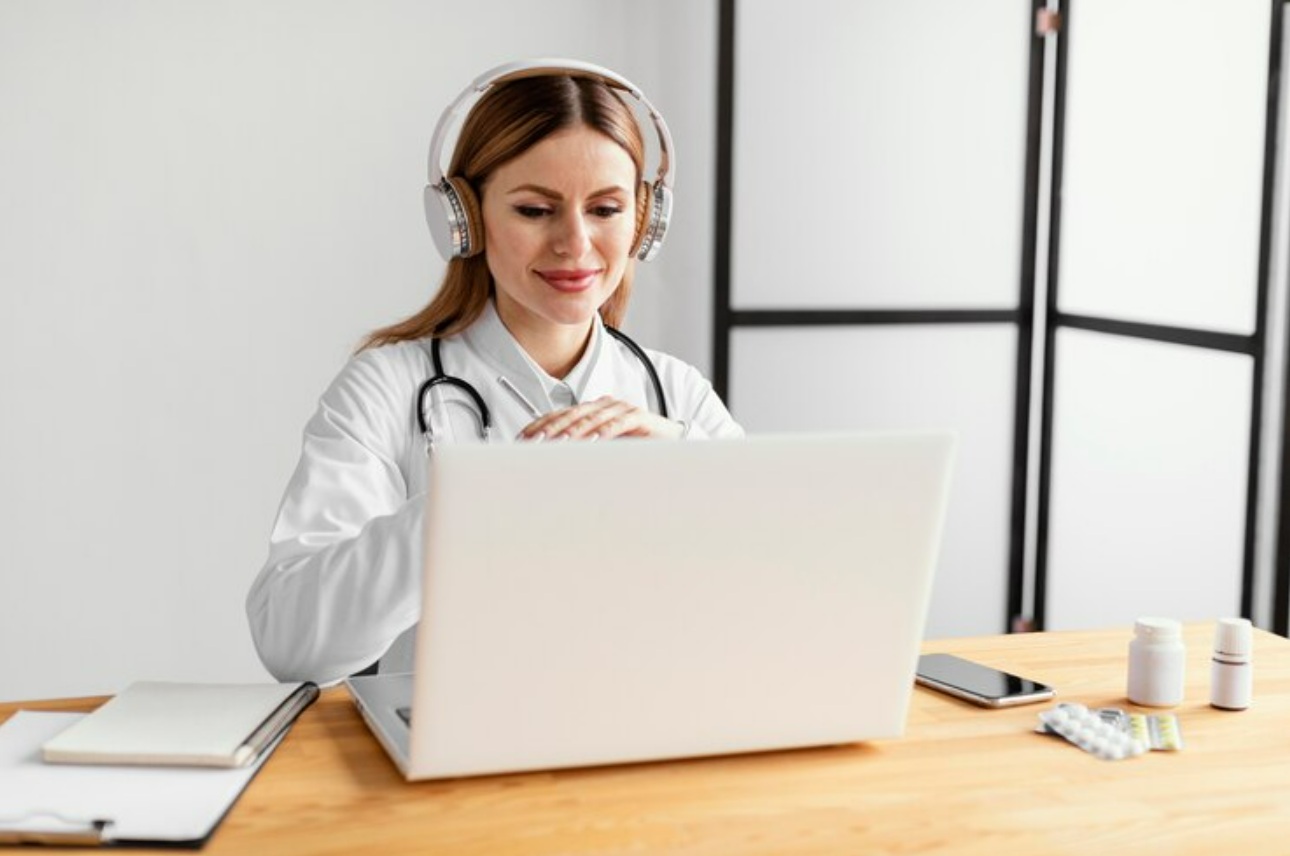
Keeping up with medical documentation takes a lot of time and energy. Between patient visits, urgent messages, test reviews, and administrative duties, clinicians are constantly trying to keep up. When documentation falls behind, everything else suffers too. Notes pile up, charts stay incomplete, and stress rises. That’s where new tools like speech recognition software come into play, helping providers reclaim their time and stay on top of documentation without the pressure of typing every word.
Speech recognition software for medical use is becoming a go-to solution for easing the day-to-day burden of clinical note-taking. With the right setup, these tools allow clinicians to speak naturally and generate near-instant documentation. It supports more accurate notes and frees up providers to spend more time with patients rather than clicking through screens. Instead of typing out every detail, they can capture thoughts in real-time and keep things moving through their workday much more smoothly.
Traditional note-taking methods can be the biggest bottleneck in a physician’s day. Manually typing out patient histories, exams, and care plans takes a solid chunk of time that could go to direct care. With speech recognition software, providers trade endless clicks and keystrokes for speed and flexibility. Dictating documentation lets them capture details in the moment, rather than trying to remember everything hours later.
This kind of efficiency makes a tangible impact. It shortens documentation time, lowers the risk of errors, and helps reduce mental fatigue. Less time typing means more energy to connect with patients, rethink workflows, or even take a break. It also makes it easier to stay current on charting, so nobody ends the day with a mountain of unfinished notes waiting.
Here’s what makes speech recognition software valuable in a clinical setting:
– Speeds up documentation by turning your speech into text on the spot
– Captures more detailed notes without extra effort
– Reduces repetitive strain from long hours of typing
– Helps prevent backlogs in patient records
– Creates a smoother experience in the exam room, improving patient interaction
All of this ties into better patient care. When physicians are less burned out and can stay organized, patients feel the difference too. Care becomes more focused, and communication improves. Clinical notes also become more accurate, because they’re created in real-time instead of later when details might get overlooked.
Using speech recognition software is helpful, but not all platforms are built the same. Good software goes beyond just converting speech to text. It should fit naturally into existing routines and actually make things easier. That’s where certain features stand out, saving time while keeping documentation consistent and clear.
Some key features include:
– High accuracy that adapts to the user’s voice and accent right away without requiring voice training
– Built-in voice control allowing providers to format, correct, and navigate the screen by voice commands
– Integration with PowerMic Mobile, turning a smartphone into a wireless mic so it’s easy to dictate from different workstations
– A cloud-based voice profile that keeps everything consistent across different devices with no delay or profile errors
These features make the process feel seamless. Users don’t have to worry about switching devices or retraining the software. Everything works together to support documentation in the background, so providers can stay focused on delivering care.
Getting the most out of speech recognition software starts with a proper setup. The software can do a lot, but a few smart tweaks can make all the difference in how smoothly it performs through your day. These adjustments aren’t complicated and don’t require a technical background to handle. Think of them more like setting up your space so your tools work for you, not against you.
Try building habits around these key areas:
1. Use a high-quality, noise-cancelling headset
– A decent headset keeps your voice clean and cuts out distractions in the background. You won’t have to repeat yourself as often, and the software will respond more accurately.
2. Place your mic in the right position
– Microphone placement matters. Keep it around two fingers away from your mouth and just off to the side. That reduces static and picks up your voice more clearly.
3. Work in a controlled space
– Avoid loud ventilators, hallway chatter, or phones ringing in your dictation zone. Find a corner of the office or exam room where you can focus and speak without constant interruptions.
4. Keep your software updated
– Updates often include performance boosts and adjustments to accuracy. Don’t skip them. Running the most current version helps everything run smoother.
5. Create voice shortcuts and templates
– Set up common phrases, note templates, and customized commands. These speed up repetitive documentation and keep your notes consistent.
These tips may seem simple, but they compound over time. For example, a family medicine doctor who began using templates and voice commands daily saw her evening workload drop fast. She started getting home earlier, without needing to type leftover notes after dinner. It’s all about using the software as a partner, not just a tool.
Speech recognition software fits into a wide range of clinical environments. Whether it’s a high-volume outpatient clinic or a hospital rounding team, the ability to speak notes in real time changes how documentation gets done. It gives providers some breathing room and keeps them present with patients. But beyond that, it adapts to different needs.
A pediatrician juggling short visits might rely on saved voice templates to speed through developmental checkups. A hospitalist doing patient handoffs can quickly dictate summaries during rounds. Even specialty providers managing complex cases benefit from being able to capture details clearly while also ordering labs or reviewing notes using voice commands. It’s not just about being faster. It’s about removing friction from the daily routine.
Here are a few practical ways clinicians use these tools:
– Dictating SOAP notes while seated or walking between rooms
– Issuing commands to navigate forms and enter structured data without touching a keyboard
– Using their mobile device as a wireless mic to document away from their workstation
– Creating voice-triggered templates for referrals, imaging requests, or medication instructions
When documentation becomes less of a chore, it naturally leads to better workflows. Notes are often completed closer to the patient interaction, which boosts accuracy and brings clarity to follow-up care. Instead of carving out time after-hours, providers can tie up loose ends as the day goes on.
The idea behind using speech recognition software for medical use is simple. It should make documenting patient visits faster, easier, and more accurate. When it works right, it stays in the background, letting providers focus on medicine rather than typing. The right blend of features, habits, and customization can turn what used to be a time drain into a streamlined part of the day.
Staying ahead with documentation doesn’t have to be a daily struggle. With the right setup and a bit of adjustment, it becomes a quiet partner in how care is delivered. Whether on a desktop, laptop, or mobile setup, clinicians should feel free to document in a way that fits their pace, their voice, and their patients.
To truly make documentation easier and more effective, consider tapping into the advantages of speech recognition software for medical use. It’s a straightforward way to boost efficiency, allowing clinicians to focus more on patient care rather than paperwork. Dragon Medical One is here to help streamline your practice’s documentation process and keep things running smoothly.