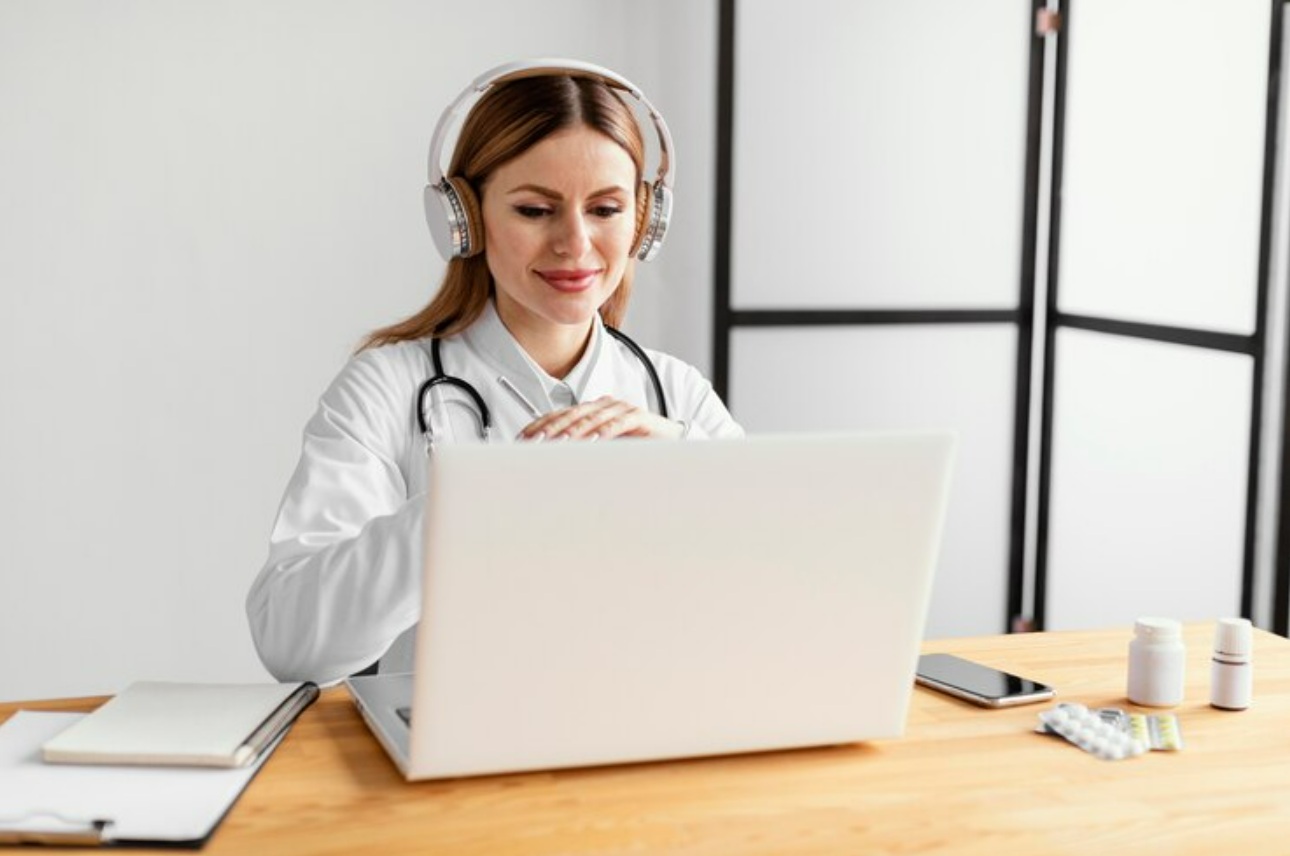
Medical transcription plays a big part in how healthcare professionals keep track of patient information. Well-documented notes help doctors, nurses, and staff stay on the same page, make faster decisions, and reduce the back-and-forth that often slows down treatment. But if transcription isn’t handled properly, it can lead to delays, errors, and missed details, creating more stress for the people who are already working hard to care for others.
That’s where technology comes in. Over the years, tools for medical transcription have changed a lot. What used to take hours can now be done in real time. One key change is the shift from traditional typing or manual transcription to real-time dictation. For healthcare workers, medical transcription dictation software removes many of the everyday problems they’ve grown used to. Instead of catching up on notes after hours or double-checking transcripts for errors, they can speak naturally and trust the software to keep up.
Anyone who’s had to deal with handwritten notes or typed documentation knows that transcription can be time-consuming and frustrating. When notes are recorded incorrectly or delayed, it affects teamwork and overall care. Here are a few common challenges:
– Poor transcription accuracy: Minor mistakes in spelling or terminology can change a diagnosis or delay treatment decisions. Errors often happen when relying on outdated systems or third-party services that don’t fully understand medical language.
– Wasting time on documentation: Healthcare professionals already have packed schedules. Spending long hours typing out notes or waiting for someone else to do it eats into time that could be spent with patients.
– Protecting patient privacy: Traditional transcription often involves multiple people or platforms, which opens up risks for patient data to be exposed if not handled correctly.
These issues don’t just cause frustration. They interfere with daily workflows. For example, think about a doctor trying to finish patient notes at the end of the day. They might be flipping between voice memos and templates, manually filling in the gaps or correcting spelling. It’s tiring and error-prone.
The good news is that these problems aren’t just accepted as the norm anymore. Technology designed for medical workflows can fix or completely remove many of these issues.
One of the biggest reasons medical transcription dictation has become more popular is because it cuts out the waiting. With real-time dictation, clinicians can speak directly into their software using just a headset, and their words appear instantly in the patient’s chart. This change alone makes documentation faster and smoother.
Real-time dictation helps in these ways:
– It boosts accuracy because the software learns medical vocabulary and understands accents automatically.
– It shortens the time needed to complete notes since you can speak naturally without stopping to type.
– It protects patient privacy by avoiding the need to share audio or written notes with outside transcription services.
Because this type of software doesn’t need voice profile training, clinicians don’t have to go through a long setup just to start using it. And because it’s cloud-based, they can use the same voice profile across different locations and devices. That saves even more time and cuts down on the risk of errors from switching systems. It’s a better, cleaner way of doing things built specifically for people who want to spend less time at the computer and more time focused on care.
When it comes to medical transcription dictation, accuracy and flexibility matter a lot. Real-time software takes things to a new level with built-in tools that understand how healthcare teams work. Instead of relying on disconnected tools or systems that slow things down, you get features that blend into the flow of your daily routine.
Let’s break down what makes these tools stand out:
– Off-the-charts accuracy: You get high speech recognition accuracy right from the start, without having to train the system or build a voice profile. That means no time lost setting things up and no frustration when switching users or accents.
– Voice commands that work like you think: Need to bold text, correct a word, or jump to the end of the paragraph? Just say it. Natural language commands let you talk the way you think, so you’re not reprogramming how you speak just to get notes done.
– Smartphone as your mic: For workers who move between rooms or sites frequently, turning your phone into a wireless mic is a game-changer. Paired with the right app, your phone becomes a portable, secure microphone that stays with you all day.
– Cloud-based and personalized: It remembers your templates, vocab, autocompletes, and other preferences across every device. You won’t have to restart or reconfigure anything, even if you’re switching laptops or locations. And updates happen without interrupting your workflow.
Consider a nurse practitioner typing progress notes after a long day of seeing patients. With these tools, they could finish documentation between visits or during brief breaks, reducing end-of-day workload. These features are built to support how real people actually work, not how someone thinks they should.
Switching to real-time dictation doesn’t take weeks of planning or complicated integration. Most systems are designed to work right out of the box with standard PCs or laptops and a good headset. Whether it’s a hospital group or a small practice, the starting steps look about the same.
Here’s a basic breakdown of where to begin:
Because everything is cloud-based, setting up personal preference files or templates can be completed once and applied everywhere. That saves time later and gives users a more consistent experience across devices.
Training doesn’t have to be lengthy either. Most providers understand documentation habits already, so learning how to dictate, format, and navigate with voice commands is natural. It’s less about learning something new and more about working in a faster way.
For a long time, clinical documentation has eaten into personal time, added stress, and slowed down care. Real-time transcription tools help reshape those habits. When teams can speak their notes clearly, finish faster, and be confident the result is accurate, everything flows better.
You get more than speed. You get consistency, privacy, and a stronger workflow. Not every tool does that, but ones built with healthcare in mind do. They solve the exact pain points found in clinics, hospitals, and private practices without forcing major changes.
Making the move to medical transcription dictation isn’t about adding another tool to your pile. It’s about replacing a tired system with something that works better from the ground up. One that fits the way you practice, supports your team, and frees up time that’s better spent elsewhere.
Ready to make a switch to easier documentation? Discover how Dragon Medical One can redefine your workflow. Seamlessly integrate medical transcription dictation into your practice and see the difference it makes. You’ll enjoy accurate, fast, and secure solutions for your team, freeing up valuable time to focus on patient care.